What Is a QR-Powered Can? How the Code Is Printed and Tested
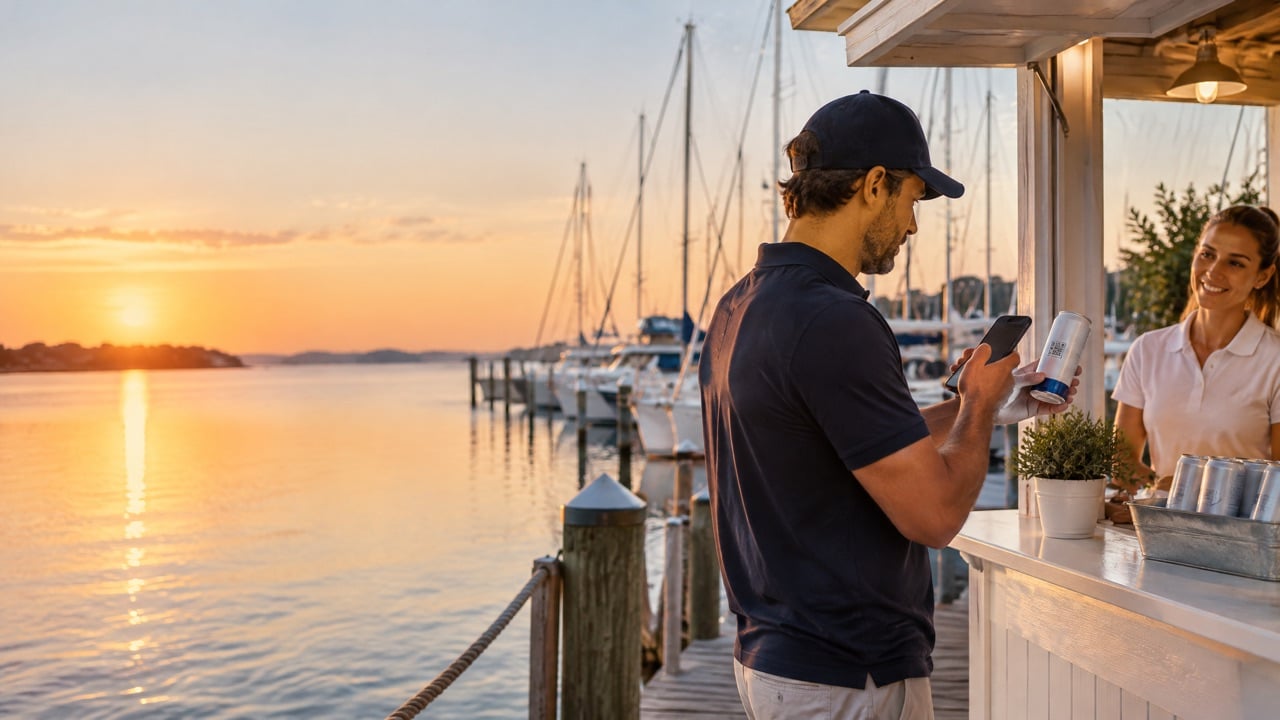
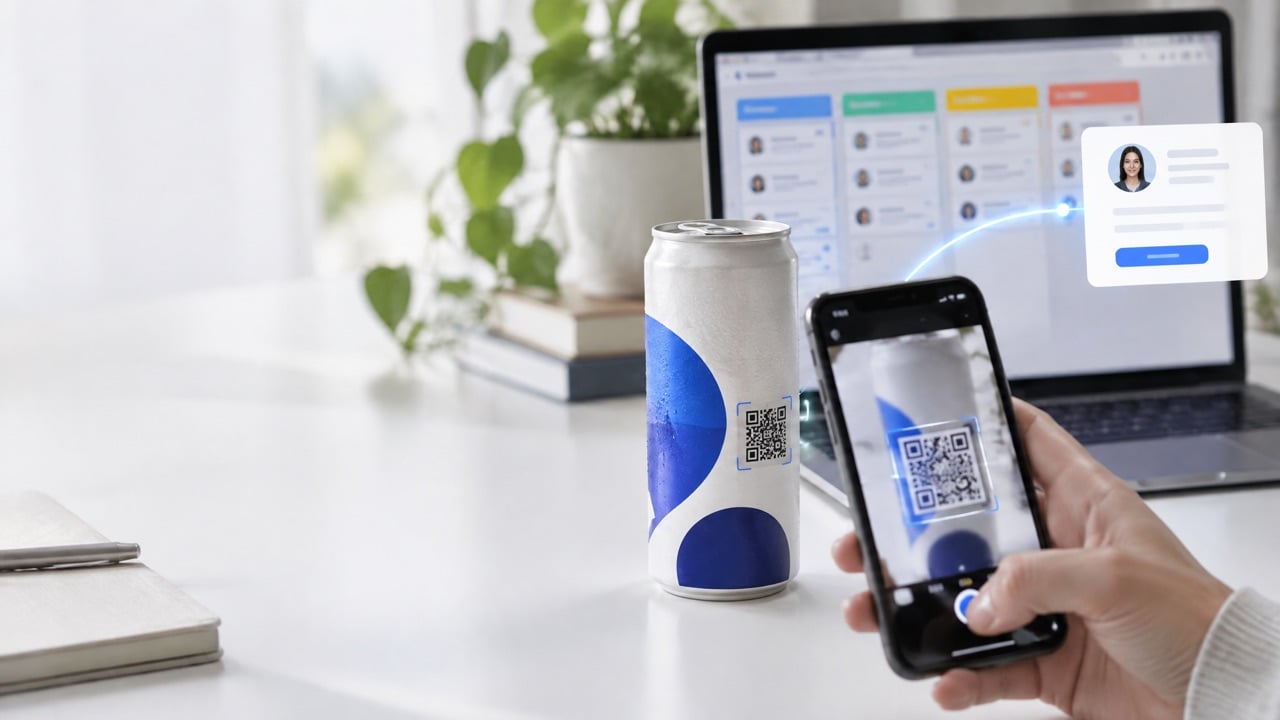
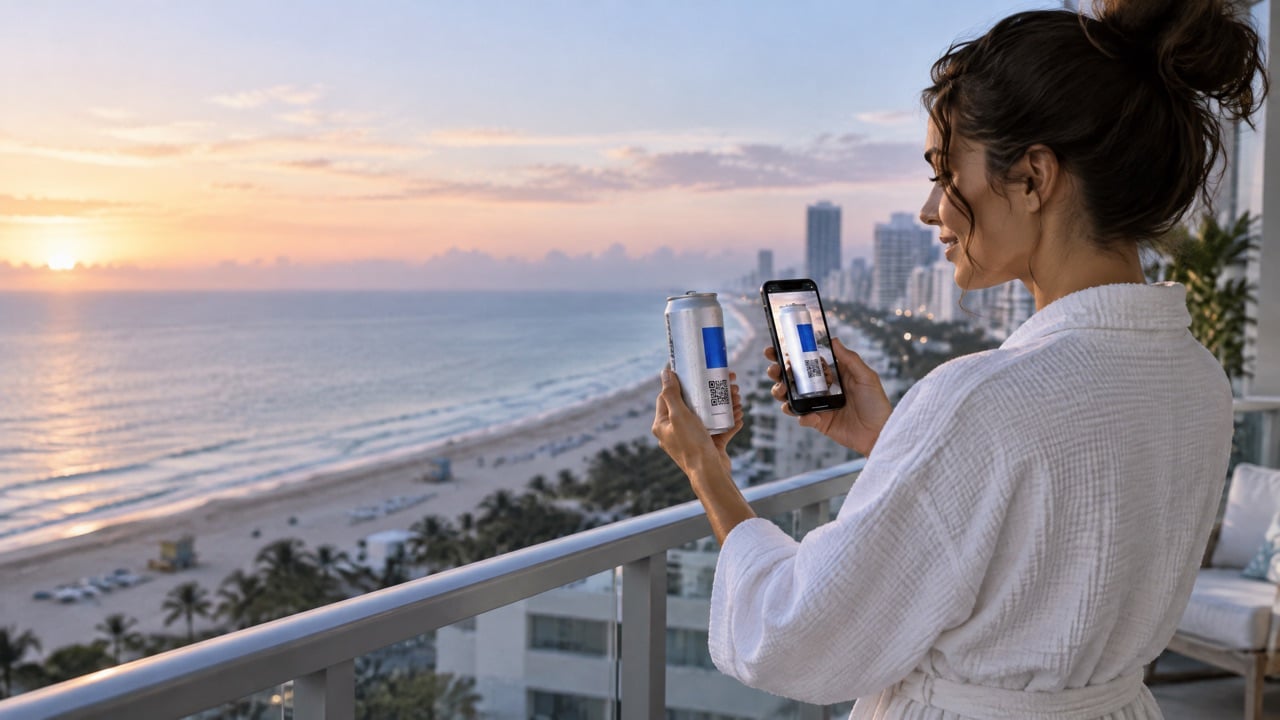
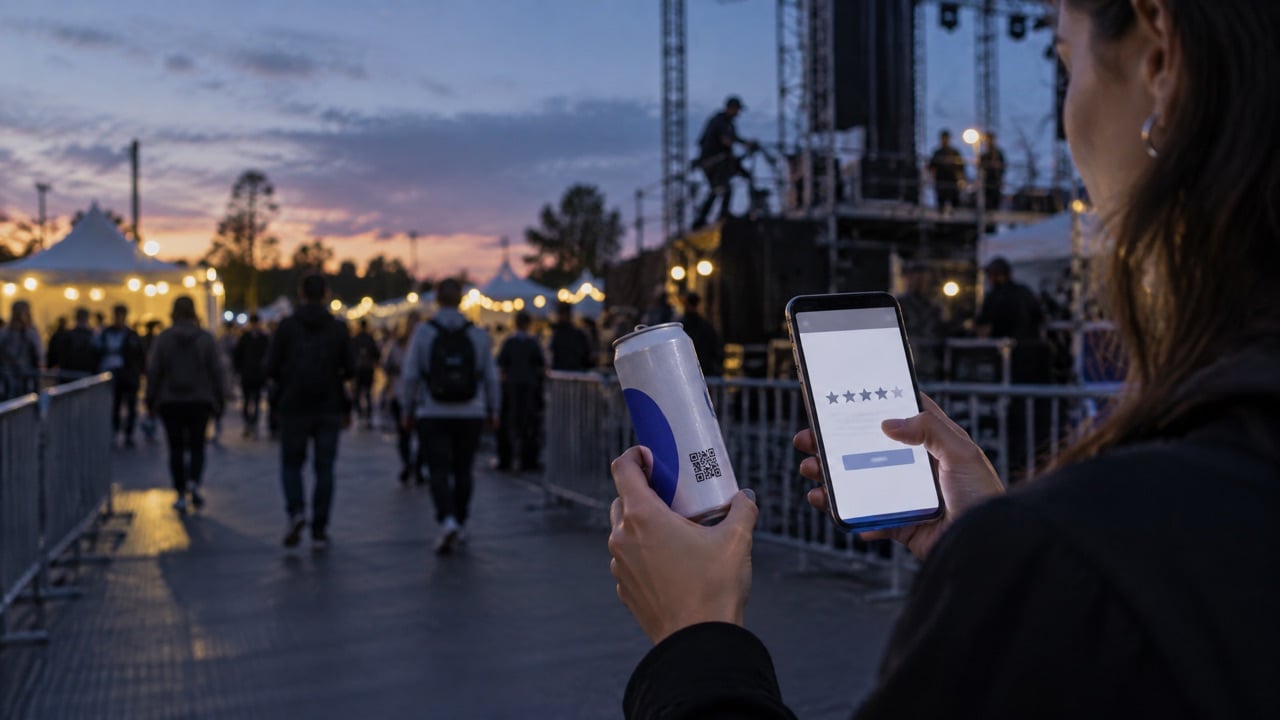
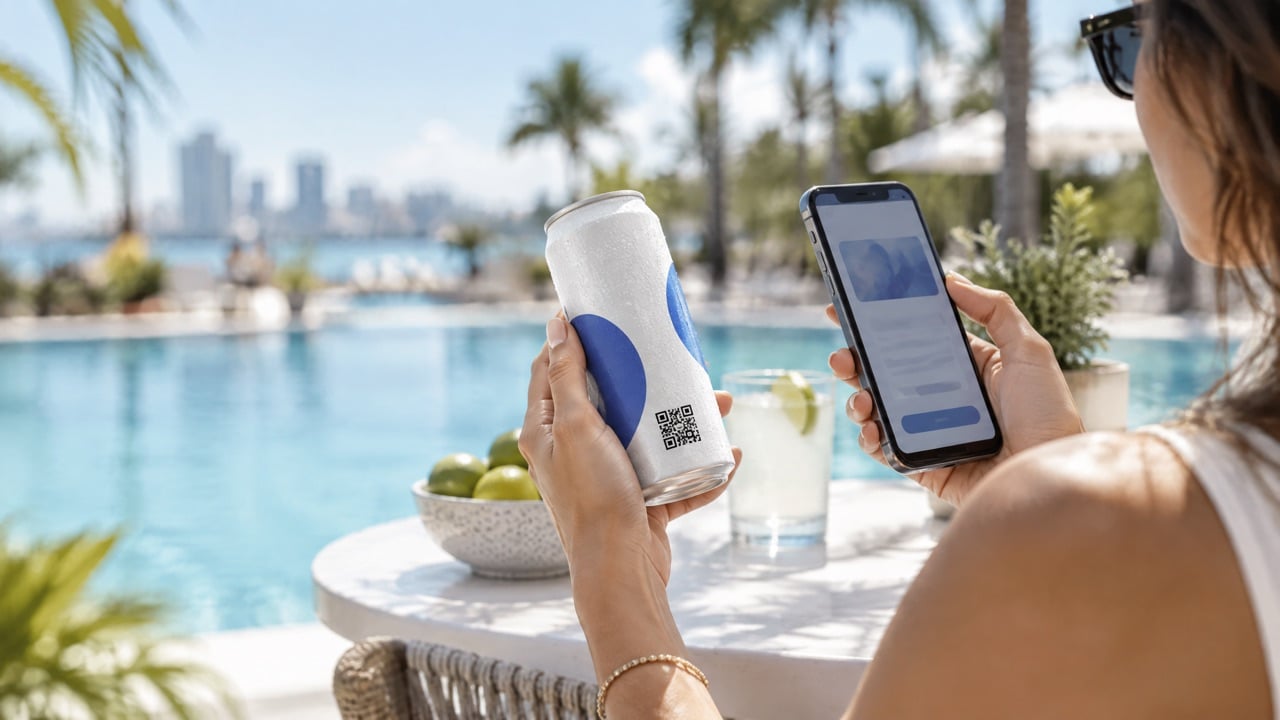
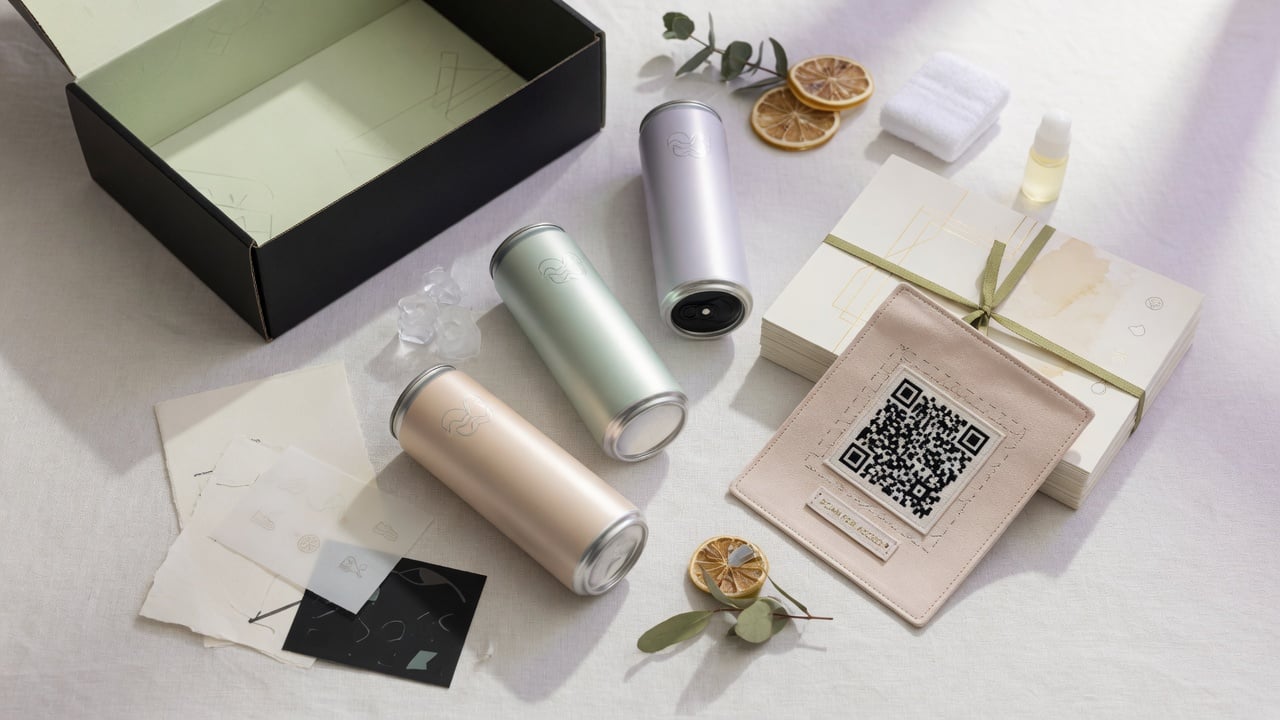
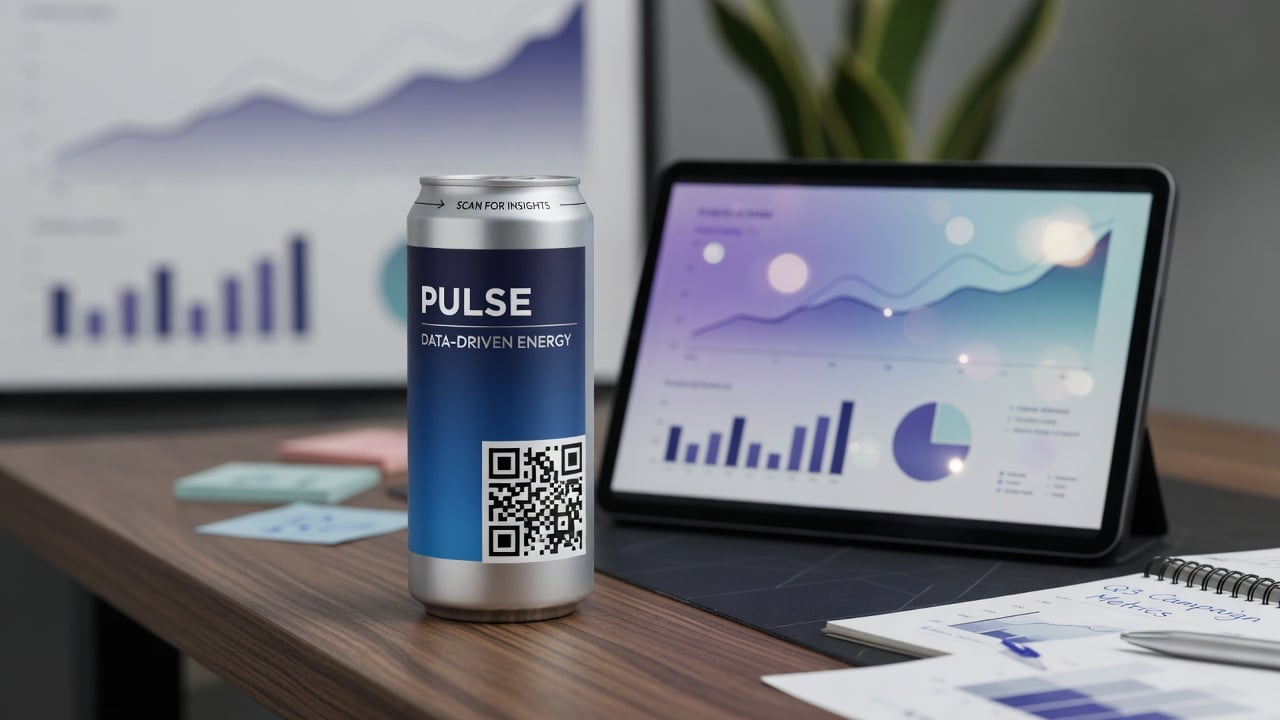
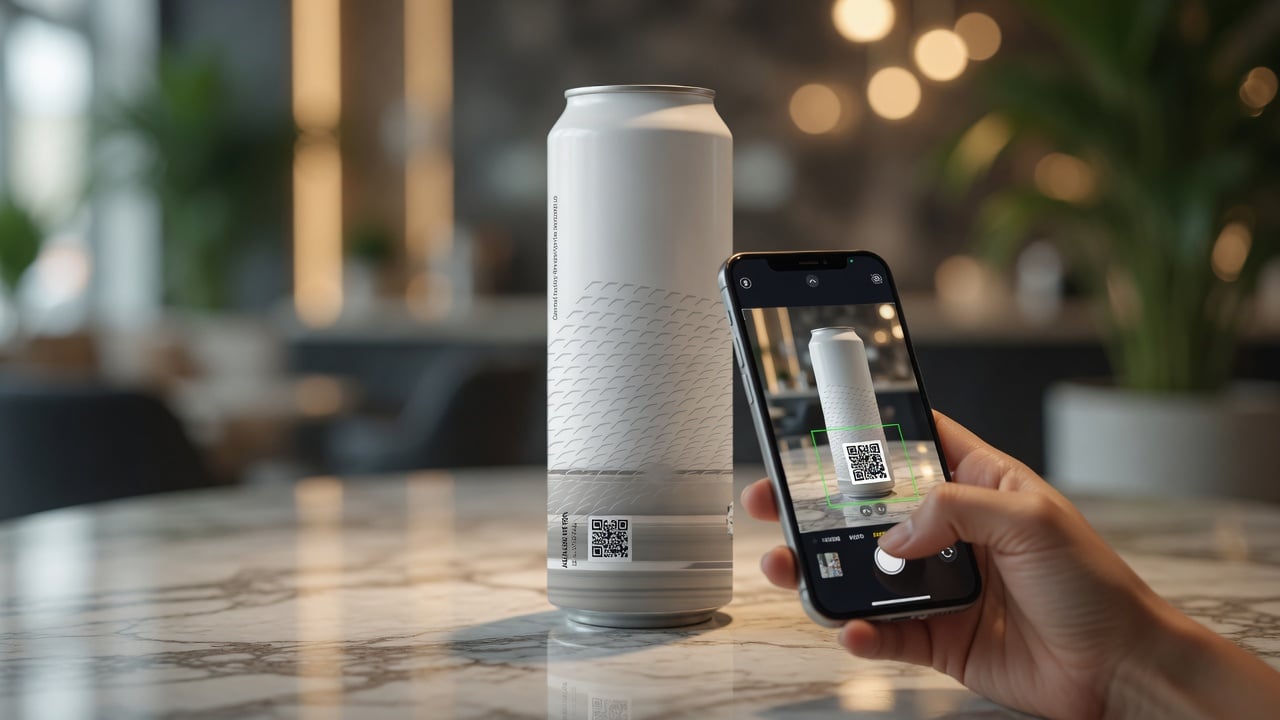
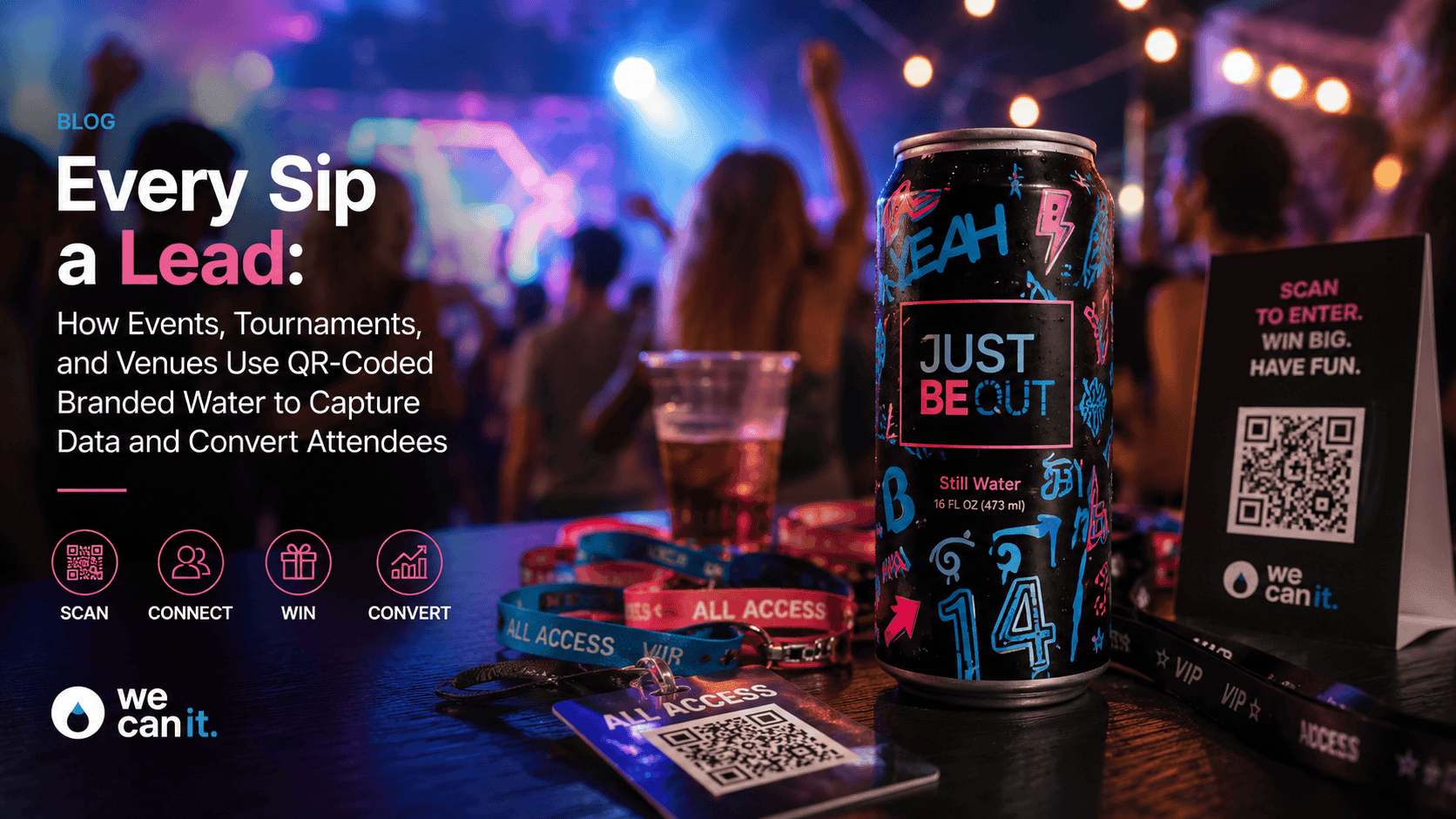
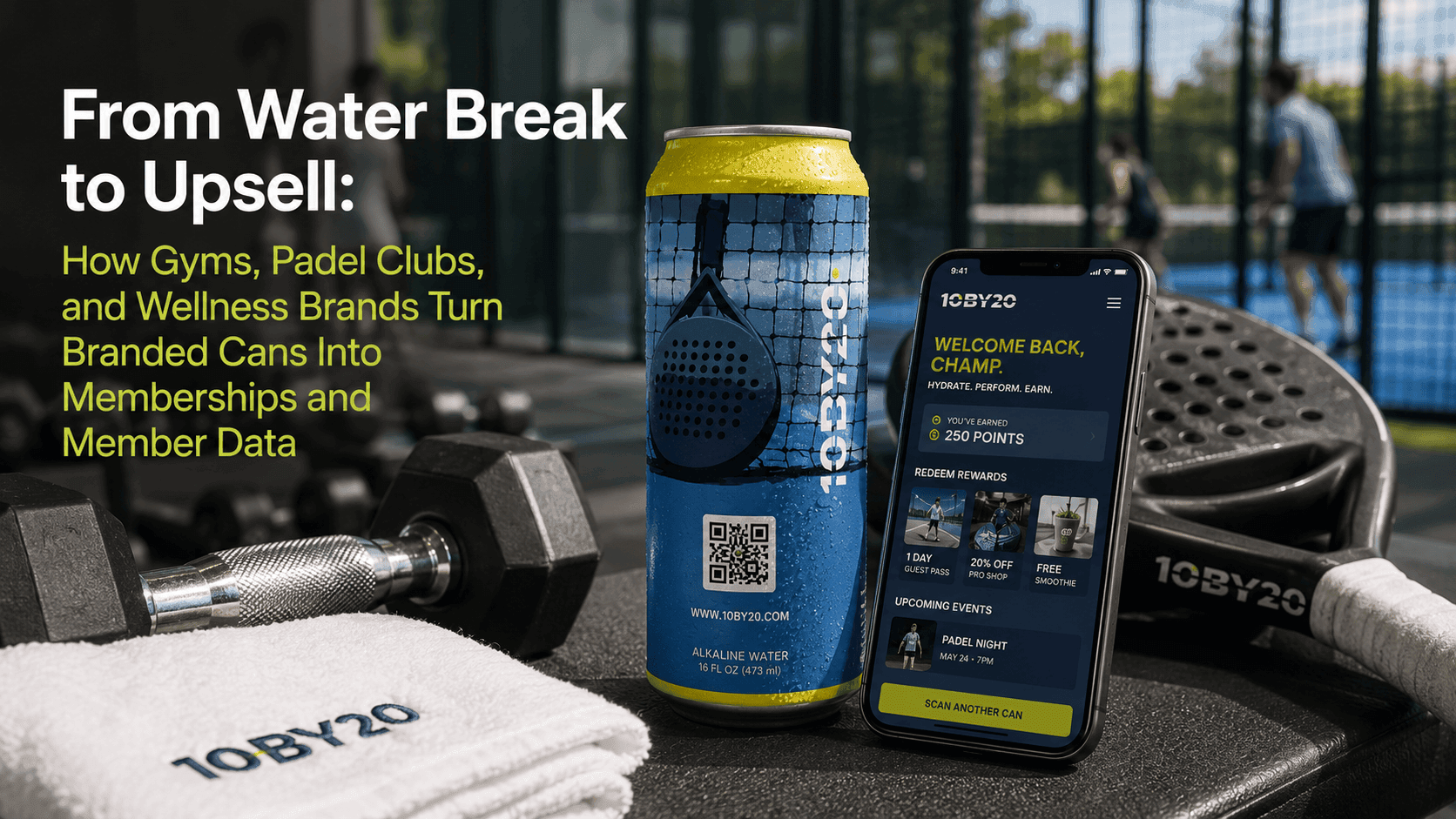
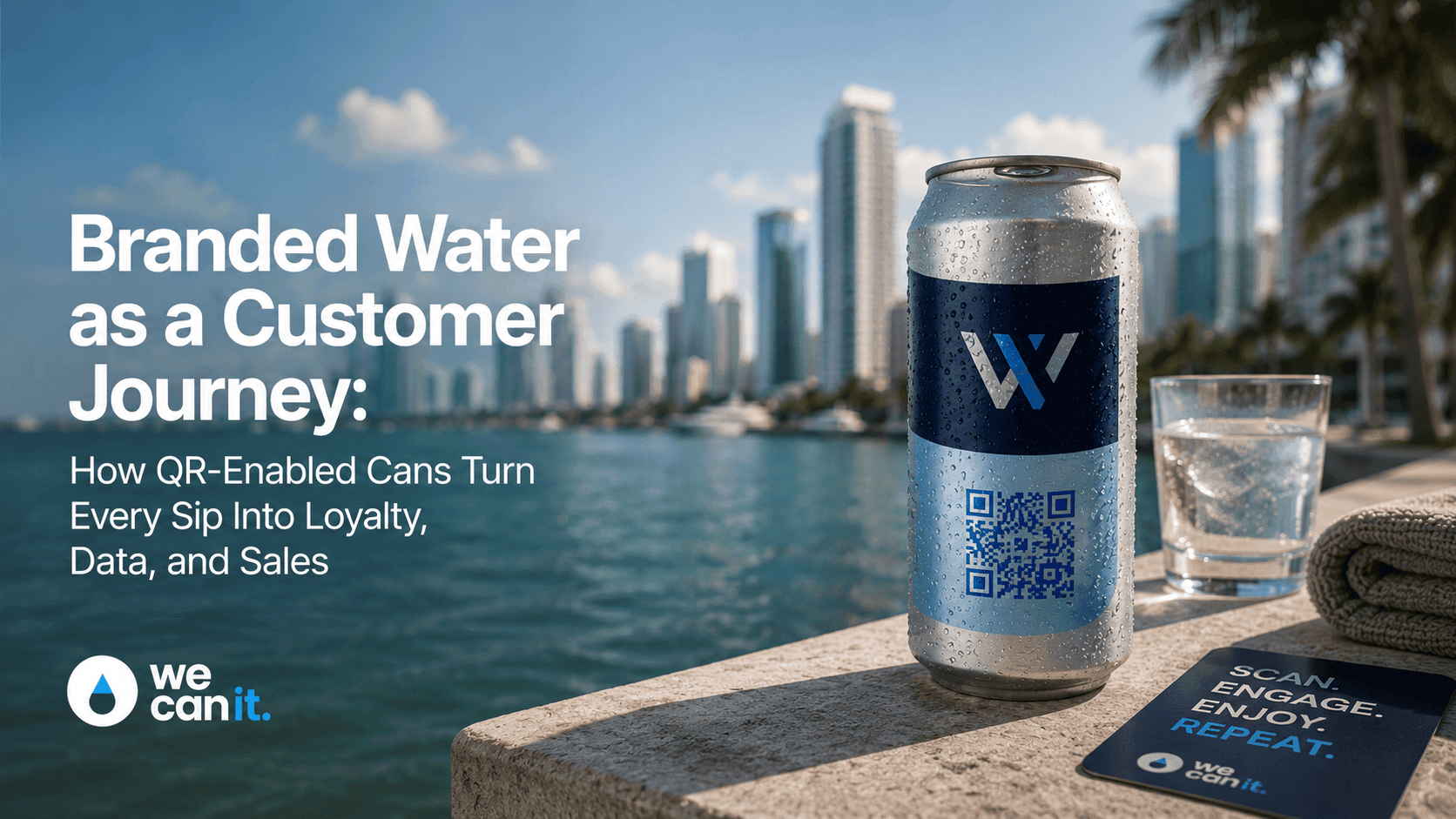
A QR-powered can is an aluminum can of water with a QR code printed on its label or wrap. When someone points their phone camera at the code, it opens a web page: a menu, an offer, a video, a sign-up form, or anything else the brand chooses.
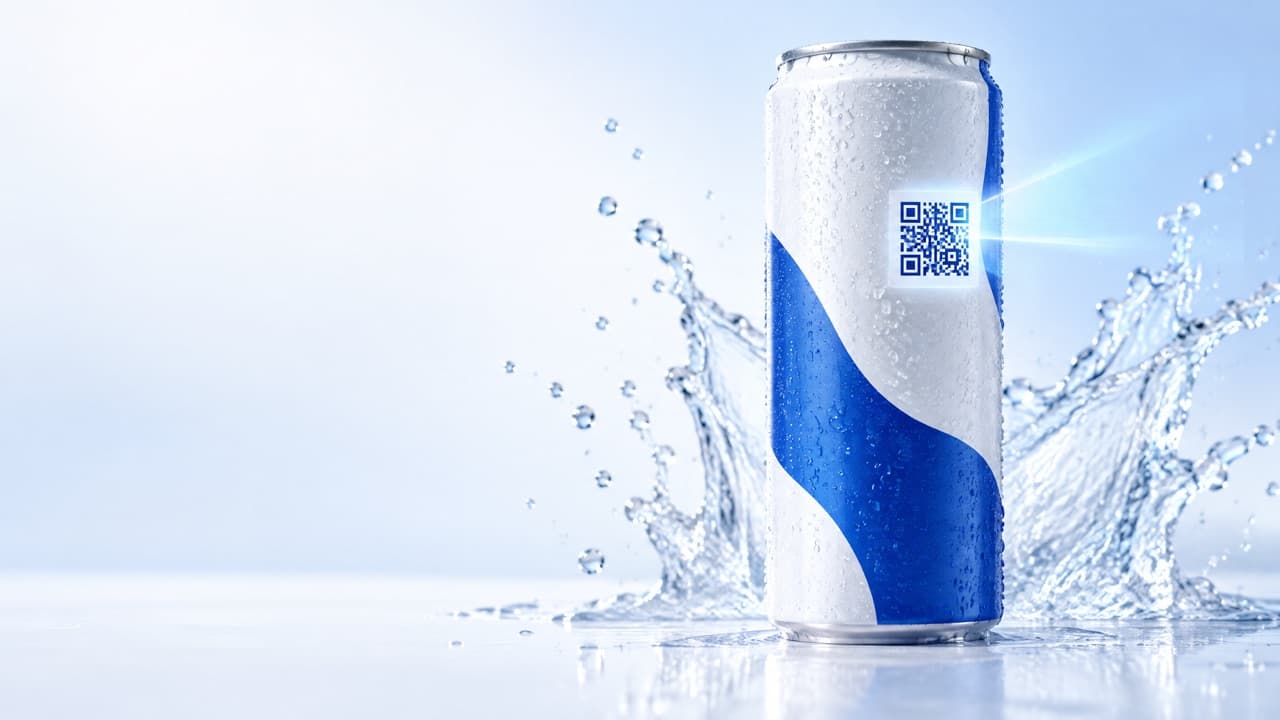
A QR-powered can is an aluminum can of water with a QR code printed on its label or wrap. When someone points their phone camera at the code, it opens a web page: a menu, an offer, a video, a sign-up form, or anything else the brand chooses. The can stays the same product in your hand. The code turns it into a door to something more.
This guide explains how that code actually gets onto the can and why some codes scan instantly while others frustrate people. It is for marketers, designers, and first-time buyers who want to get the technical details right: label versus digital print, code size and placement on a curved surface, static versus dynamic codes, and how to test before production.
How does a QR code get onto an aluminum can?
There are two main ways, and they match the two print paths We Can It offers.
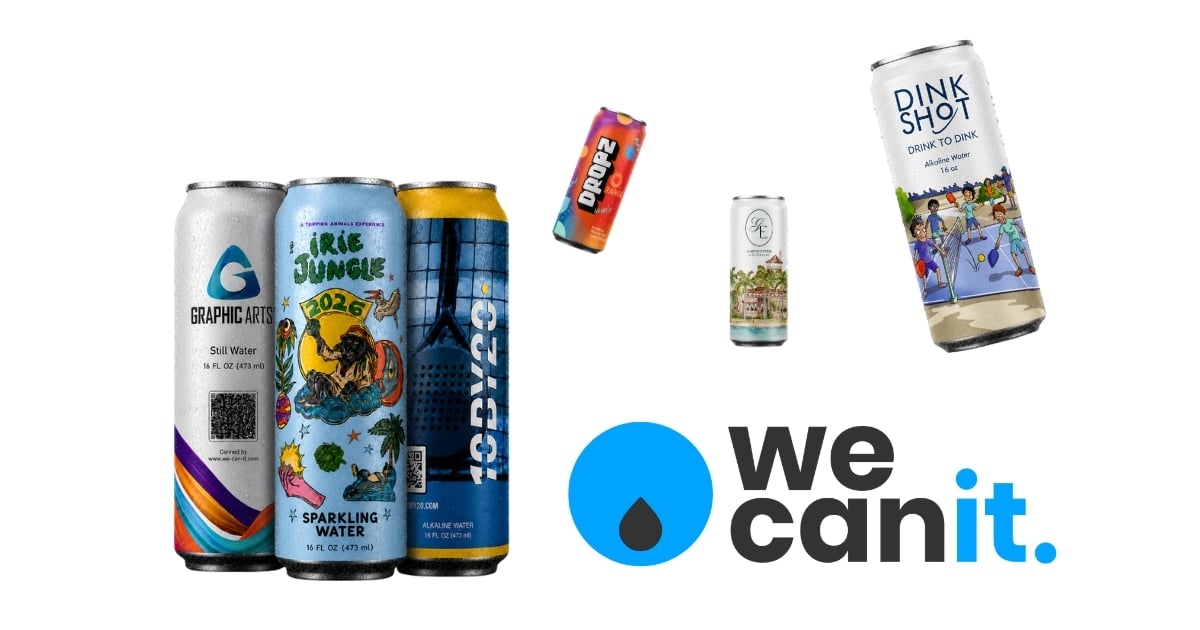
- Label print: the design, including the QR code, is printed on a label that wraps around the can. Label print starts at 21 cases, which is 504 cans.
- Digital print: the design is printed directly on the can surface. Digital print starts at 100 cases and suits full-wrap and photo-heavy designs.
Both can carry a QR code. The choice usually depends on your design, quantity, and the look you want. Print options are explained on Technology · Labels.
What size should a QR code be on a can?
A code that is too small or too dense is the most common reason scans fail. There is no single perfect size, because it depends on how much information the code holds and how far away people scan it. A few practical rules help.
- Keep the link short. Short links create simpler codes with bigger squares, which scan more easily.
- Size for the scanning distance. People usually scan a can at arm's length, so the code does not need to be huge, but it should not be tiny.
- Leave a quiet zone, a clear margin around the code with no other graphics.
- Avoid shrinking the code to fit a busy design. Make space for it instead.
Your artwork template shows the printable area, and a product advisor can confirm size during proofing.
Where should the QR code go on a curved can?
A can is a cylinder, and the curve can distort a code if it is placed poorly.
- Place the code vertically centered in a flat-looking area of the label, away from the top and bottom edges.
- Keep the code narrow enough that it does not bend too far around the curve.
- Avoid the seam area where the label or wrap overlaps.
- Put it on the back or side if the front is reserved for the logo, with a short line that tells people to scan.
What colors work best for scanning?
Phones read contrast. The classic dark code on a light background is the most reliable.
- Dark code on a light background scans best.
- Brand colors can work if the contrast is strong.
- Avoid light code on a dark background unless you test it carefully.
- Avoid shiny or metallic effects directly on the code, since reflections can confuse cameras.
- Avoid gradients and patterns behind the code.
What is the difference between a static and a dynamic QR code?
This is one of the most important decisions, and it is easy to get wrong.
- A static code contains the final web address directly. If the page changes or disappears, the code on every printed can points to the wrong place forever.
- A dynamic code points to a short link that you control. You can change where it goes after printing, update the page for each event, and usually see scan counts.
For cans, which may be in circulation for weeks or months, a dynamic code or a short link you control is almost always the better choice.
What should the code link to?
The code should open something useful immediately, on a fast mobile page.
- Hospitality: menus, spa bookings, guest services.
- Events: schedules, maps, giveaways, photo galleries.
- Retail and brands: product stories, offers, reorder pages.
- Clubs and gyms: class schedules, bookings, member perks.
The experience side of the can is described on Technology · Digital experience.
How do you test a QR code before production?
Testing is cheap. Reprinting is not. Always test the code in the real design before approving the proof.
- Scan the digital proof on screen with several phones.
- Print the proof at actual size and wrap it around a real can.
- Scan from different angles and distances.
- Scan in different lighting, bright sun, dim bar, and indoor light.
- Try older phones as well as new ones.
- Confirm the page loads quickly on mobile data, not only on office Wi-Fi.
- Approve only when every test passes.
We Can It's live 3D can designer helps you see placement on the real can shape before you print a physical test.
How do you track scans from a QR can?
Most dynamic QR services and link tools count scans automatically. For each code you can usually see the number of scans, the date and time, and a rough location based on the phone's network. That is often enough to answer practical questions, such as which event produced the most interest or what time of day guests scan.
For more detail, add simple tracking tags to the destination link so your website analytics can tell QR visitors apart from other traffic. If you print different codes for different venues or batches, give each one its own tag so reports stay clean. Keep tracking light and respectful. Count scans and actions, and only ask for personal details when the guest chooses to share them.
Can you change what the code does after the event?
Yes, if you used a dynamic code or a link you control. Many brands point the code to an event page during the event, then switch it to a thank-you page with photos afterward, and later to a general brand page. The can keeps working long after the event ends.
What mistakes cause QR codes on cans to fail?
- Codes that are too small or too dense.
- Low contrast between code and background.
- Placement on the curve edge or the seam.
- Static codes pointing to pages that later change.
- Slow landing pages that people abandon.
- No call to action, so nobody knows why to scan.
How long does it take to produce QR-powered cans?
Production takes about 2 to 3 weeks from artwork approval. Build extra time before approval for code testing and landing page setup, especially if the page is new.
What does a good QR can call to action say?
Tell people what they get in a few words.
- "Scan for today's specials."
- "Scan to win."
- "Scan to book your next visit."
- "Scan for the story behind this can."
A clear promise next to the code can make a bigger difference to scan rates than the code itself.
QR can printing checklist
- Choose label or digital print.
- Use a short, dynamic link you control.
- Size the code for arm's length scanning with a quiet zone.
- Place it away from the curve edges and seam.
- Use strong contrast.
- Add a short call to action.
- Test on real phones, angles, and lighting.
- Confirm the landing page is fast on mobile.
Frequently asked questions
What is a QR-powered can?
An aluminum can with a QR code on its label or wrap that opens a web page, such as a menu, offer, or sign-up form, when scanned with a phone.
Can a QR code be printed on an aluminum can?
Yes. It can be included in label print from 21 cases or in digital print on the can from 100 cases.
How big should a QR code be on a can?
Big enough to scan comfortably at arm's length, with a clear margin around it. Keeping the link short makes the code simpler and easier to scan.
Should I use a static or dynamic QR code on cans?
Use a dynamic code or a short link you control, so you can change the destination after printing and track scans.
How do I test a QR code before printing cans?
Scan the proof on screen, print it at actual size around a real can, and test with several phones in different lighting and angles.
How long does it take to make QR cans?
About 2 to 3 weeks from artwork approval at We Can It, plus time for testing before approval.
Get a quote for QR-powered cans
Share your design and what the code should open, and a product advisor will help you place and test the code.