How Golf Clubs Use QR Scan Data to Plan Member Programs
Every golf club has a feeling about its members. The early group always plays the back nine first. The range fills up after 4:00 on weekdays. The halfway house runs out of sandwiches on Saturdays.
Every golf club has a feeling about its members. The early group always plays the back nine first. The range fills up after 4:00 on weekdays. The halfway house runs out of sandwiches on Saturdays. Some of those feelings are right, and some are just stories that got repeated in the pro shop for ten years.
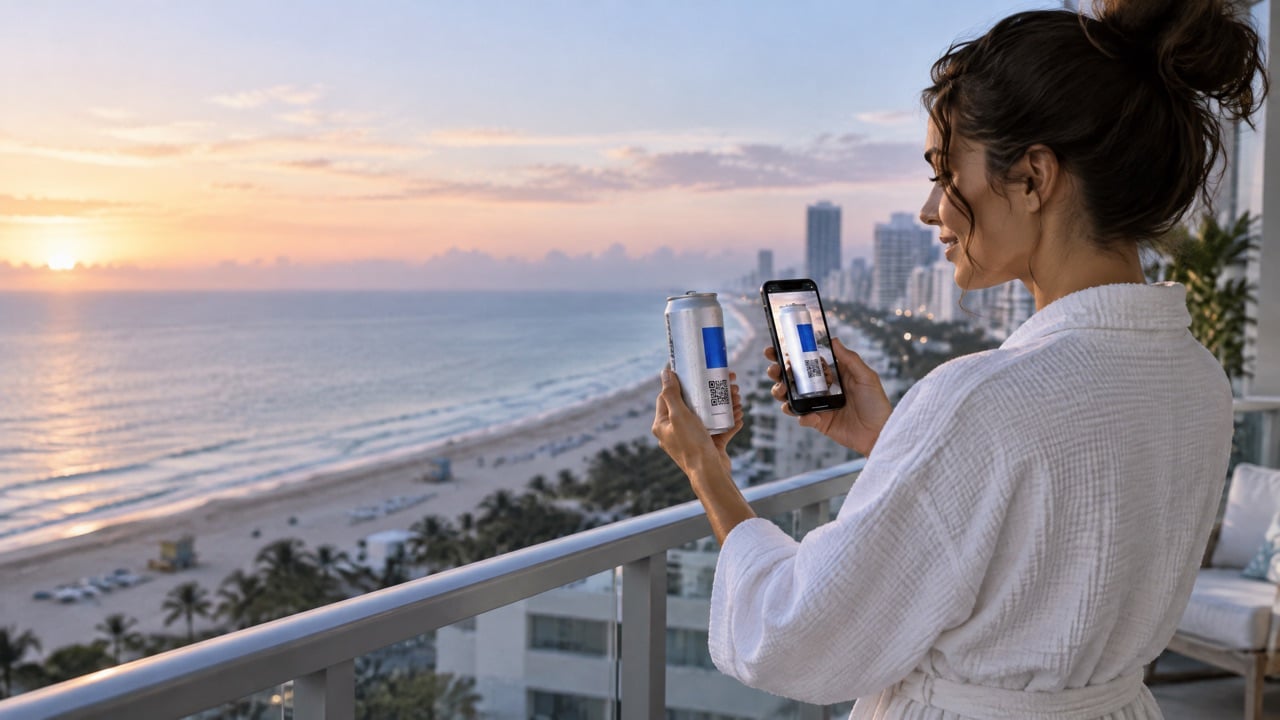
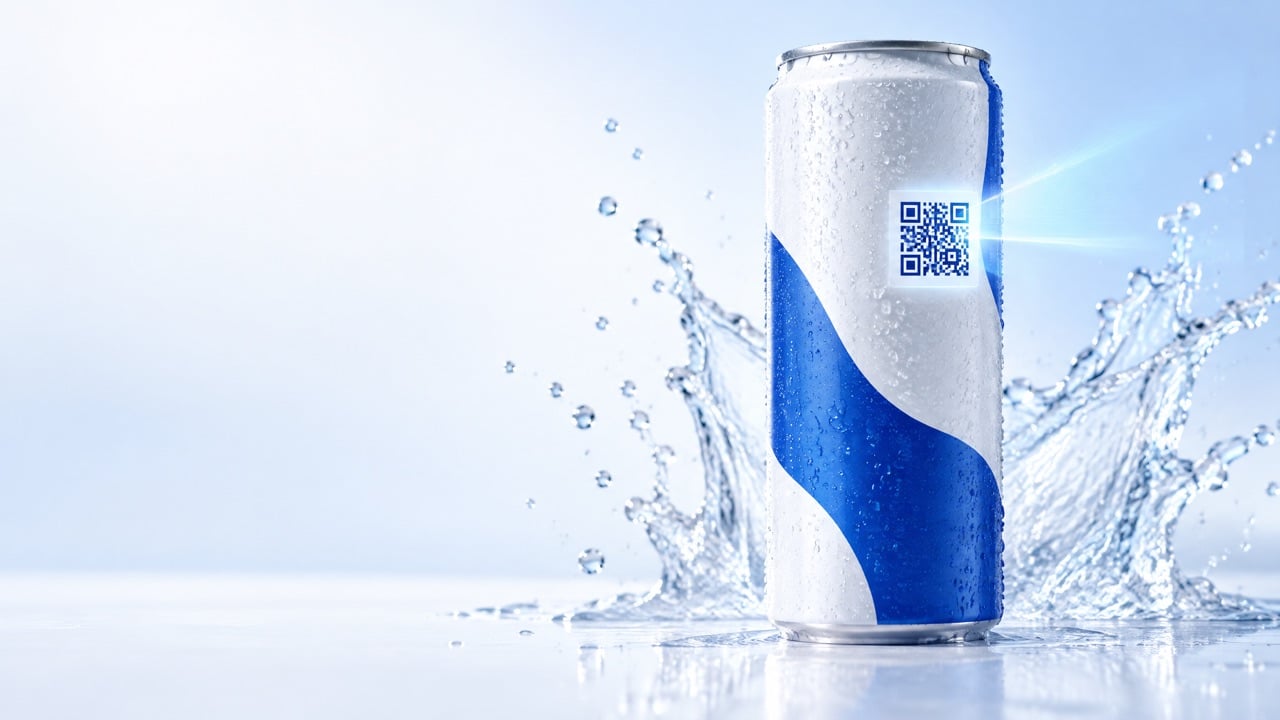
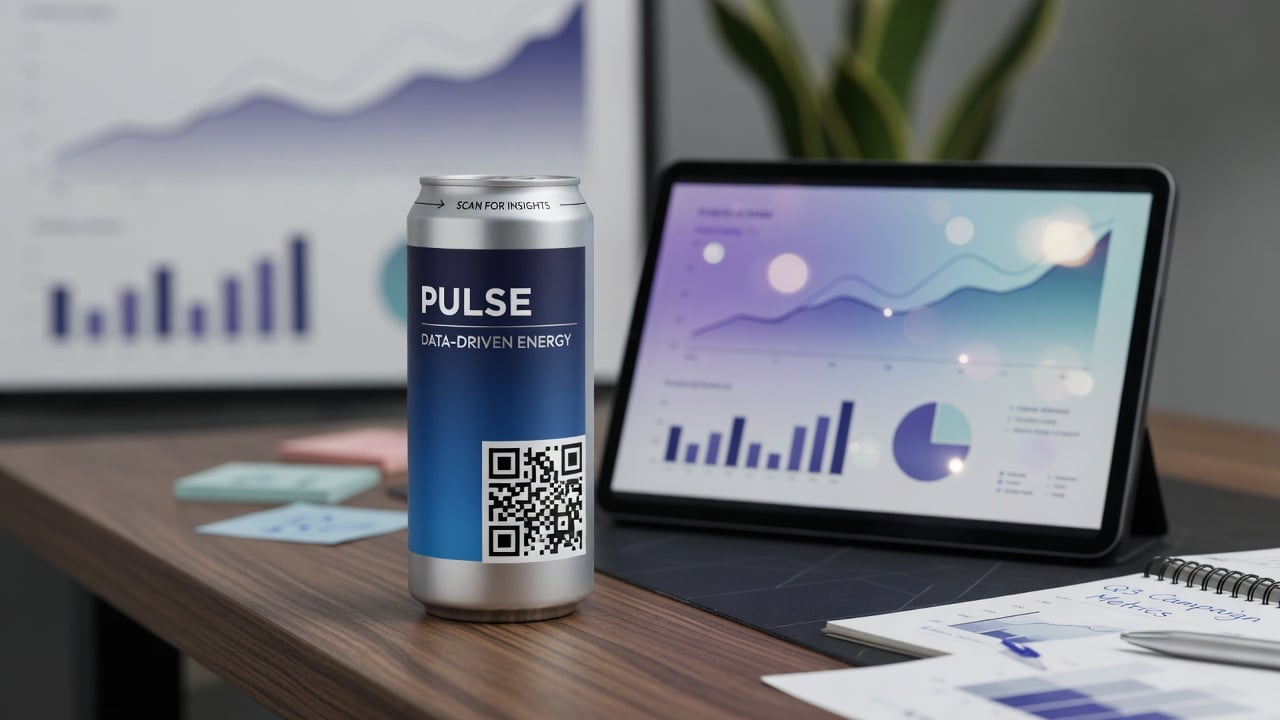
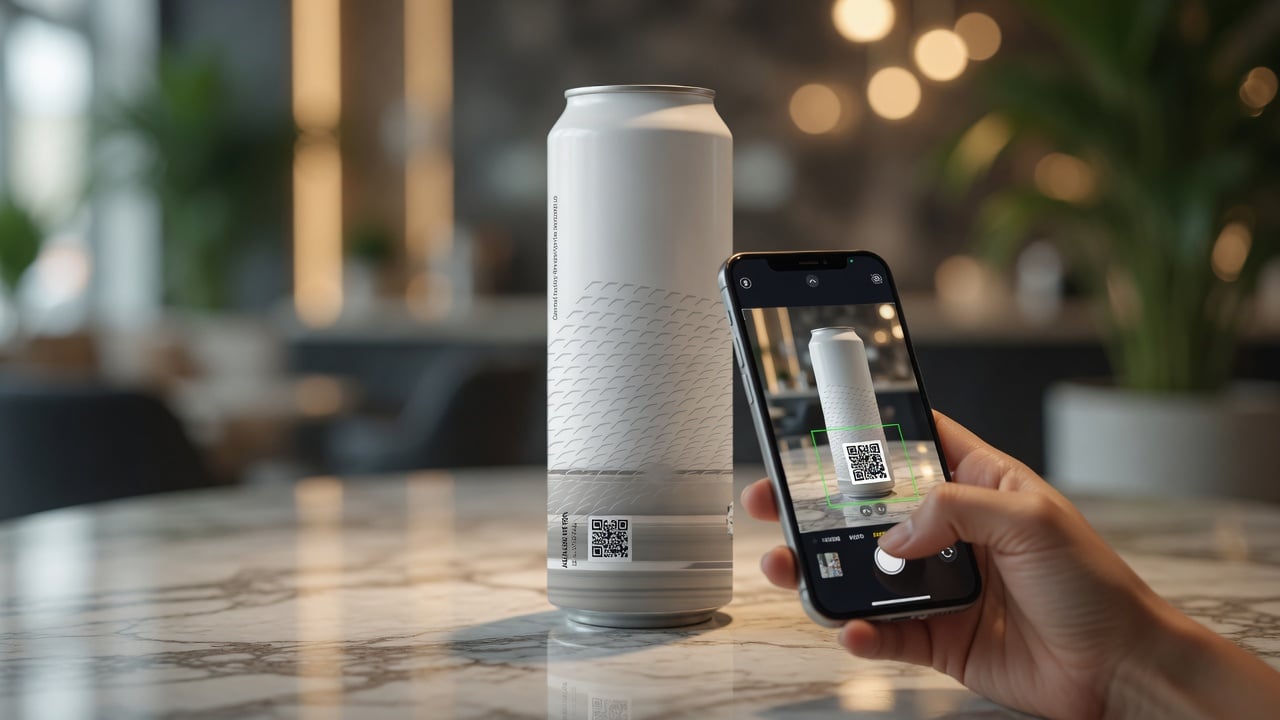
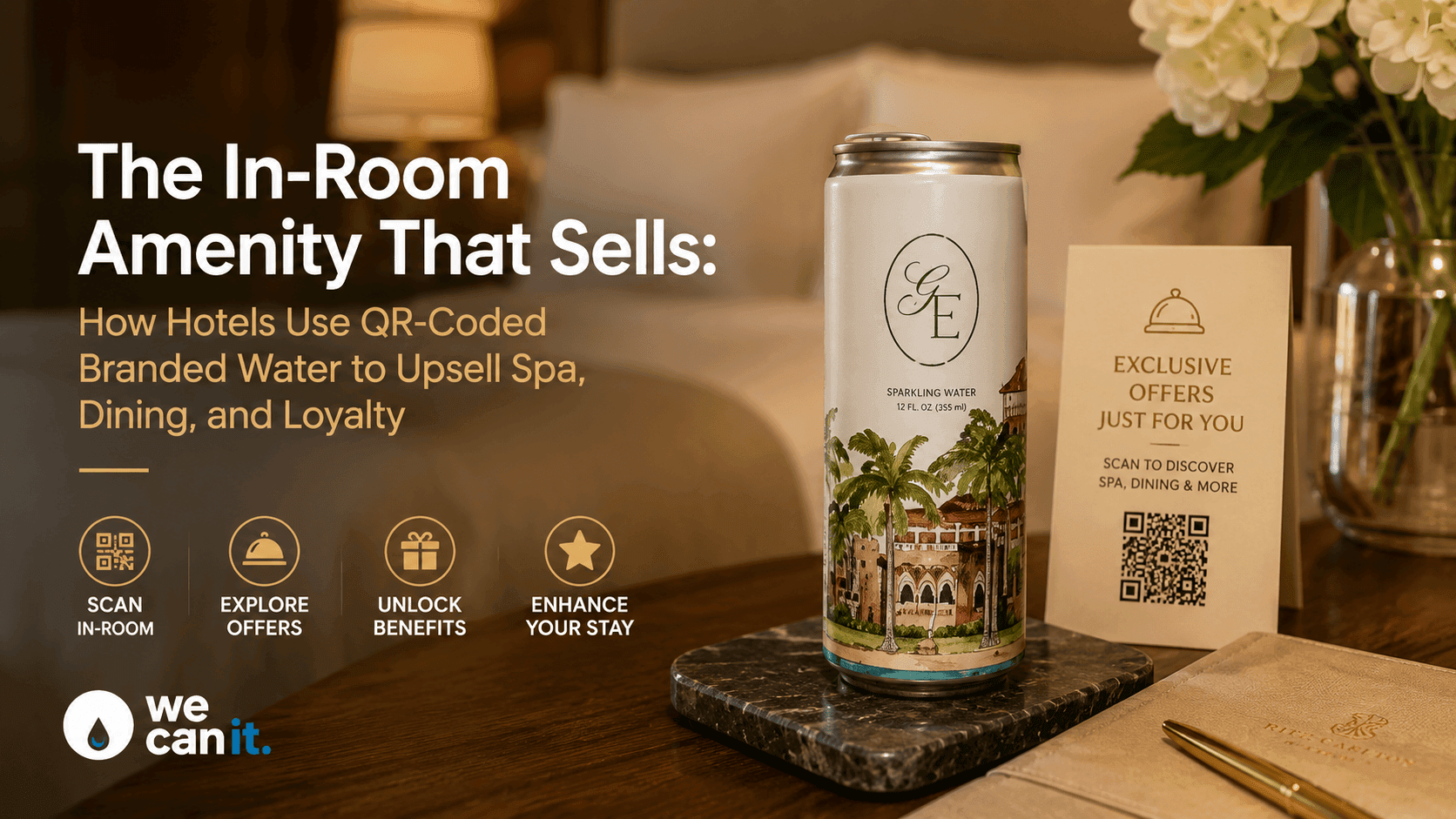
A QR code on a branded water can gives you a light, low-effort way to check those stories against real behavior. When a member scans the can, you learn where they were, what time it was, and what they opened. This guide is for golf operations managers, F&B directors, and membership directors who want to use that scan data to plan staffing, promote the right programs, and report back to course sponsors with honest numbers.
What can QR scan data from a water can actually tell a golf club?
A scan tells you three simple things: when it happened, roughly where the can was served, and what the member chose to open. It does not track people around the course, and it should never feel like it does. Think of it as a tally counter that members choose to press.
Useful questions scan data can help answer:
- Which days and hours are busiest at the turn?
- Do range users engage more than golfers on the course?
- Which program gets more interest: junior clinics, ladies' league, or the member-guest?
- Did the sponsor hole actually get attention during the tournament?
How do you tag scans by location on a golf course?
The trick is to give each serving location its own QR destination. The can looks the same, but the code on each batch or each cooler label points to a slightly different link, so you can tell the locations apart.
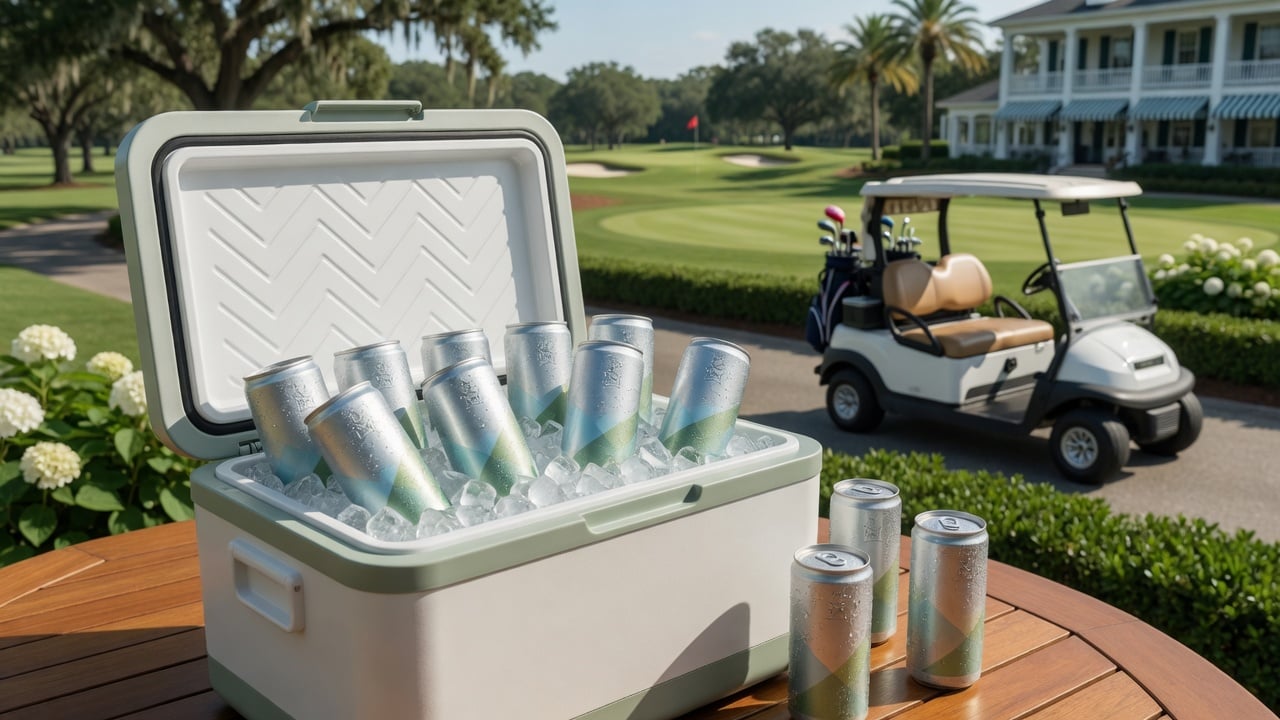
- Pick four to six locations that matter: driving range, first tee, turn station or halfway house, pro shop, pool or clubhouse bar, and one sponsor hole.
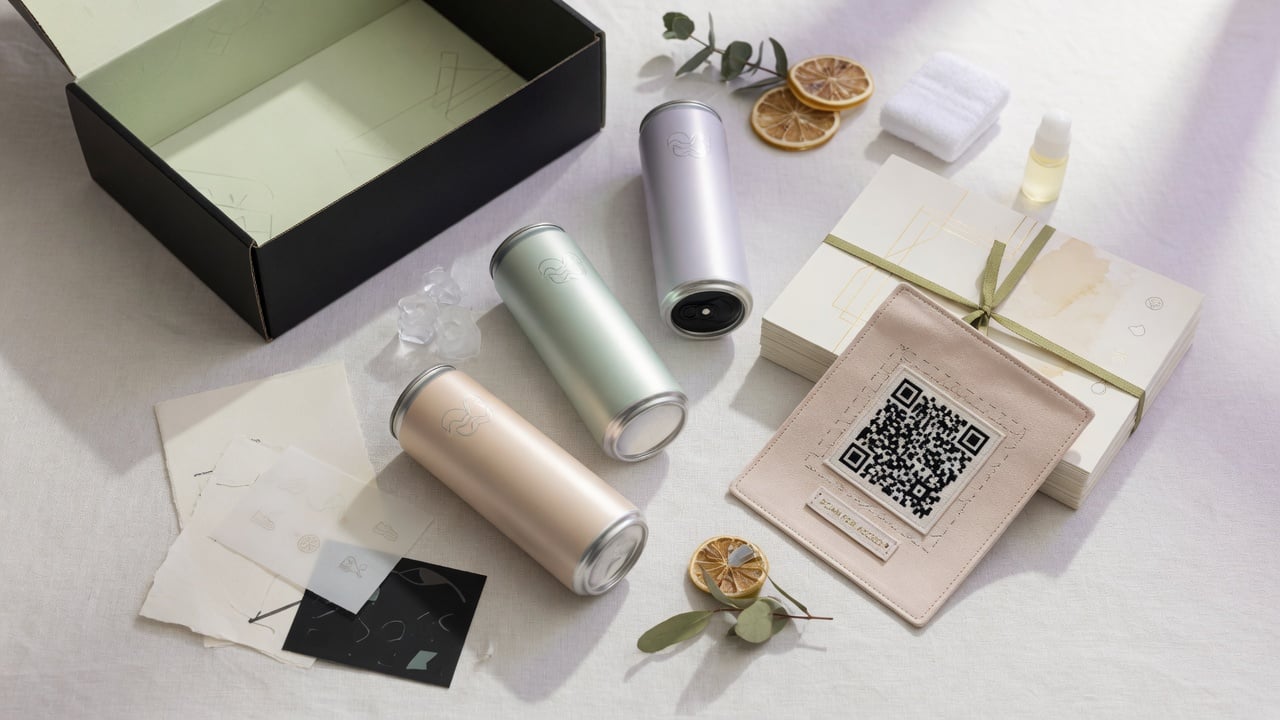
- Assign one link per location. Many clubs use one printed can and a small cooler sticker with a location code. Others print short runs with location-specific codes.
- Point every link to a useful page such as today's specials, the lesson booking page, or the league sign-up.
- Name locations consistently so the reports read cleanly: RANGE, TEE1, TURN, SHOP, POOL, SPONSOR7.
- Check the counts weekly, not daily. Golf has weather swings, and a single rainy Tuesday tells you nothing.
How can scan data help F&B staffing at the turn?
Turn stations are hard to staff. Too few people and the line backs up and groups fall behind pace. Too many and labor cost eats the margin.
Scan timestamps at the turn show when members actually stop. After four to six weeks you usually see a clear pattern:
- Peak windows: for example, 10:30 to 12:00 on Saturdays when the morning waves reach the turn.
- Dead zones: afternoons in summer when fewer members are out.
- Event spikes: member-guests and outings that need extra hands.
Use those windows to adjust shifts, prep more food ahead of the peak, and schedule a second attendant only when it pays off. The water can becomes a quiet counter of real traffic at the busiest point on the course.
How do golf clubs use scans to decide which member programs to promote?
Scans are most useful when the page behind the QR code offers a choice. Instead of one generic landing page, show two or three programs and see which one members tap.
- Rotate featured programs every two weeks: junior camp, a nine-and-dine night, a short game clinic.
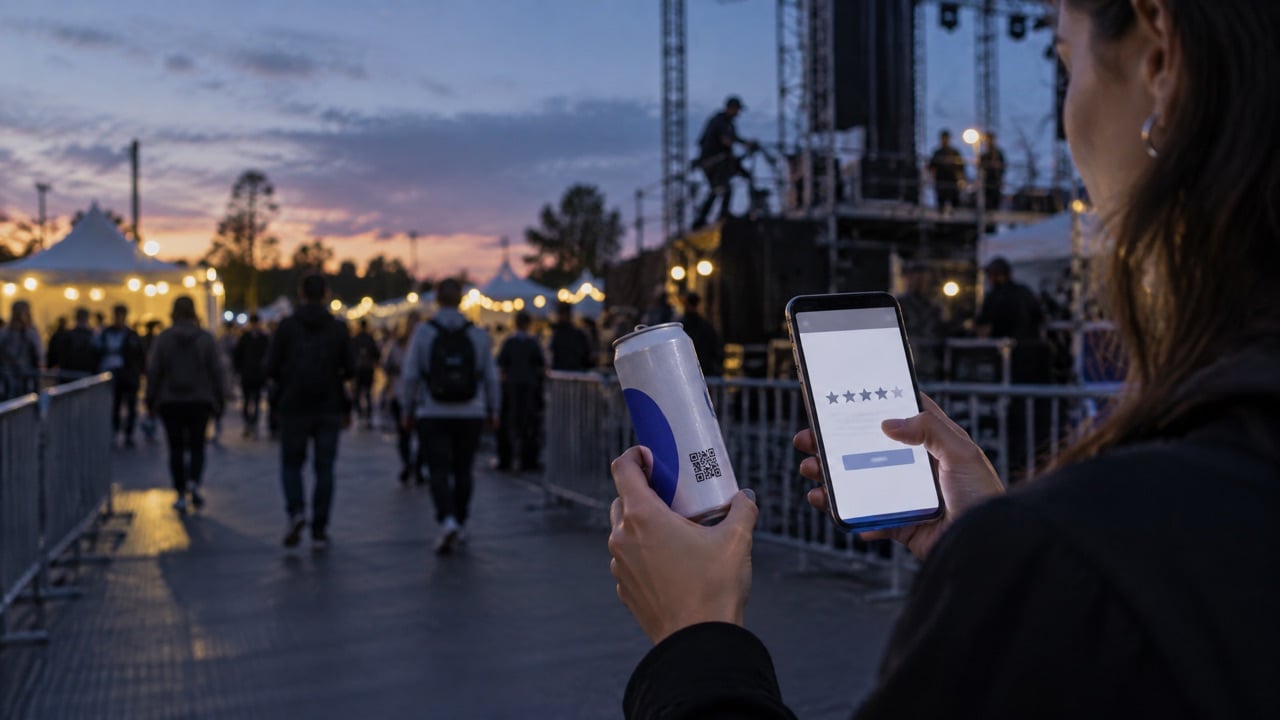
- Count taps per program, not only scans. The tap shows intent.
- Compare by location. Range users often click lessons. Clubhouse guests often click dining events.
- Retire programs that never get taps or change how they are described.
- Share results with the membership committee in plain numbers, like "Short game clinic got 3 times more taps than the Tuesday league this month."
This is where AI tools help without getting complicated. You can paste a month of scan and tap counts into a spreadsheet assistant and ask for the top patterns, busiest windows, and programs to push. The judgment stays with your team.
What should a golf club report to course sponsors?
Sponsors want to know their hole or their event got attention. Scan data gives you an honest, simple recap instead of a guess.
- Scans at the sponsor location during the season or the event.
- Taps on the sponsor's offer if the page included one.
- Photos of the co-branded can on the tee box.
- A plain comparison with other locations so the numbers have context.
Do not inflate. Report what was scanned, when, and where, and let the sponsor decide what it is worth. Honest recaps are what bring sponsors back for another season.
How do you keep member trust while collecting scan data?
Members join a club for privacy and comfort. Keep the data light and the purpose obvious.
- Do not require a login to see the page after a scan.
- Ask for an email only when there is a reason, such as booking a lesson or entering a league.
- Say what you collect in one short sentence on the page.
- Report in totals, not individual member activity.
- Never sell or share member data with sponsors. Sponsors get counts, not names.
Which can setup works best for QR tracking at a golf club?
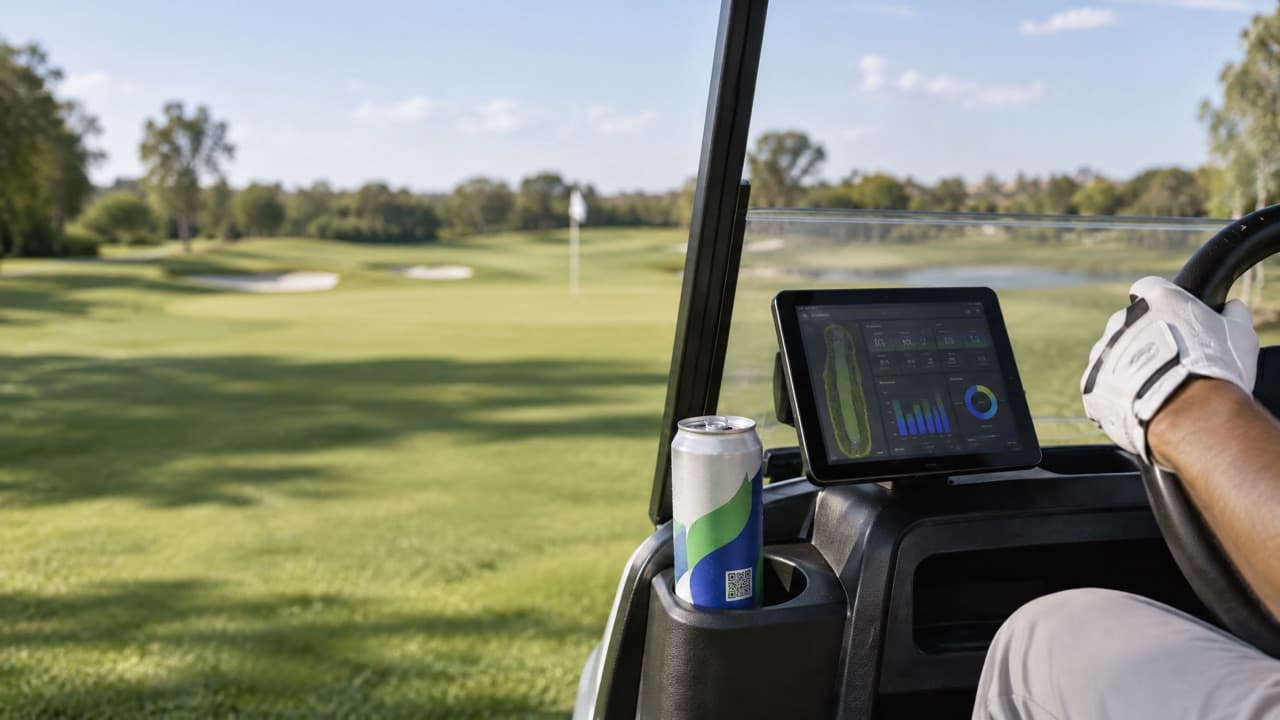
- 12oz Sleek: fits cart cupholders and gives the QR code a clean flat area on the label.
- Still water: the everyday choice on the course.
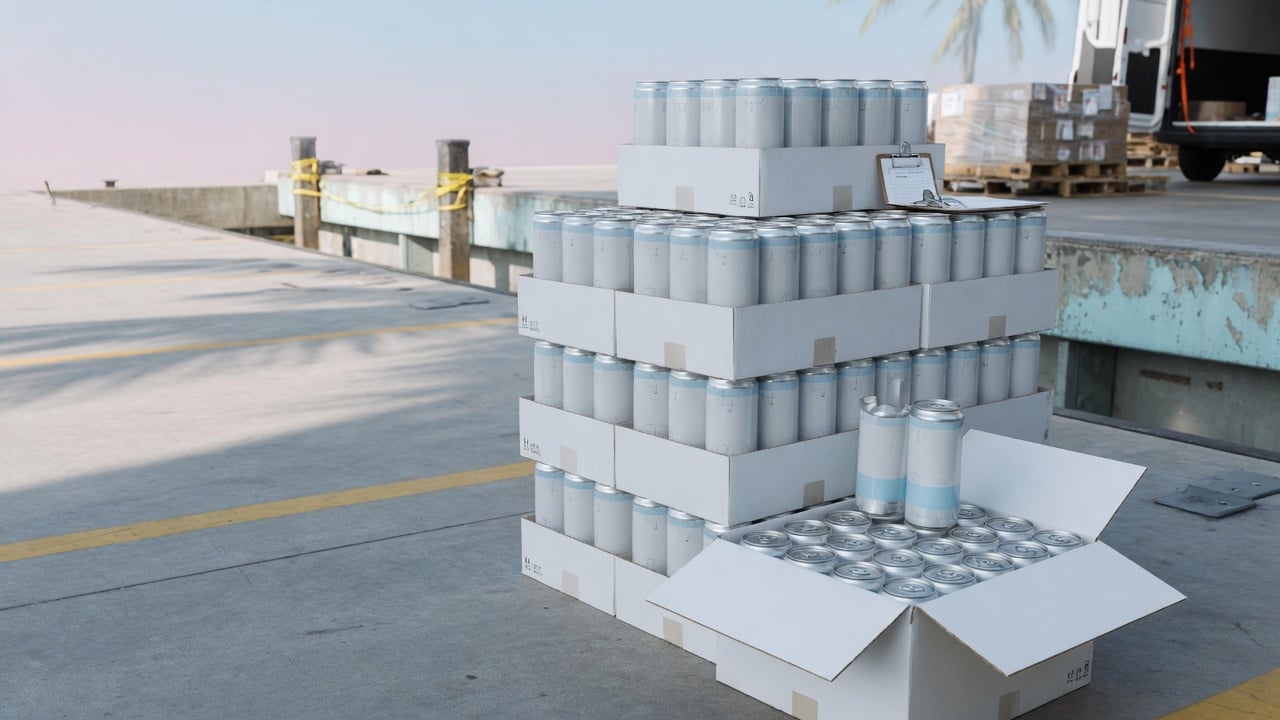
- Label print from 21 cases: enough for a club to test locations for a season. The minimum is 21 cases, or 504 cans.
- Digital print from 100 cases: useful when clubs want full-wrap designs or larger programs across several courses.
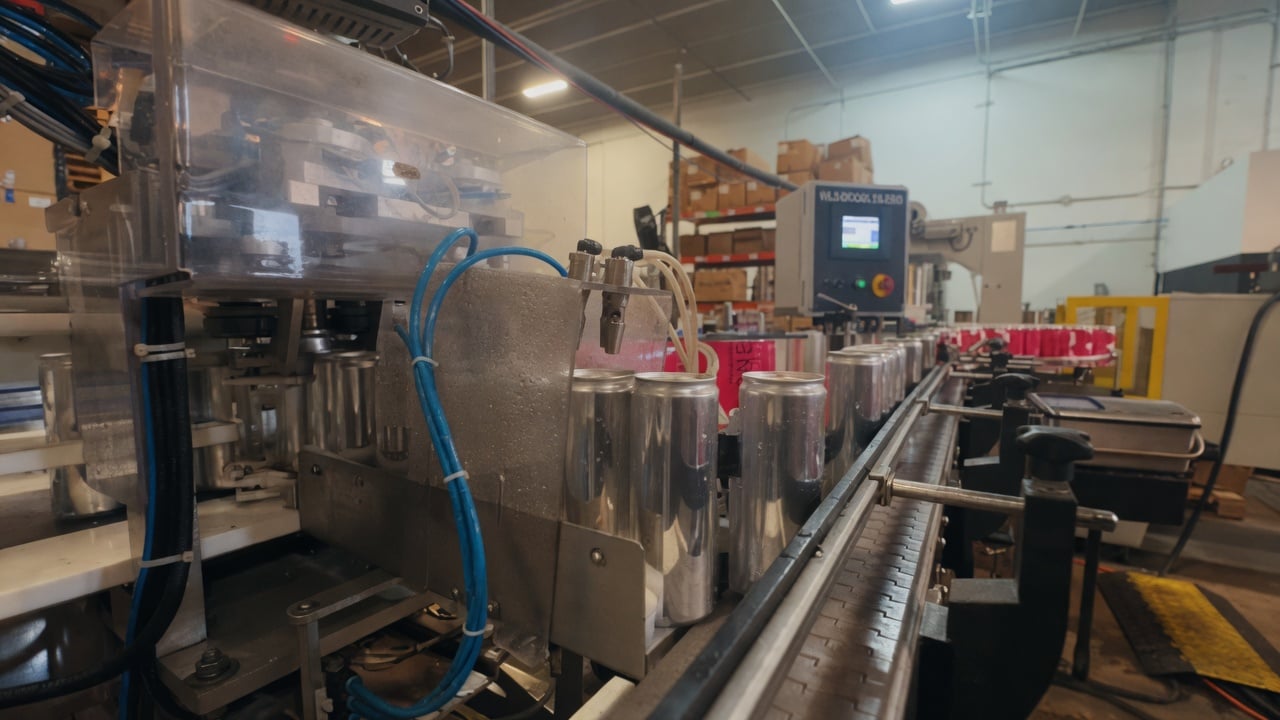
Production takes about 2 to 3 weeks from artwork approval, so plan a new program rollout a month ahead. The digital side of the can, including how QR experiences are built, is described on Technology · Digital experience.
What does a simple monthly scan report look like?
Keep the report to one page so the general manager actually reads it. A clean version has four parts:
- Scans by location for the month, with last month next to it.
- Busiest day and hour at the turn and the range.
- Top three program taps and the one that got the least interest.
- One recommendation, such as adding a Saturday attendant from 10:30 to 12:00 or moving the short game clinic to a weekday evening.
A report like this takes minutes to build and gives the committee something concrete to discuss.
What mistakes should golf clubs avoid with scan data?
- Reading too much into one week. Weather and tournaments swing traffic.
- Too many locations at once. Start with four to six, then add more.
- A page with nothing to do. If the scan opens a logo, members stop scanning.
- Changing the page every day. You cannot compare results if the offer keeps moving.
A 90-day plan to start using QR scan data at your club
- Weeks 1 to 2: choose locations, set one link per location, approve artwork.
- Weeks 3 to 4: cans arrive and go into range, turn, and clubhouse coolers.
- Weeks 5 to 8: collect scans without changing anything. This is your baseline.
- Weeks 9 to 10: adjust turn staffing and feature two new programs on the landing page.
- Weeks 11 to 12: compare against the baseline and share a one-page summary with the general manager and the membership committee.
Frequently asked questions
How do QR codes work on golf courses?
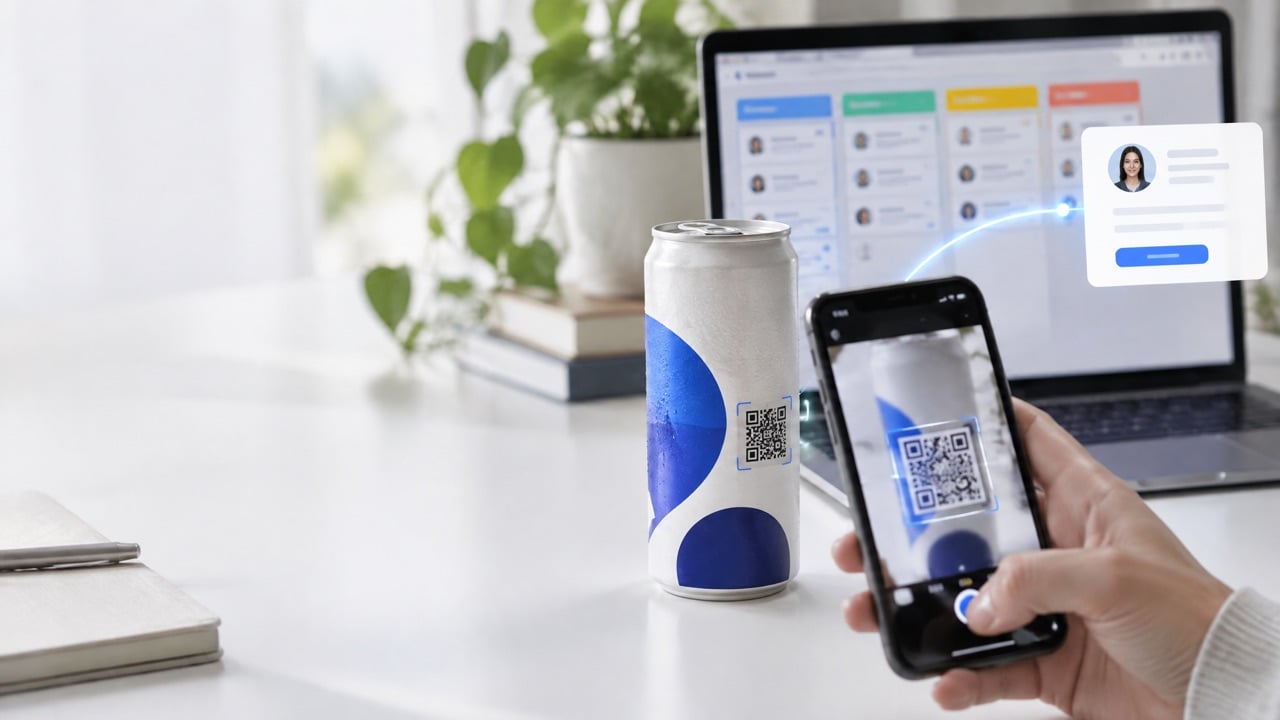
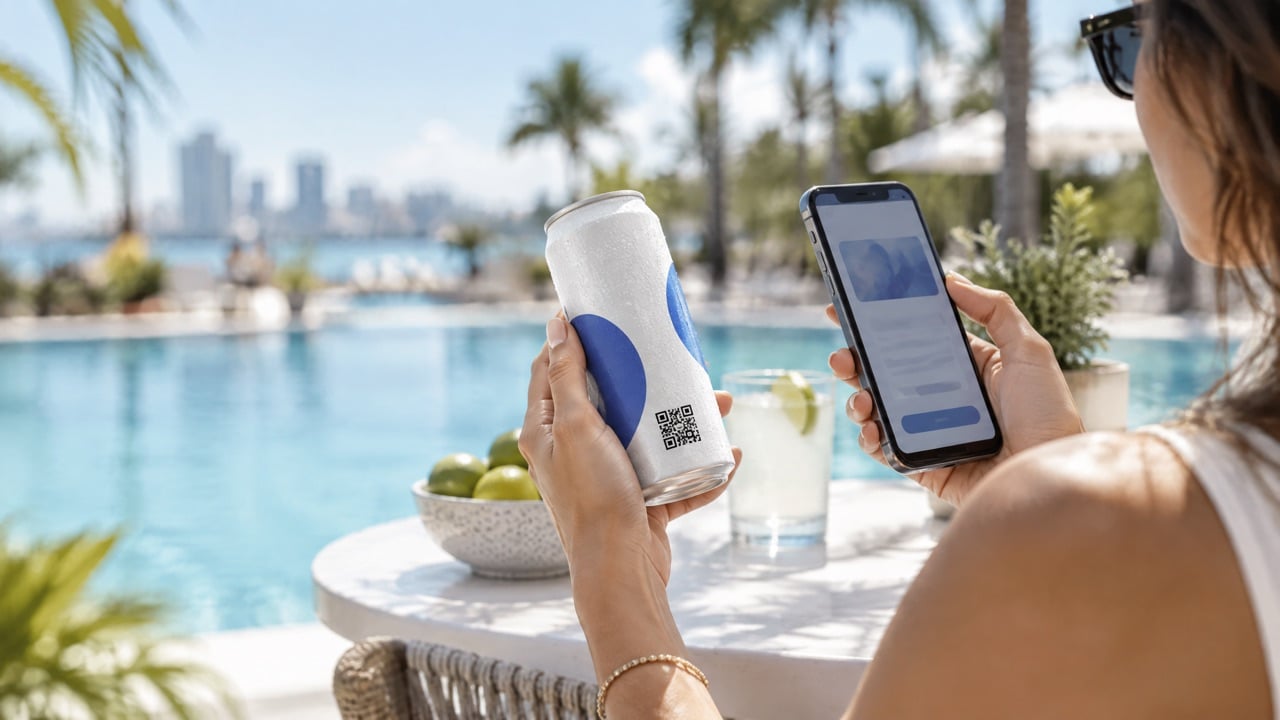
A QR code on a branded water can opens a web page when a golfer scans it with a phone camera. By giving each serving location its own link, the club can count scans by place and time and see where members engage most.
Does QR scan data track individual members?
It does not have to. Most clubs only count scans by location and time. Personal details are collected only when a member chooses to book or register for something, and reports should use totals.
What should the page behind the QR code show?
Something useful right now: today's turn specials, lesson booking, league sign-up, or the tournament leaderboard. Offering two or three choices shows which programs members care about.
How long before scan data is useful?
Plan four to six weeks to see real patterns. Golf traffic changes with weather and season, so a few days of data can mislead.
Can sponsors see the data?
Share totals with sponsors, such as scans at their hole and taps on their offer. Do not share member names or contact details.
What is the minimum order to test QR cans at a golf club?
We Can It starts at 21 cases, which is 504 cans, with about 2 to 3 weeks of production after artwork approval.
Get a quote for QR branded water cans for your golf club
Tell us which locations you want to track and a product advisor will help you plan codes, artwork, and quantities.