How to Send QR Can Leads Straight into Your CRM
Your CRM is only as useful as the data that reaches it. Here is how to connect the QR code on a branded can to GoHighLevel, HubSpot, or another CRM, so every contact arrives with the right fields, tags, and an automated first follow-up, with no spreadsheets or manual uploads.
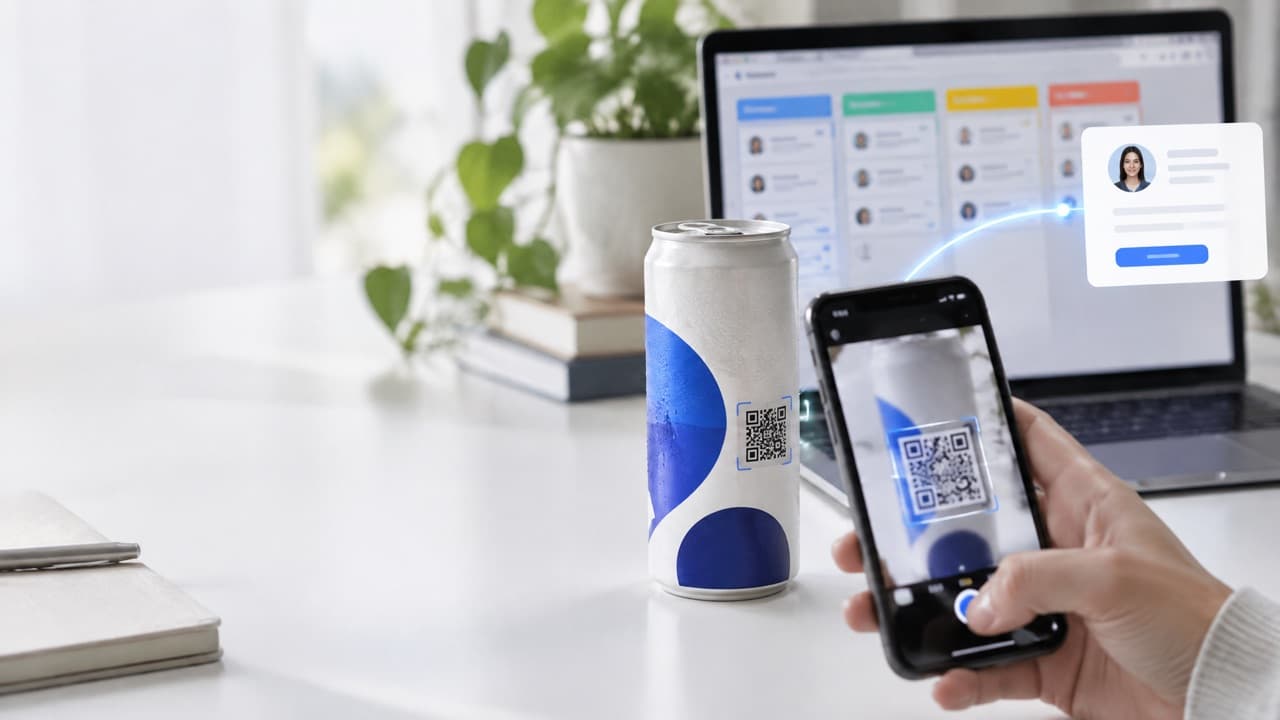
Your CRM is only as useful as the data that reaches it. Here is how to connect the QR code on a branded can to GoHighLevel, HubSpot, or another CRM, so every contact arrives with the right fields, tags, and an automated first follow-up, with no spreadsheets or manual uploads.
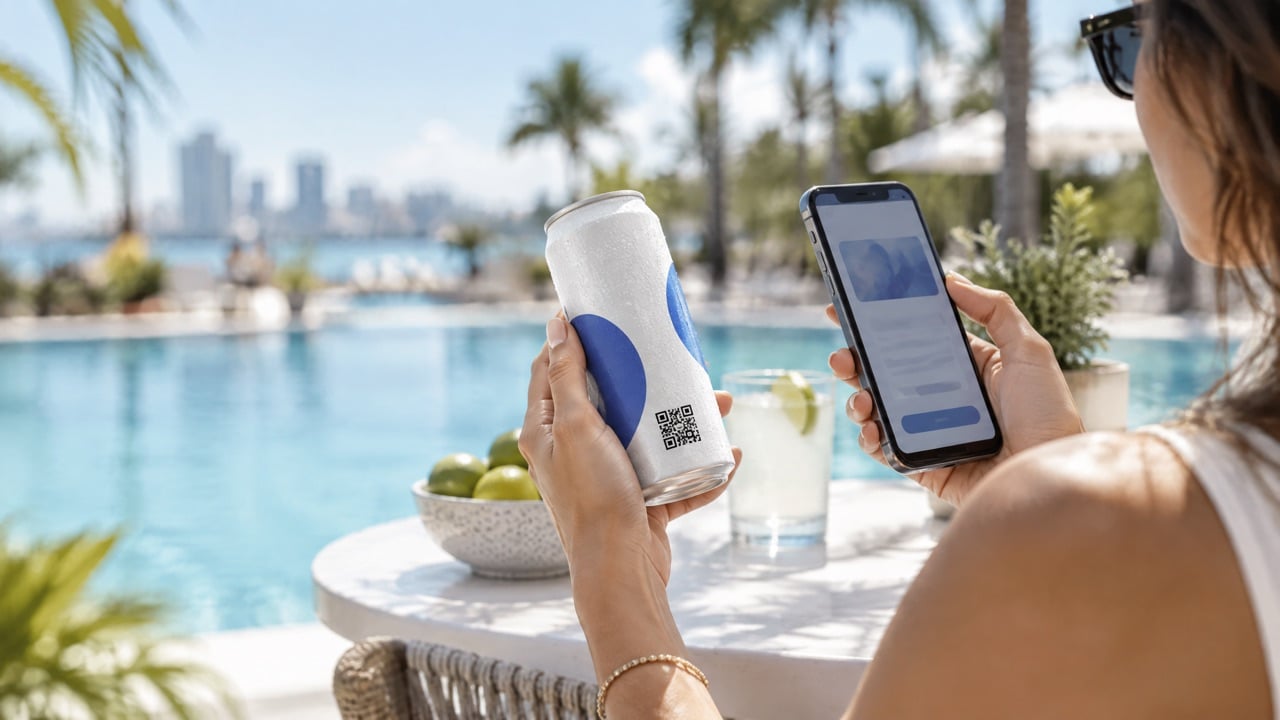
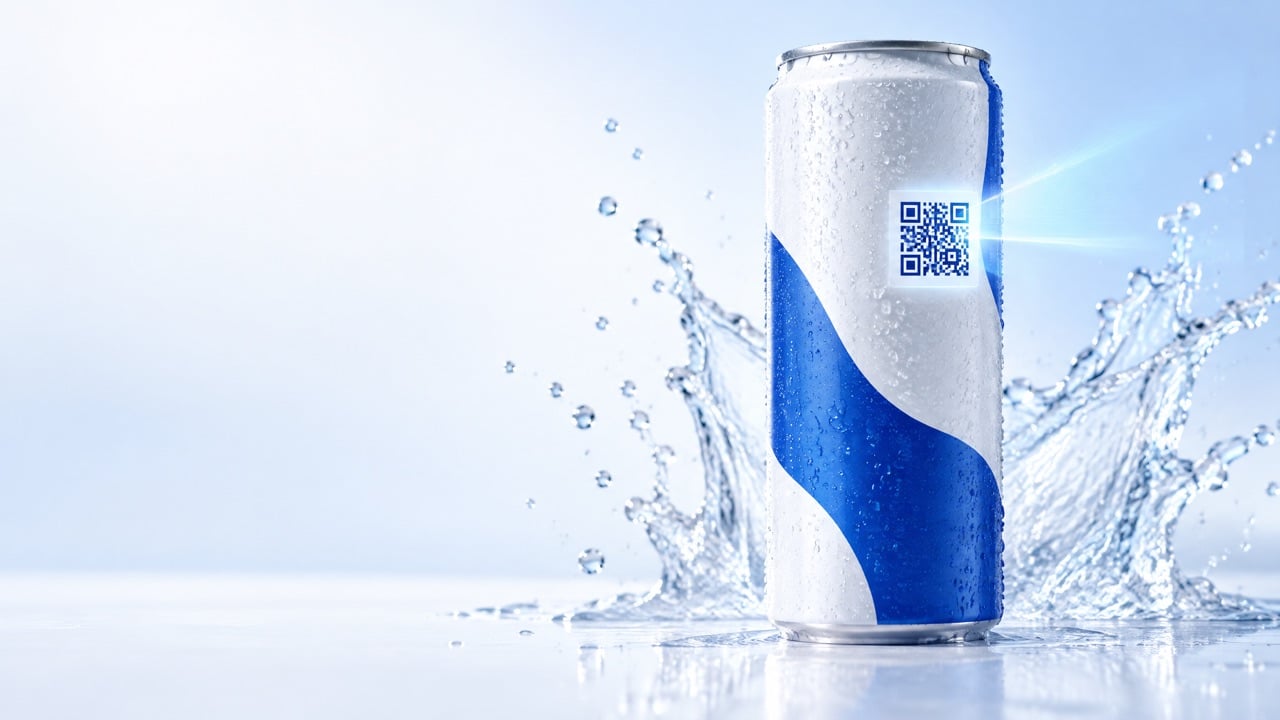
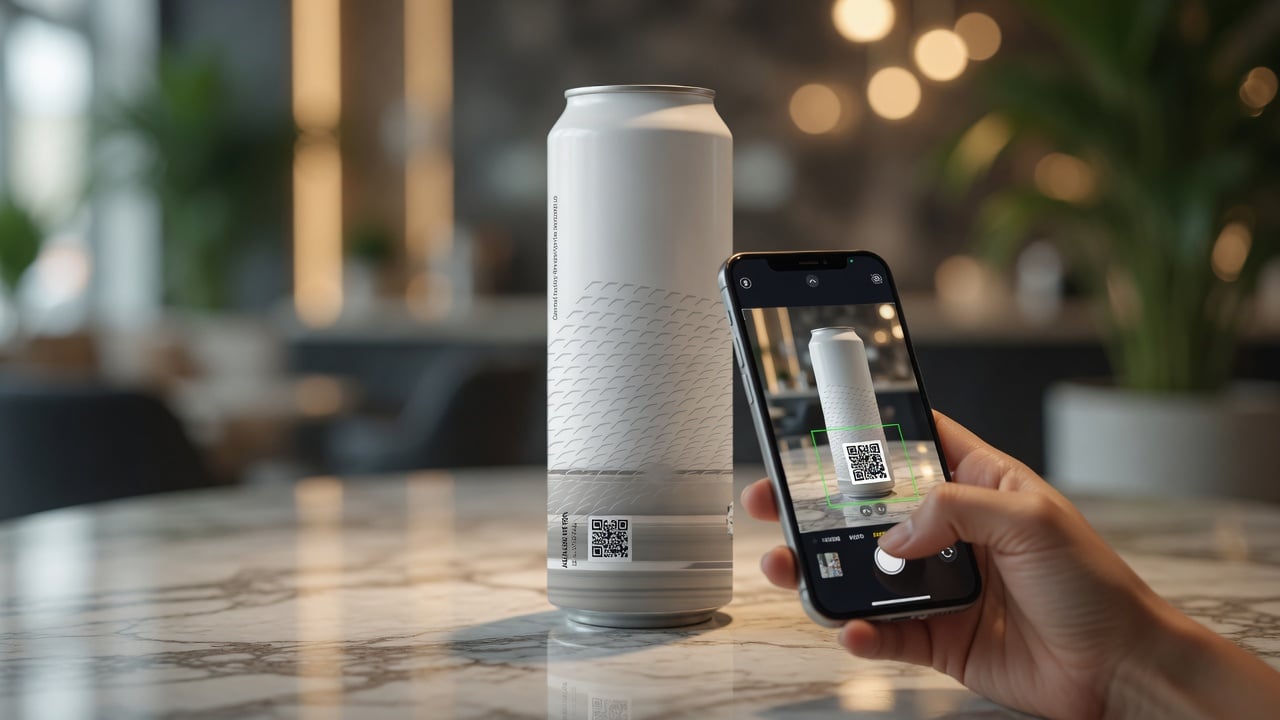
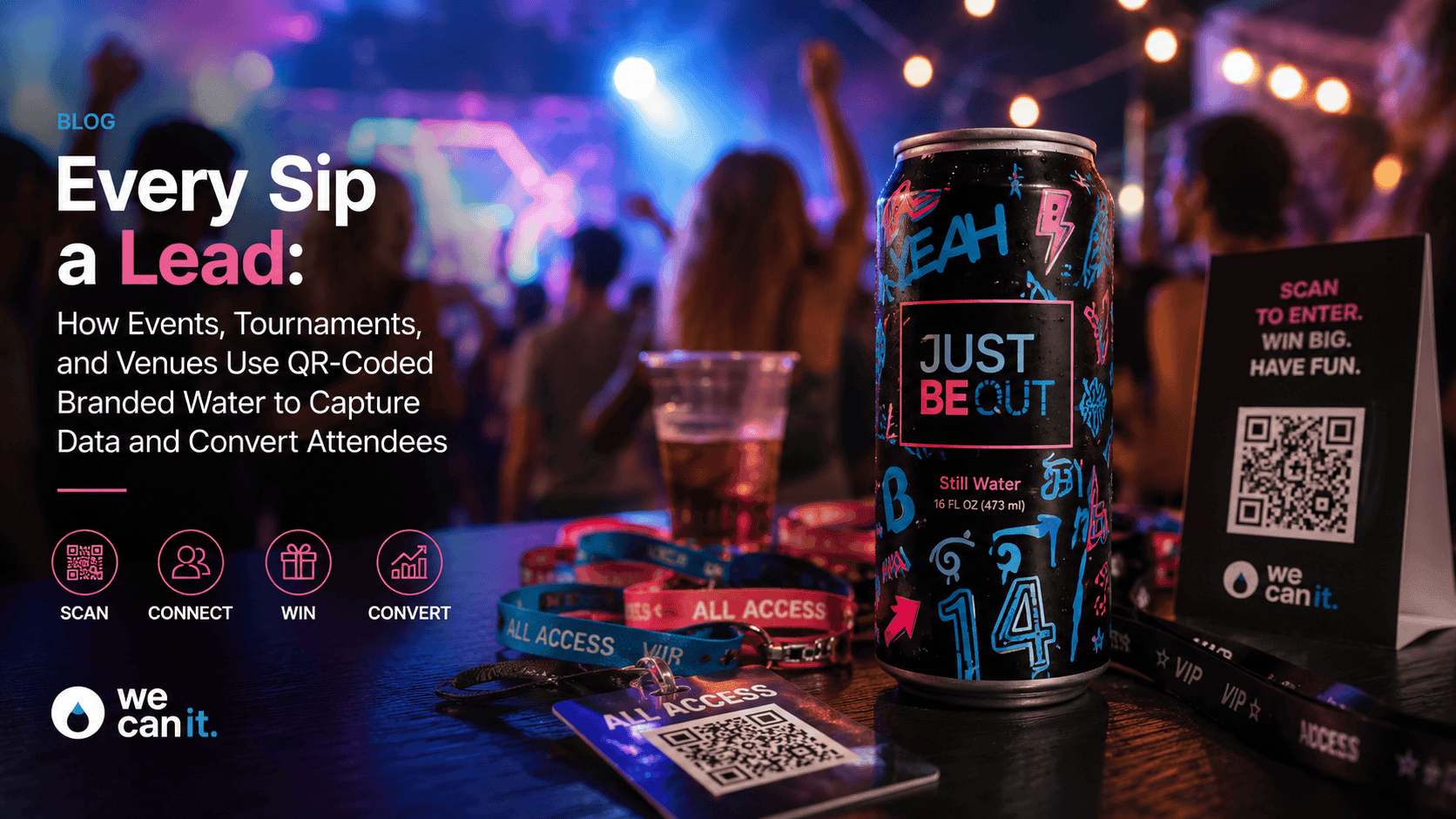
A QR code on a can is a great way to start a conversation. The guest scans, fills in a short form, and asks to hear from you. Then, too often, nothing happens. The leads sit in a spreadsheet export, someone means to upload them after the event, and by the time anyone follows up the guest has forgotten they ever scanned.
The fix is to send every QR lead straight into your CRM, with the right tags and a first automated follow-up already waiting. This guide is for marketing managers, sales operations teams, and event producers who use GoHighLevel, HubSpot, Salesforce, or another CRM. It covers what to collect, how to map fields, how to tag leads by source, and how to set up the first follow-up so no scan goes cold.
Why do QR leads need to go straight into the CRM?
Speed matters. A lead who hears from you within minutes remembers the moment and the can in their hand. A lead who hears from you two weeks later often does not.
- No manual uploads that get delayed or forgotten.
- Instant follow-up while interest is high.
- Clean attribution: you know which event, venue, or can produced each lead.
- Sales sees leads immediately in the pipeline they already use.
- Less data loss from spreadsheets passed between teams.
What should the QR form collect?
Every extra field lowers completion. Ask only for what you will use.
- First name
- Email or mobile number, depending on how you follow up
- One qualifying question, such as "What are you interested in?" with three choices
- Consent checkbox for follow-up messages, clearly worded
Everything else, such as the event name and location, should be captured automatically from the QR link so the guest never has to type it.
How do you capture the source without asking the guest?
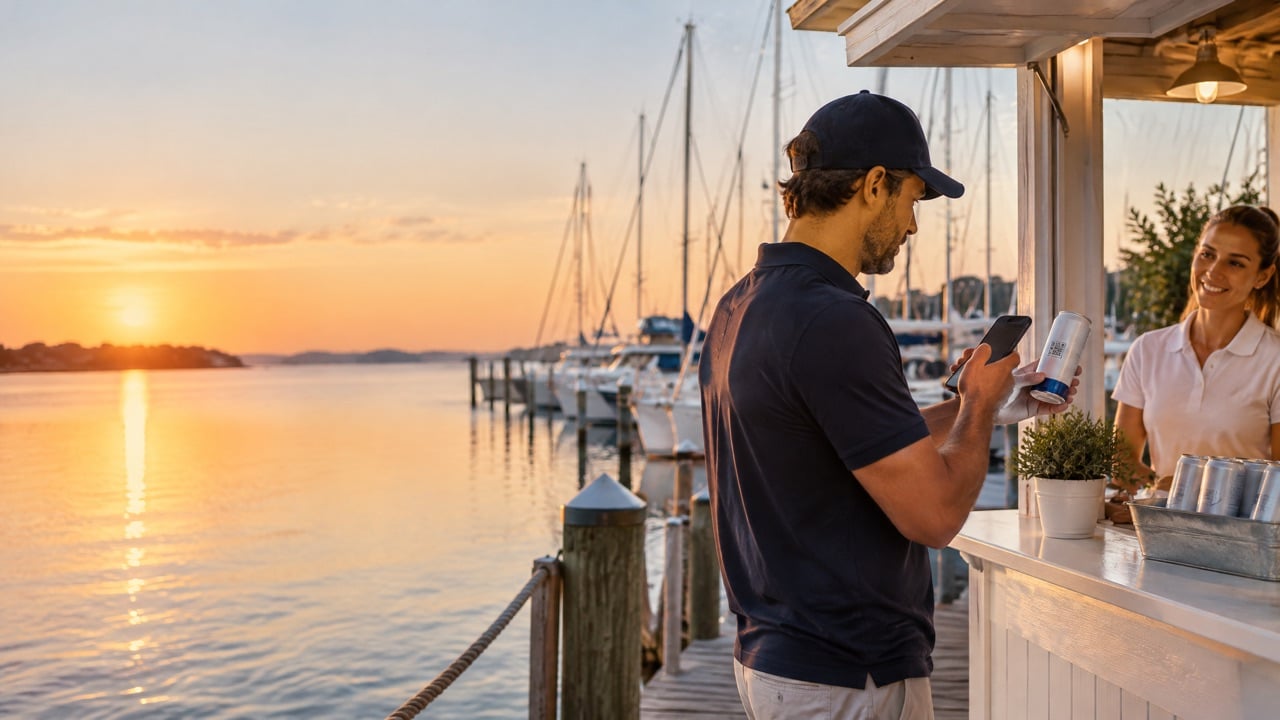
Give each can batch, venue, or event its own QR link with a simple source code in it. When the guest scans, the form reads the code and saves it as a hidden field.
- Event: for example, BOATSHOW26
- Location: for example, BOOTH12 or POOLBAR
- Campaign: for example, SUMMER-EDITION
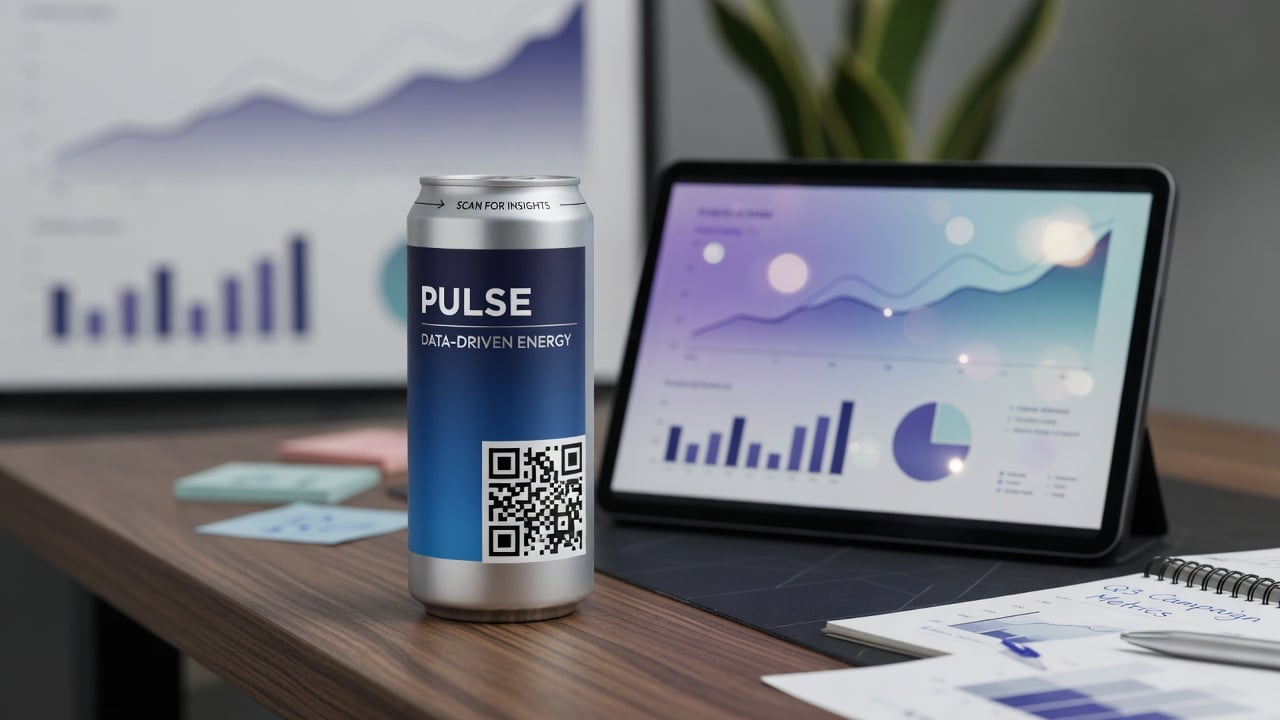
These hidden fields become tags or properties in your CRM, so you can report leads by event and location without any manual work. How QR experiences are built on the can is described on Technology · Digital experience.
How do you connect the form to the CRM?
There are three common ways, from simplest to most flexible.
- Use the CRM's own form. GoHighLevel, HubSpot, and most CRMs offer built-in forms. Point the QR code to that form and leads land directly in the CRM.
- Use a native integration between your landing page tool and the CRM.
- Use a webhook or automation tool to send form data to the CRM when the form tool and CRM do not connect directly.
For most teams, the CRM's own form is the fastest and most reliable option. It removes a step that can break.
How should fields be mapped in the CRM?
Before launch, list every form field and where it goes in the CRM.
- First name to the contact first name field
- Email and phone to the standard contact fields
- Interest answer to a custom field or a tag
- Source codes to custom properties such as lead source, event, and location
- Consent to the consent or subscription status field
Test with a real scan from a phone before printing, and check that every field arrives where you expect.
How should QR leads be tagged?
Tags let you segment, report, and trigger automations.
- Source tag: QR-CAN
- Event tag: the event or campaign code
- Interest tag: the answer to the qualifying question
- Status tag: NEW, updated as the lead moves through the pipeline
Keep tag names consistent across events so reports compare cleanly over time.
What should the first automated follow-up say?
The first message should arrive within minutes and feel like a continuation of the moment.
- Thank them and mention where they scanned: "Thanks for stopping by at the boat show."
- Deliver what they asked for, such as the brochure, the discount code, or the booking link.
- Offer one clear next step, like booking a call or a visit.
- Keep it short and friendly.
Then add a simple sequence: a helpful follow-up two days later, and a personal message from a salesperson within a week for high-interest leads.
How do you route leads to the right person?
- By interest: send sales inquiries to sales and partnership inquiries to the partnerships team.
- By location: route leads from a venue to the local rep.
- By value: notify a senior rep instantly for high-interest answers.
- Round robin for teams that share leads evenly.
Most CRMs can assign owners and send notifications automatically based on tags or field values.
How do you respect consent and privacy?
Only send marketing messages to people who agreed to receive them, and make it easy to opt out. Keep the consent wording clear and near the submit button, store the consent status in the CRM, and honor unsubscribes quickly. Rules differ by country and by channel, such as email versus text messages, so check the requirements that apply to you.
What should you do before printing the cans?
Once cans are printed, the QR link is fixed, so test the whole path first.
- Scan from several phones in different lighting.
- Submit test leads and confirm fields, tags, and consent in the CRM.
- Confirm the first automated message arrives quickly.
- Check routing and notifications to the right people.
- Use a link you control so you can change the destination later without reprinting.
At We Can It, runs start at 21 cases, which is 504 cans, and production takes about 2 to 3 weeks from artwork approval.
What does a good QR-to-CRM flow look like in practice?
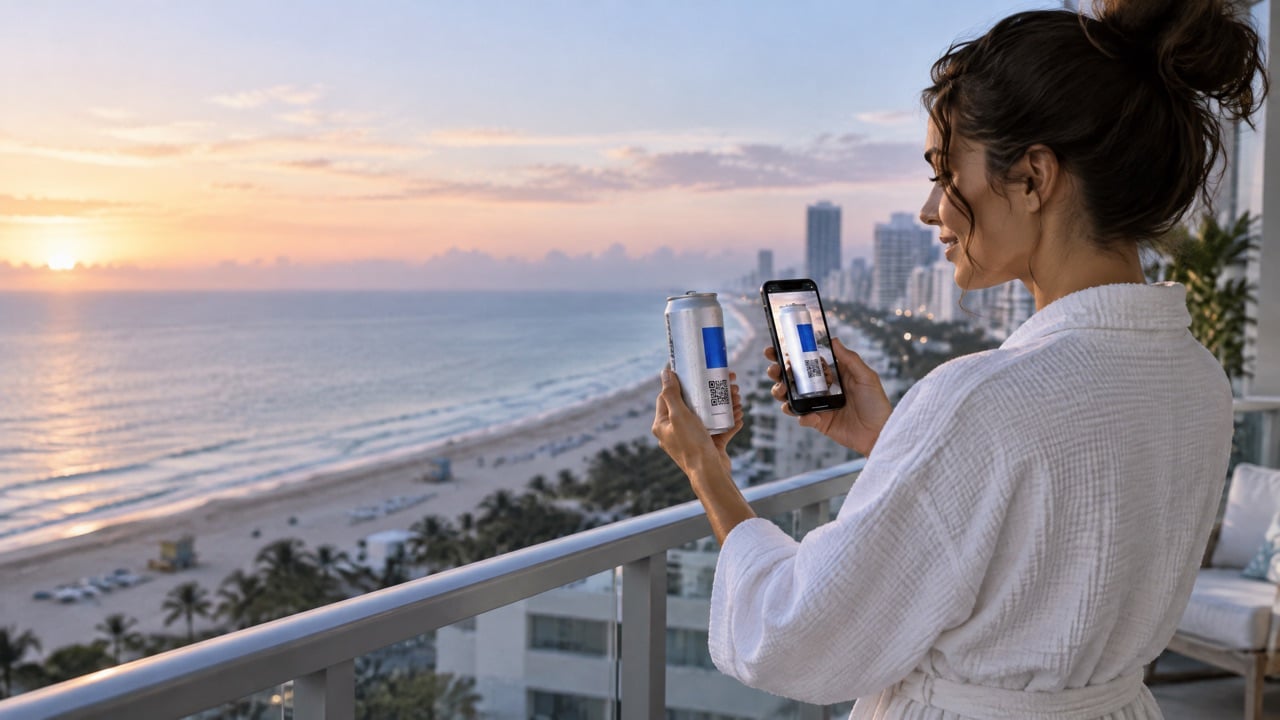
Here is a simple example from a hospitality event. A guest at a rooftop launch scans the can and sees a short page: "Want an invite to our next tasting?" She enters her first name and email, picks "Private events" from three options, and ticks the consent box. The form sends her details to the CRM, tags her with the event code and her interest, and assigns her to the events manager.
Within a minute she receives an email thanking her for coming to the launch, with a link to the next tasting dates. Two days later, a second email shares photos from the evening. The events manager sees her in the pipeline the next morning, with the event and interest already filled in, and sends a short personal note.
Nobody typed anything into a spreadsheet. Nobody had to remember to upload a list. The follow-up felt personal because the source and interest were captured automatically.
How do you measure results?
- Scans by source
- Form completion rate from scan to lead
- Response time from lead to first human contact
- Meetings or sales attributed to QR leads
- Cost per lead compared with other channels
Review after each event and improve one step at a time, such as fewer form fields or a faster first message.
CRM integration checklist for QR can leads
- Keep the form to four fields.
- Add source codes to each QR link.
- Use the CRM's own form where possible.
- Map every field and test it.
- Set consistent tags.
- Build the first automated follow-up.
- Set routing and notifications.
- Test everything before printing.
Frequently asked questions
How do I send QR code leads to my CRM?
Point the QR code to a form built in your CRM, or connect your form tool to the CRM with an integration or webhook. Map each field, capture the source automatically, and test before printing.
Can QR code leads go into GoHighLevel or HubSpot?
Yes. Both offer built-in forms and automations, so leads from a QR scan can land directly in the CRM with tags and a follow-up sequence.
How do I know which event a QR lead came from?
Give each event or location its own QR link with a source code, and save that code in a hidden field that maps to a CRM property.
How fast should I follow up on QR leads?
Send an automated message within minutes and a personal follow-up for high-interest leads within a few days.
What should a QR lead form ask?
First name, email or mobile, one qualifying question, and a clear consent checkbox. Capture everything else automatically.
What is the minimum order for QR branded cans?
We Can It starts at 21 cases, which is 504 cans, with about 2 to 3 weeks of production after artwork approval.
Get a quote for QR cans that feed your CRM
Tell us which CRM you use and where the cans will be scanned, and a product advisor will help you plan codes and quantities.