Custom Water Bottle Labels: Sizes, Materials and Print Files
A custom water bottle label looks simple until the proof comes back: wrong size, ink that smears in the cooler, a logo too small to read. Here is how to spec labels that hold up, and how printing straight onto an aluminum can skips the label problem entirely.
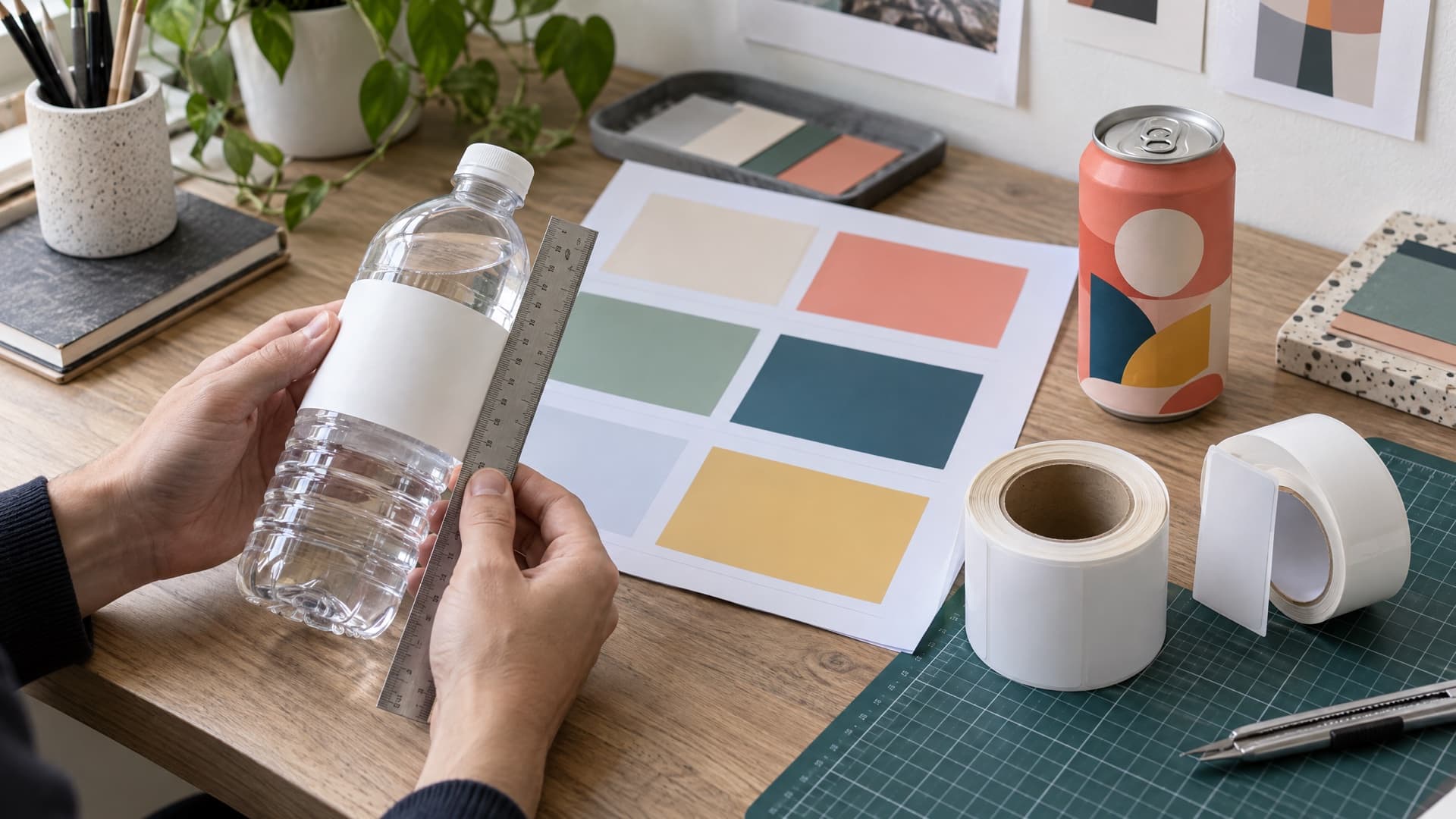
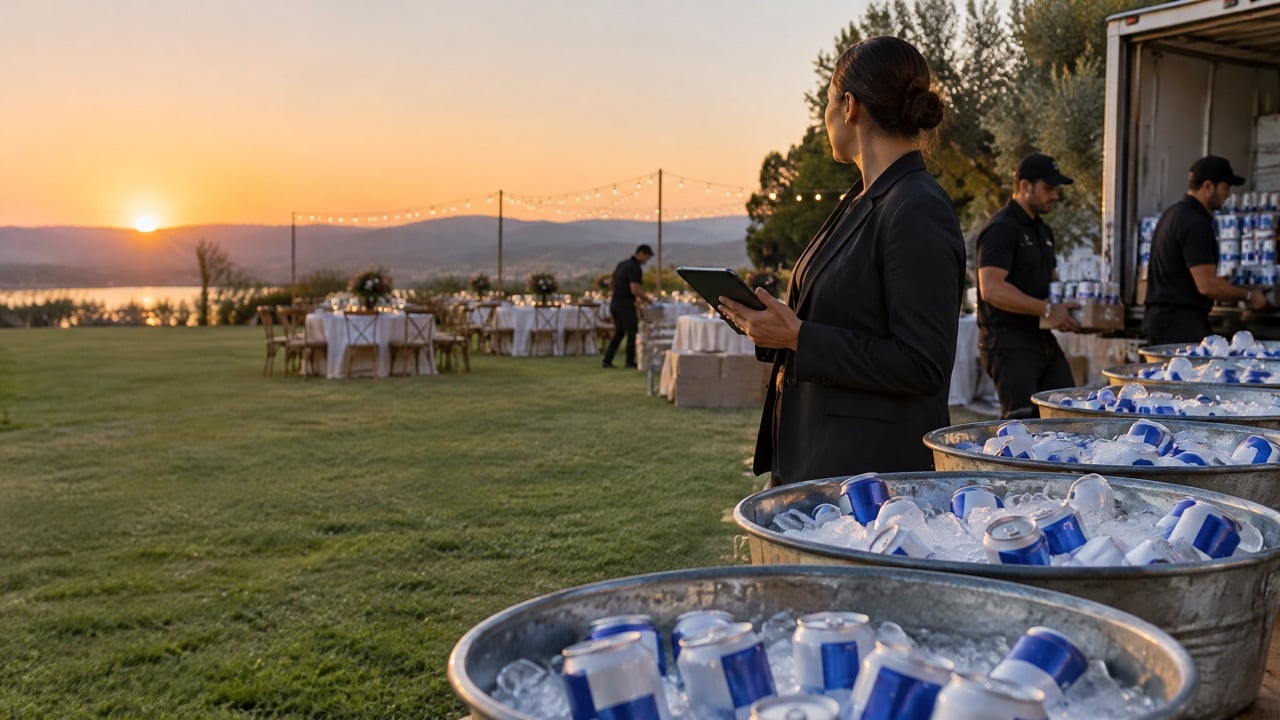
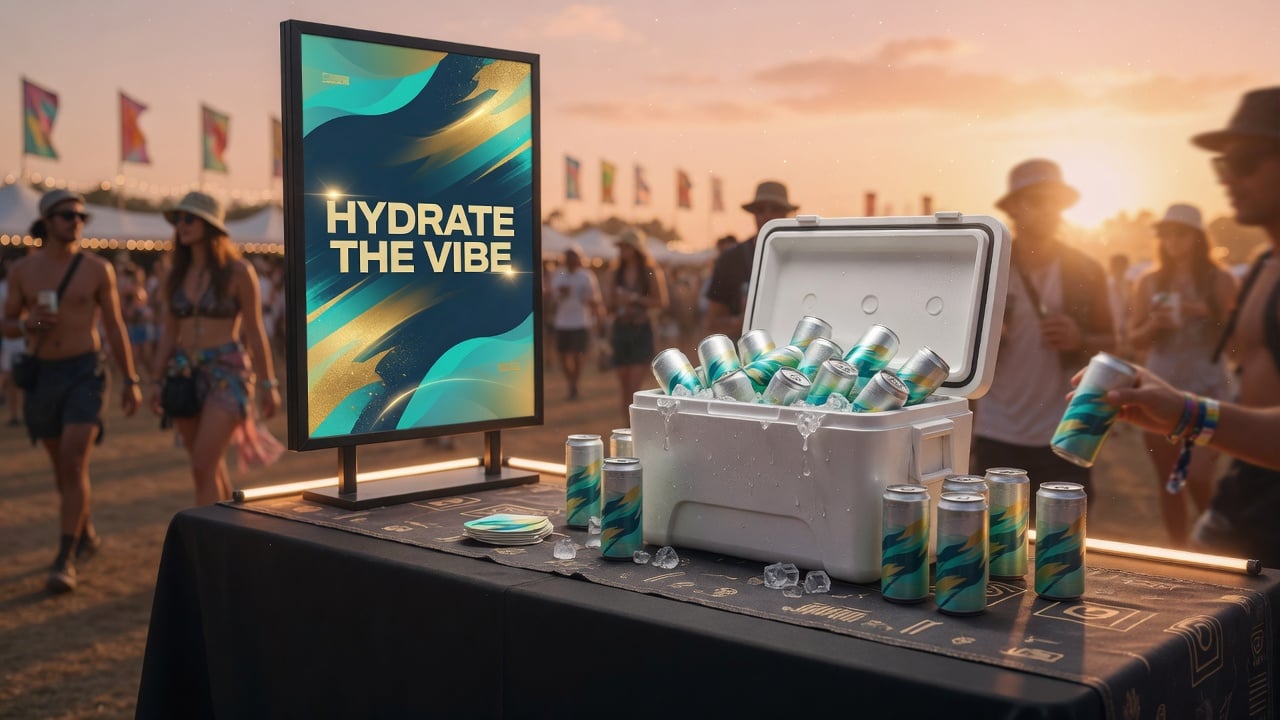
The designer sends a beautiful label. The printer sends back a proof where the logo wraps around the curve and disappears. The labels arrive, go into an ice tub at the event and, an hour later, half of them are wrinkled and peeling. Nobody did anything wrong exactly. The label just was not specified for the job.
Custom water bottle labels are one of the most common first branding projects for events, hotels, clubs and offices. They are also one of the easiest to get slightly wrong. This guide covers sizes, materials, finishes and print files, so your labels look right in the cooler and in photos, and explains when printing directly on an aluminum can is the simpler path.
What size should a custom water bottle label be?
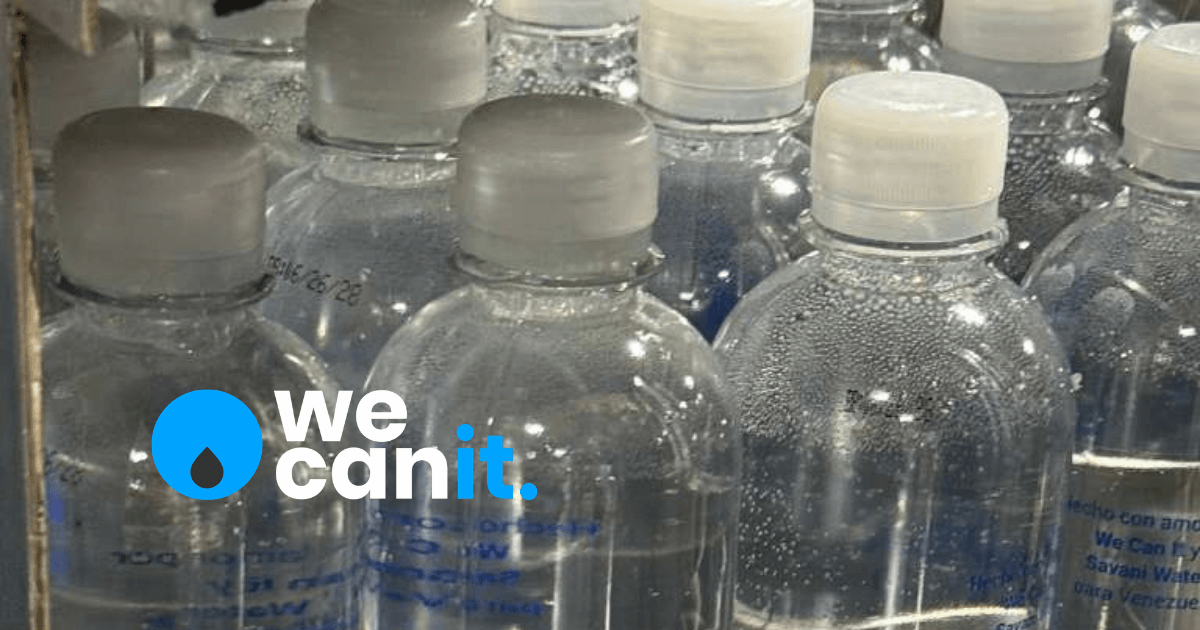
The right label size depends on the exact bottle, so always start from the supplier's template rather than a generic dimension. Measure the label panel, the straight part of the bottle between the shoulder and the base, and leave a gap where the label ends meet. Keep logos and text inside a safe zone away from the edges and the seam, because curves and overlaps distort anything placed there.
Before you open your design tool, collect these from the supplier:
- The label template with exact width, height and corner radius.
- The safe zone where text and logos must stay.
- The bleed required around the edges, often a few millimeters.
- The seam position, where the two ends of the label meet or overlap.
- Any reserved area for the supplier's required product information.
Choosing a label material that survives ice and condensation
Water bottles live in coolers, ice tubs and hot cars. The material matters more than the artwork.
- Waterproof film (such as BOPP). The usual choice for water bottles. Resists water, ice and handling.
- Clear film. Gives a "no label" look where the water shows through; needs white ink behind some colors.
- Paper. Fine for dry, short-term use, but wrinkles and tears when wet. Avoid for anything going on ice.
- Cold-temperature adhesive. Ask for it if bottles will sit in ice. Standard adhesive can lift when cold and wet.
If your supplier offers samples, put a labeled bottle in an ice tub overnight before you approve a full run.
Finishes: gloss, matte and special effects
- Gloss makes colors look brighter and photographs well, but shows fingerprints.
- Matte feels premium and reduces glare in photos, but can show scuffs.
- Metallic or foil accents catch light at evening events. Use them sparingly.
- Soft-touch finishes feel luxurious in the hand but may not suit wet environments; ask the supplier.
How to prepare print files for a water bottle label
Most proof delays come from files, not printing. Send files a printer can use the first time.
- Use the supplier's template at the correct size, with bleed and safe zones turned on.
- Set the document to CMYK unless the supplier asks for spot colors.
- Convert fonts to outlines or embed them.
- Use vector logos (AI, EPS, SVG or vector PDF), not screenshots.
- Keep images at print resolution, typically around 300 dpi at final size.
- Check small text for legibility at actual size; print a paper test and wrap it around a bottle.
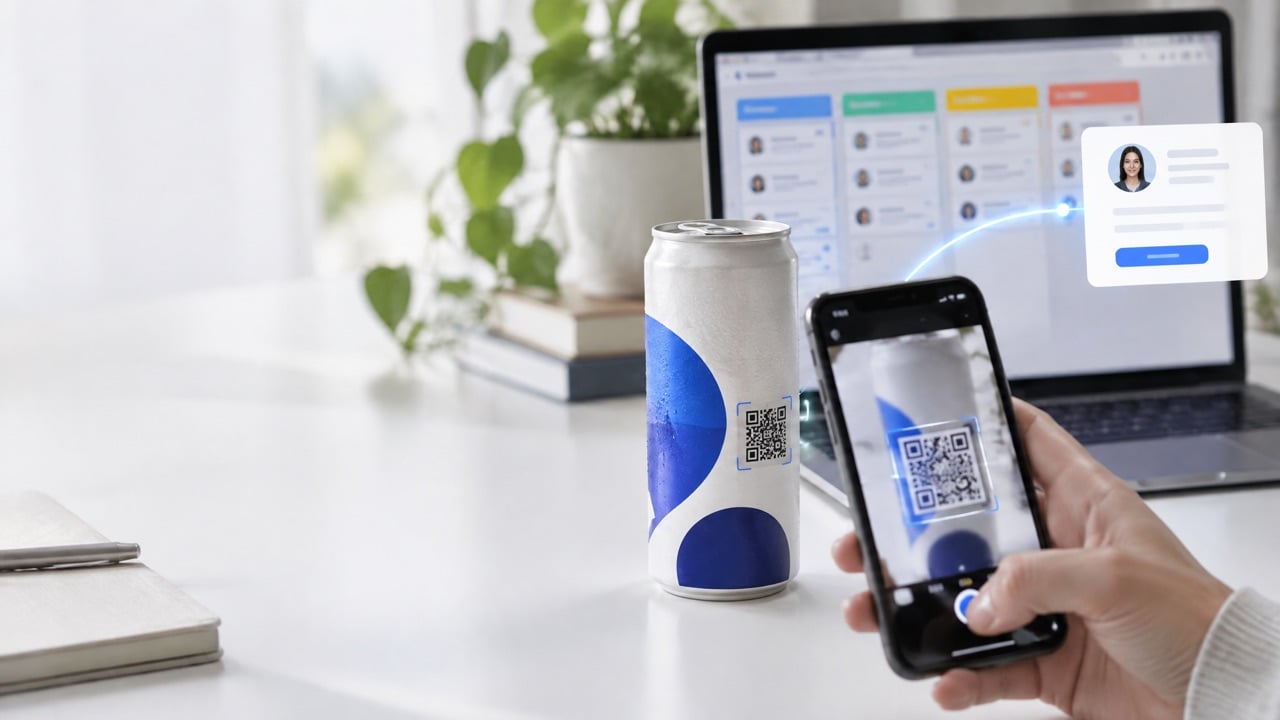
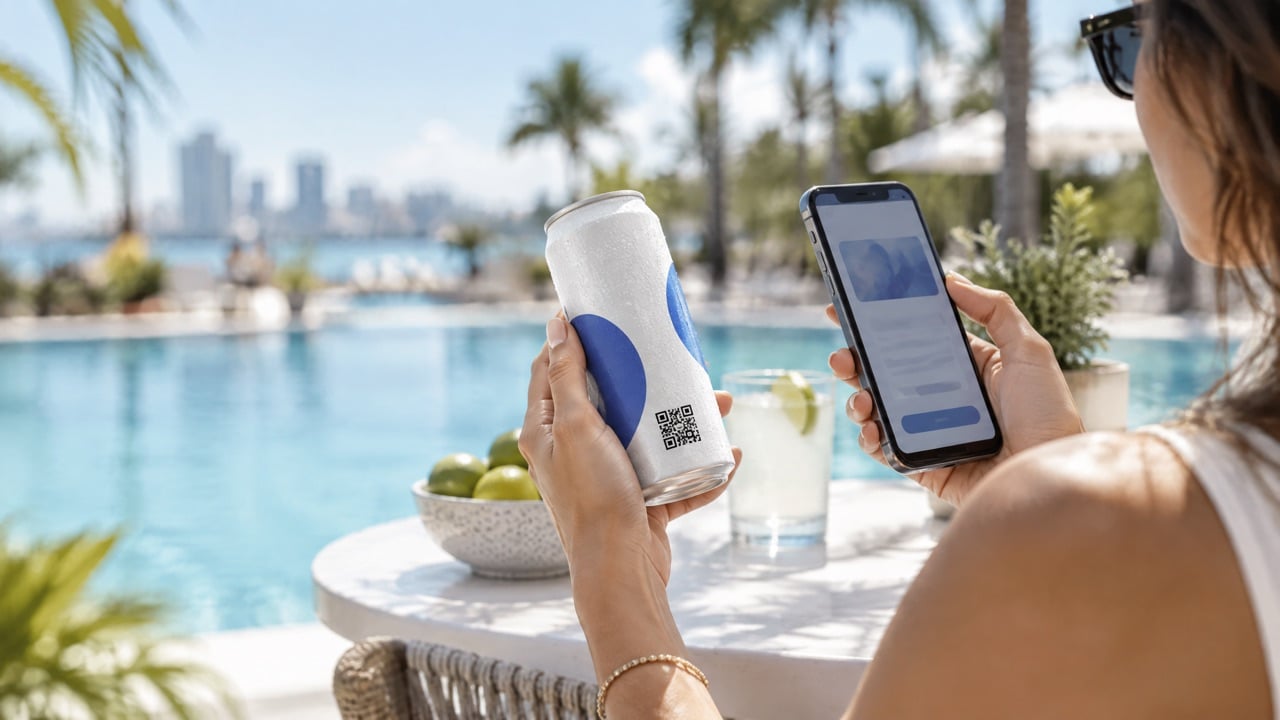
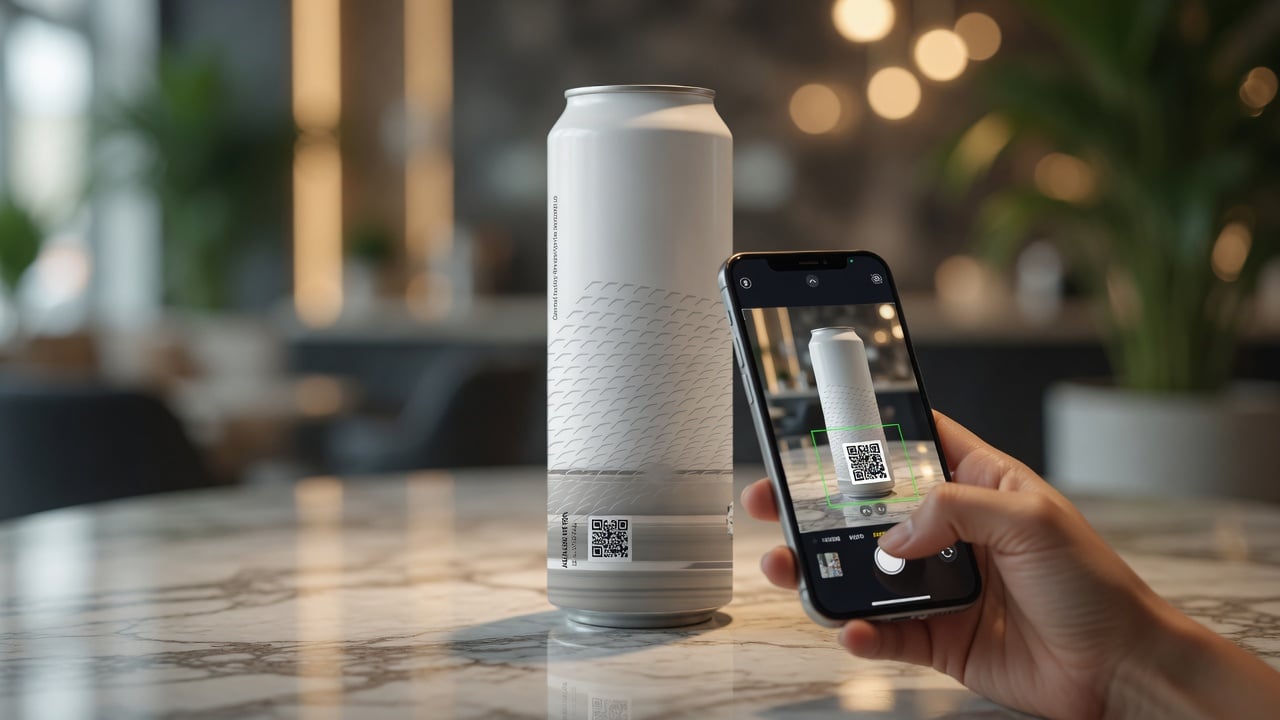
- Add a QR code only with a quiet zone around it, and test it on a curved surface.
- Export a print-ready PDF with crop marks if requested.
Common custom label mistakes
- Logos across the seam. Half the logo ends up hidden in the overlap.
- Text too close to the edge. Curves make edge text look crooked.
- Too much information. A label is read in a second; one logo and one line usually win.
- Wrong color expectations. Screen colors look different on film; ask for a printed proof for key brand colors.
- Paper on ice. The most common reason labels peel at events.
- Untested QR codes. A code that scans flat can fail on a curved bottle.
How long do custom label orders take?
Custom label orders usually take from a few days to a few weeks, depending on proof rounds, printing, label application and freight. The biggest variable is artwork approval: one clean proof round keeps timelines short, while late changes push everything back. Always ask whether the quoted timeline starts at your order or at proof approval, and build a buffer before your event date.
When a printed aluminum can is simpler than a label
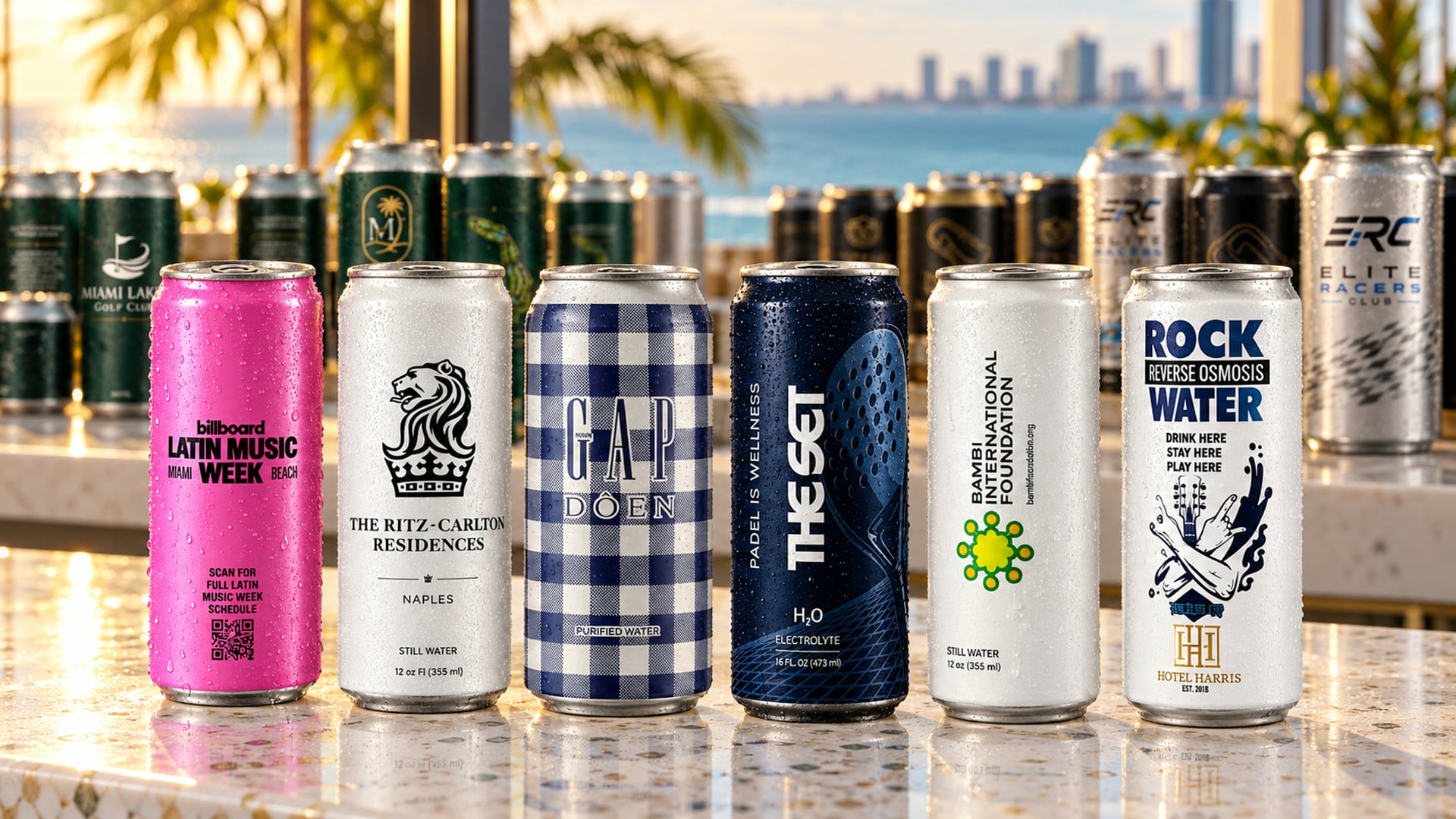
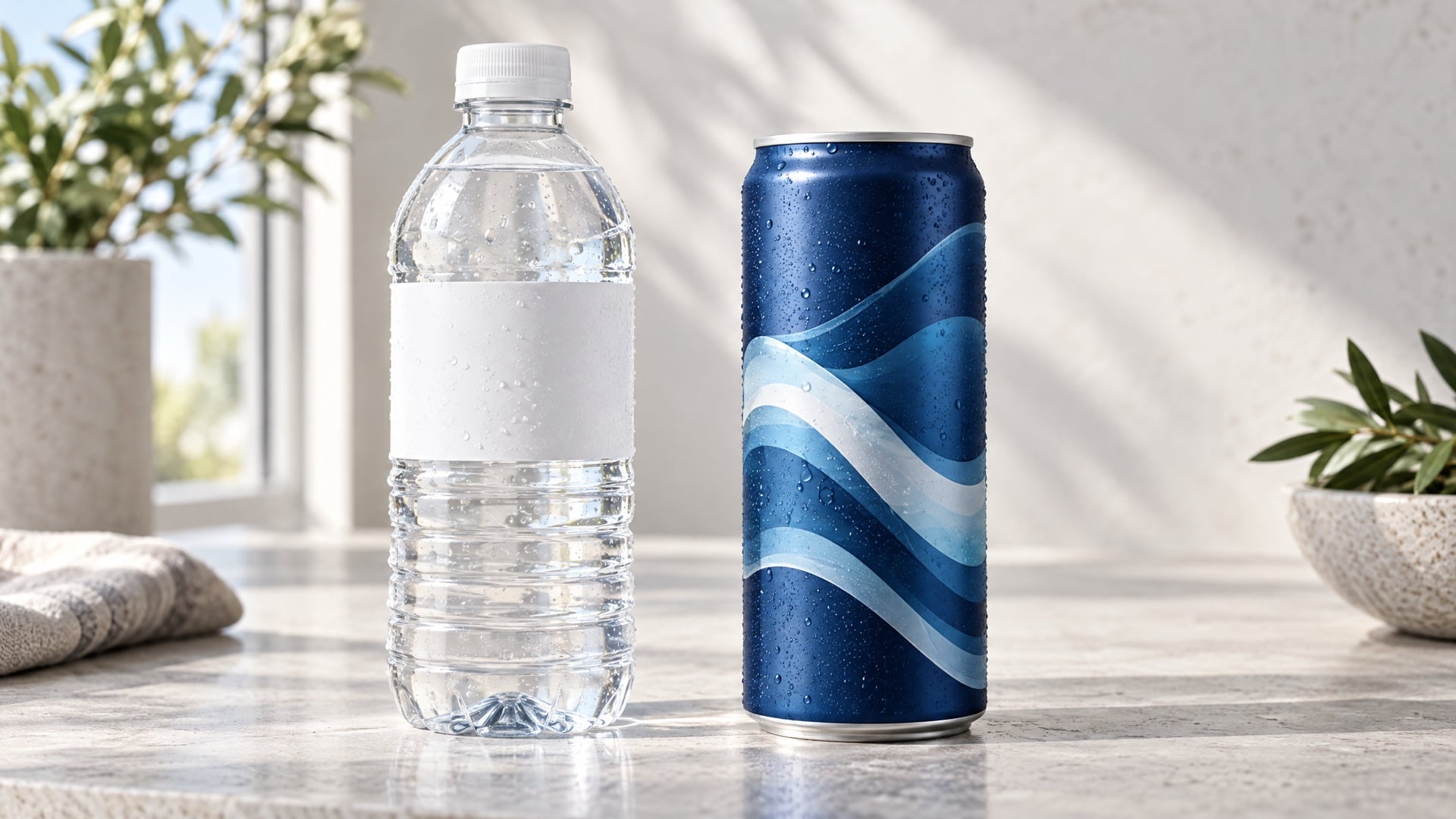
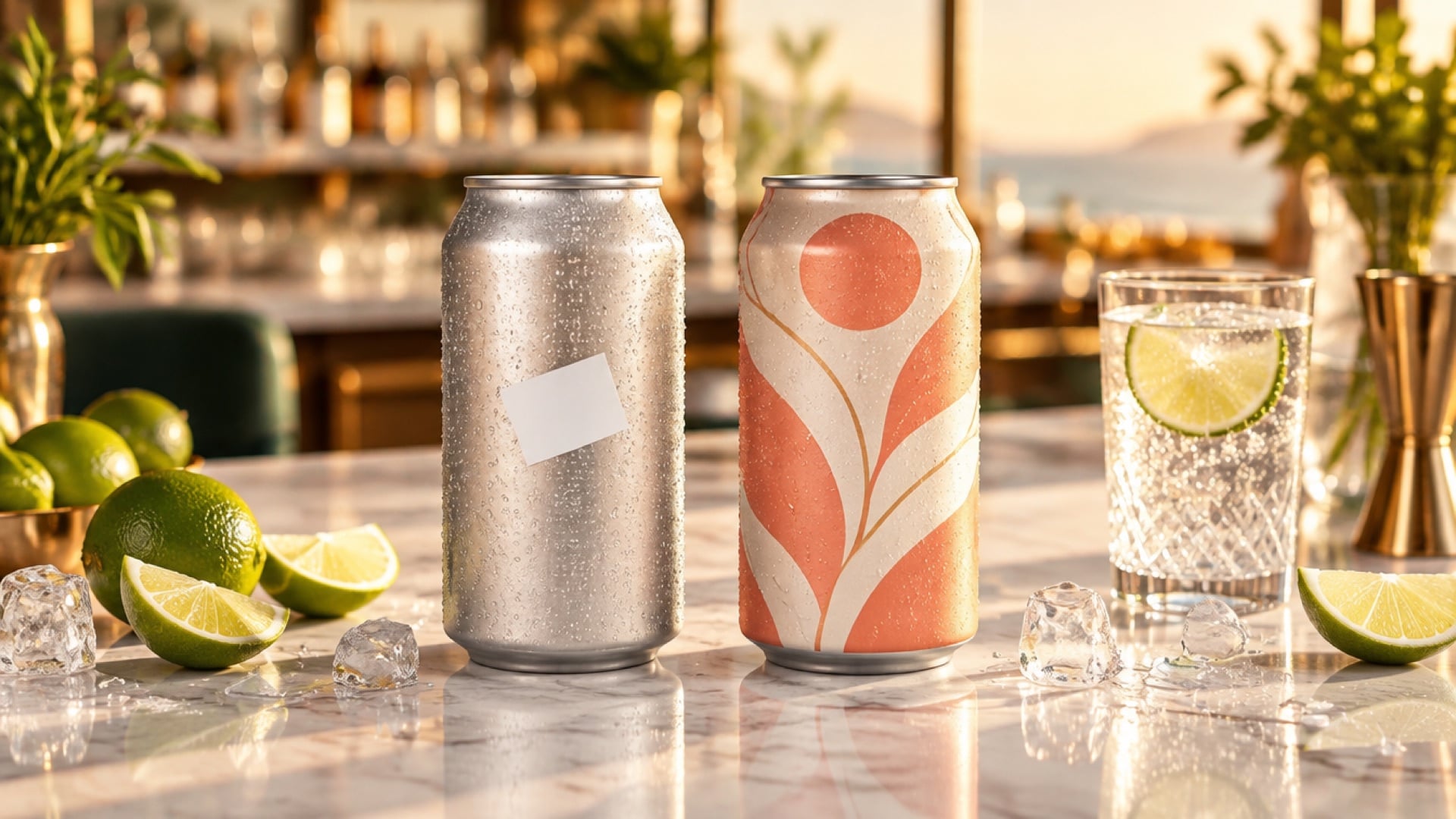
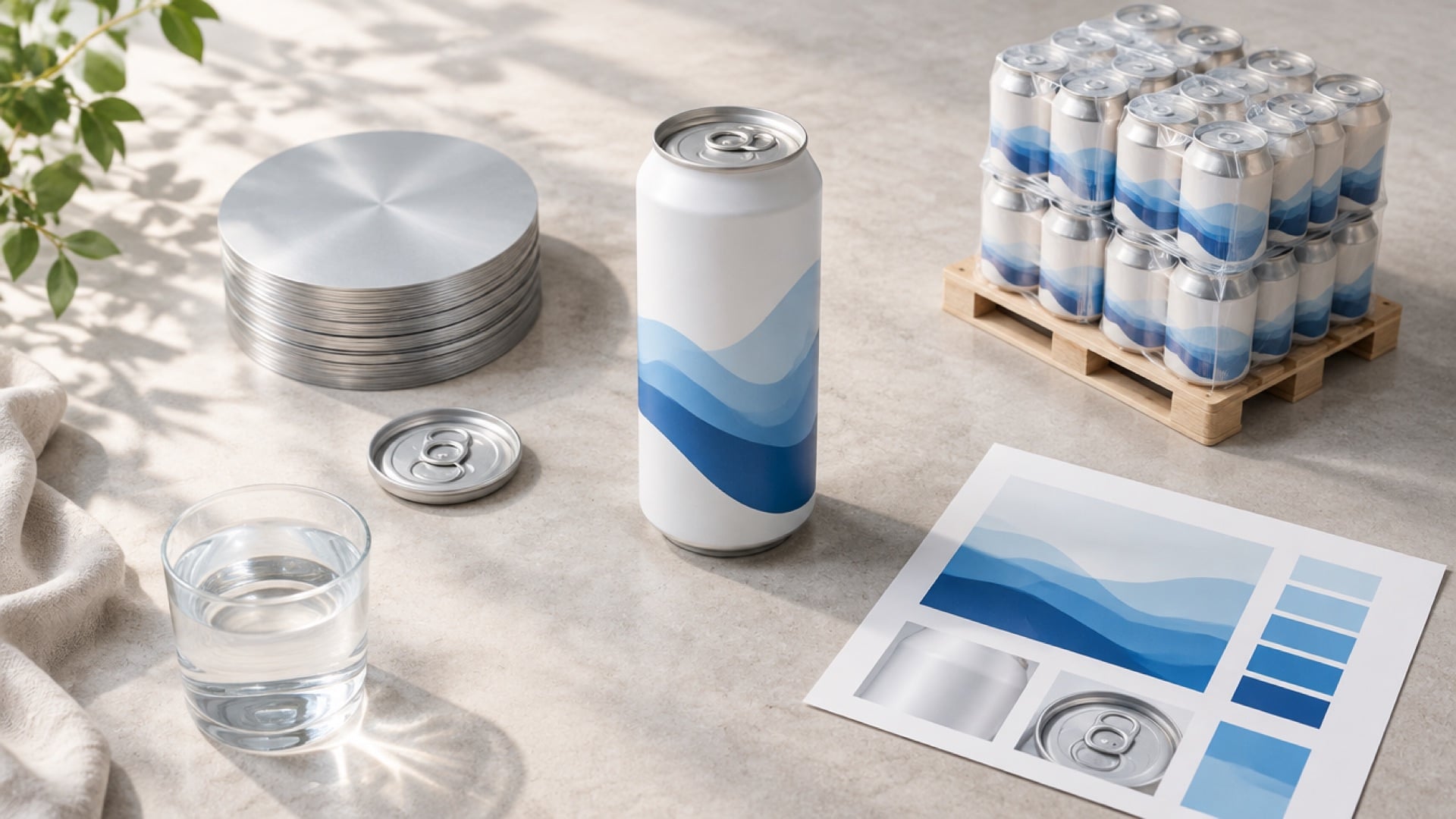
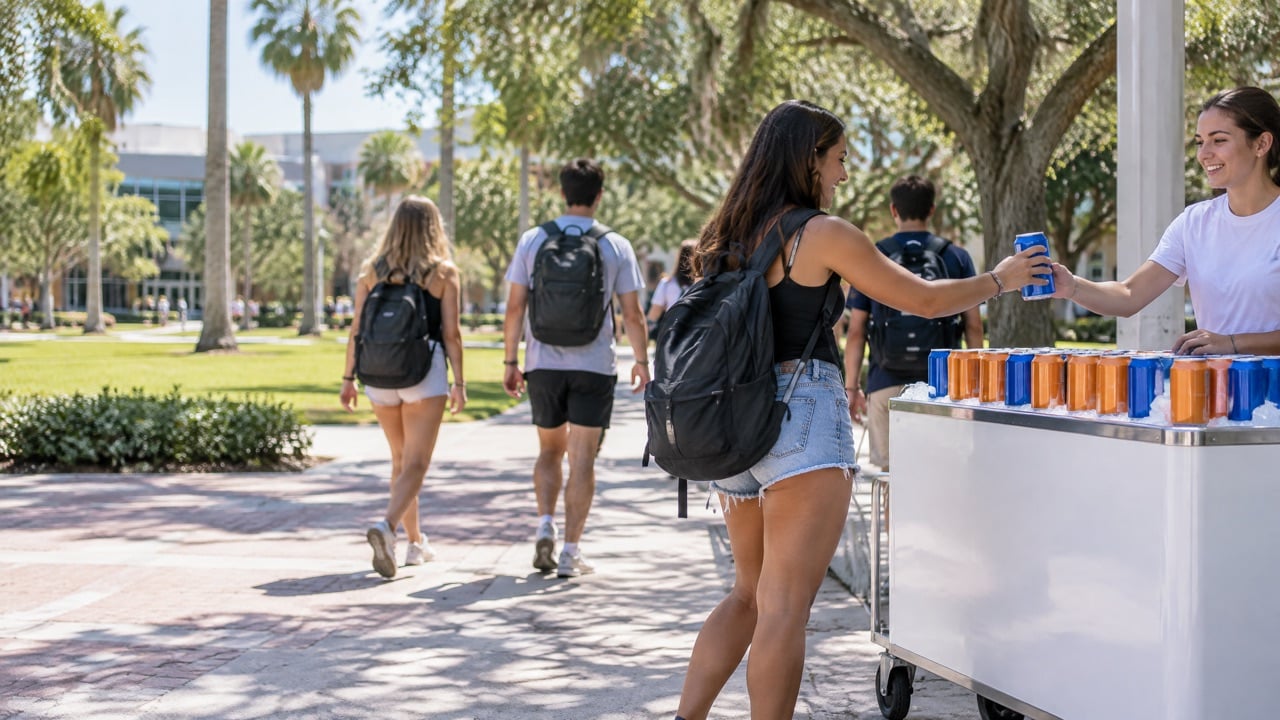
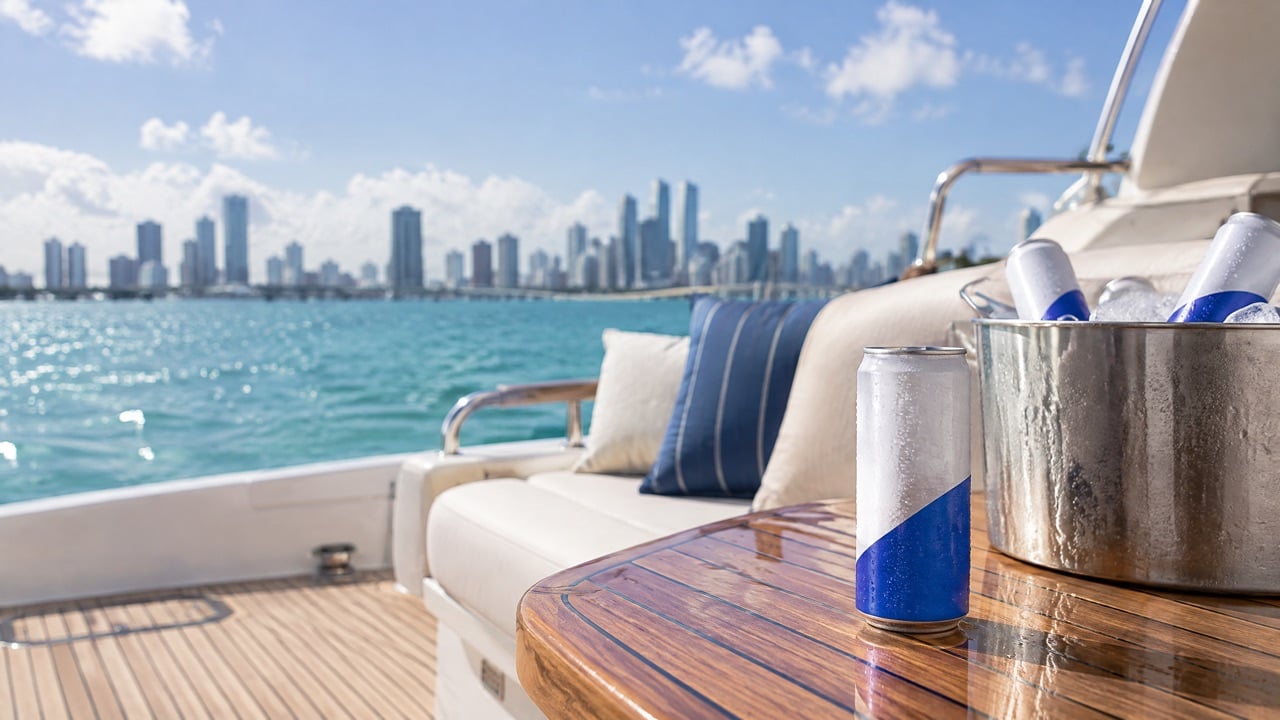
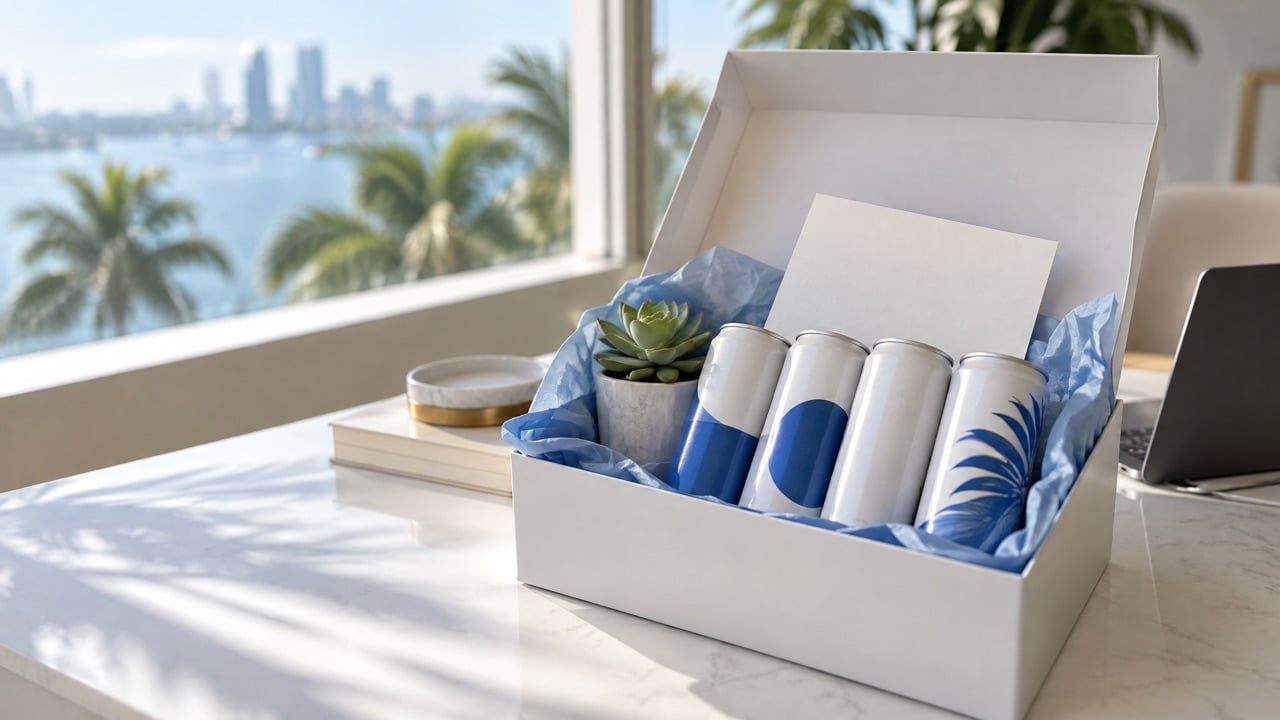
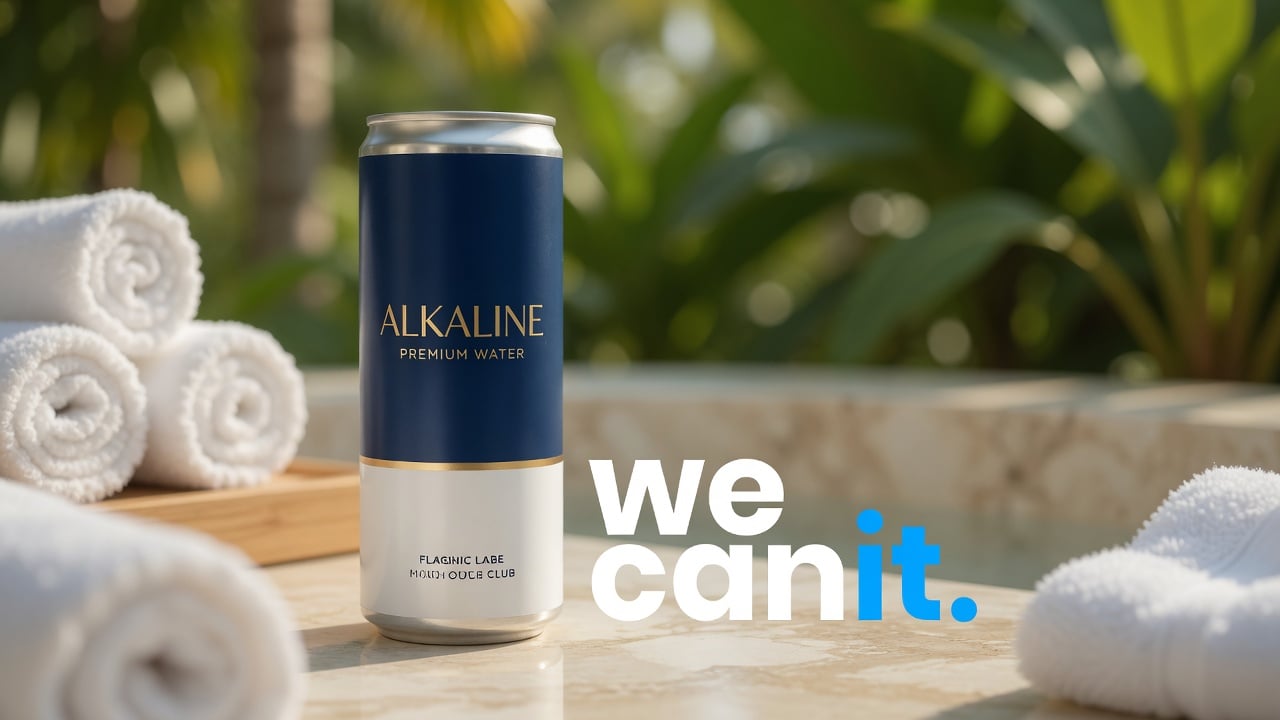
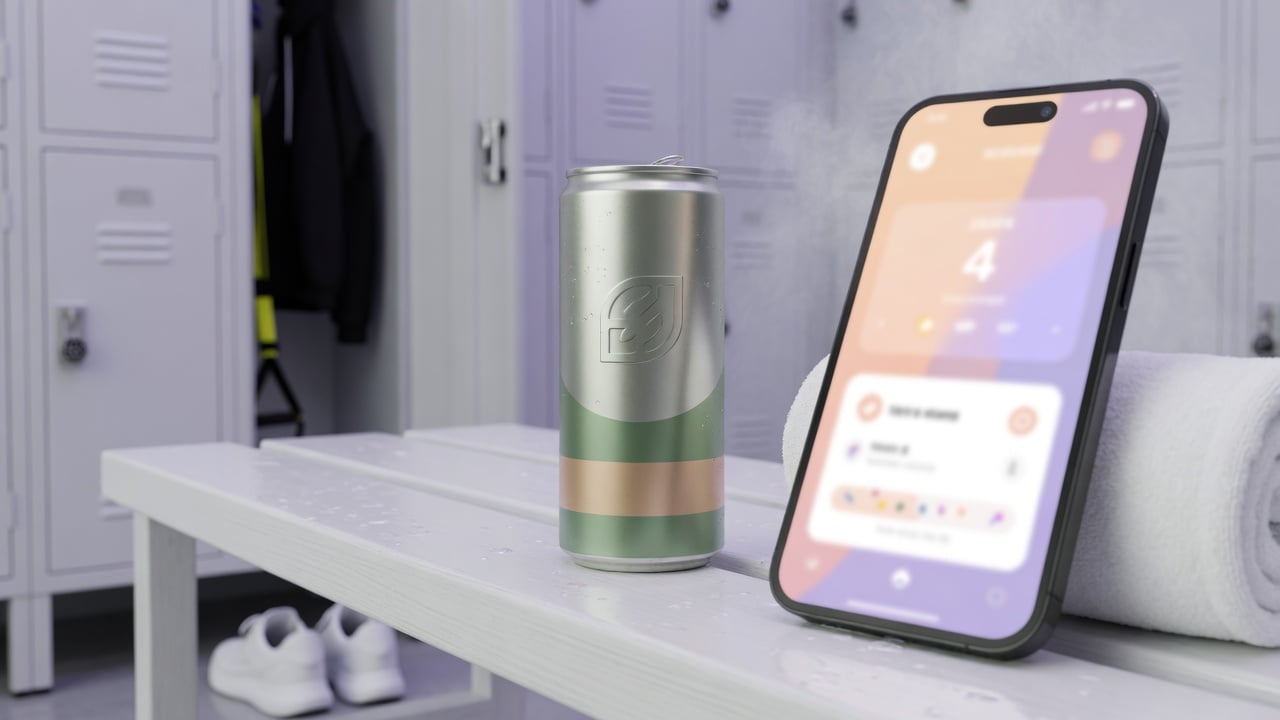
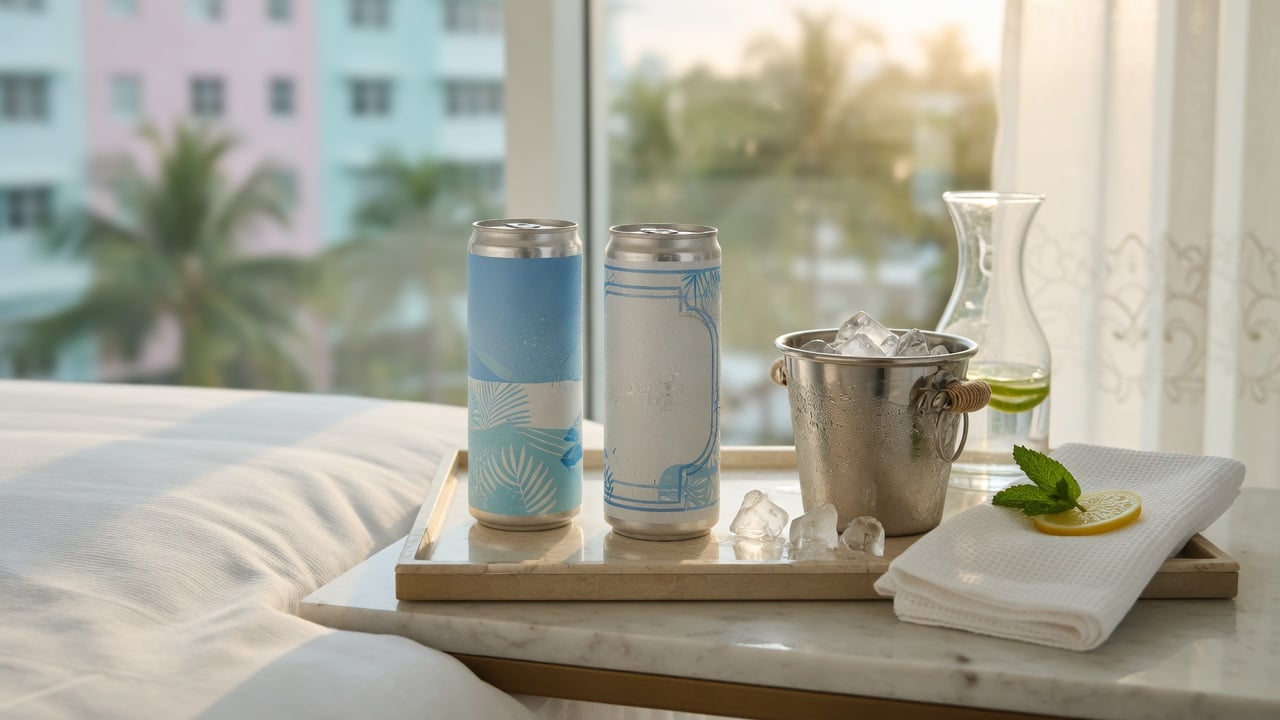
Labels are a good fit for some programs. For others, the label itself becomes the problem: it peels in ice, covers only part of the container and limits the design to a strip. That is where many buyers switch to cans.
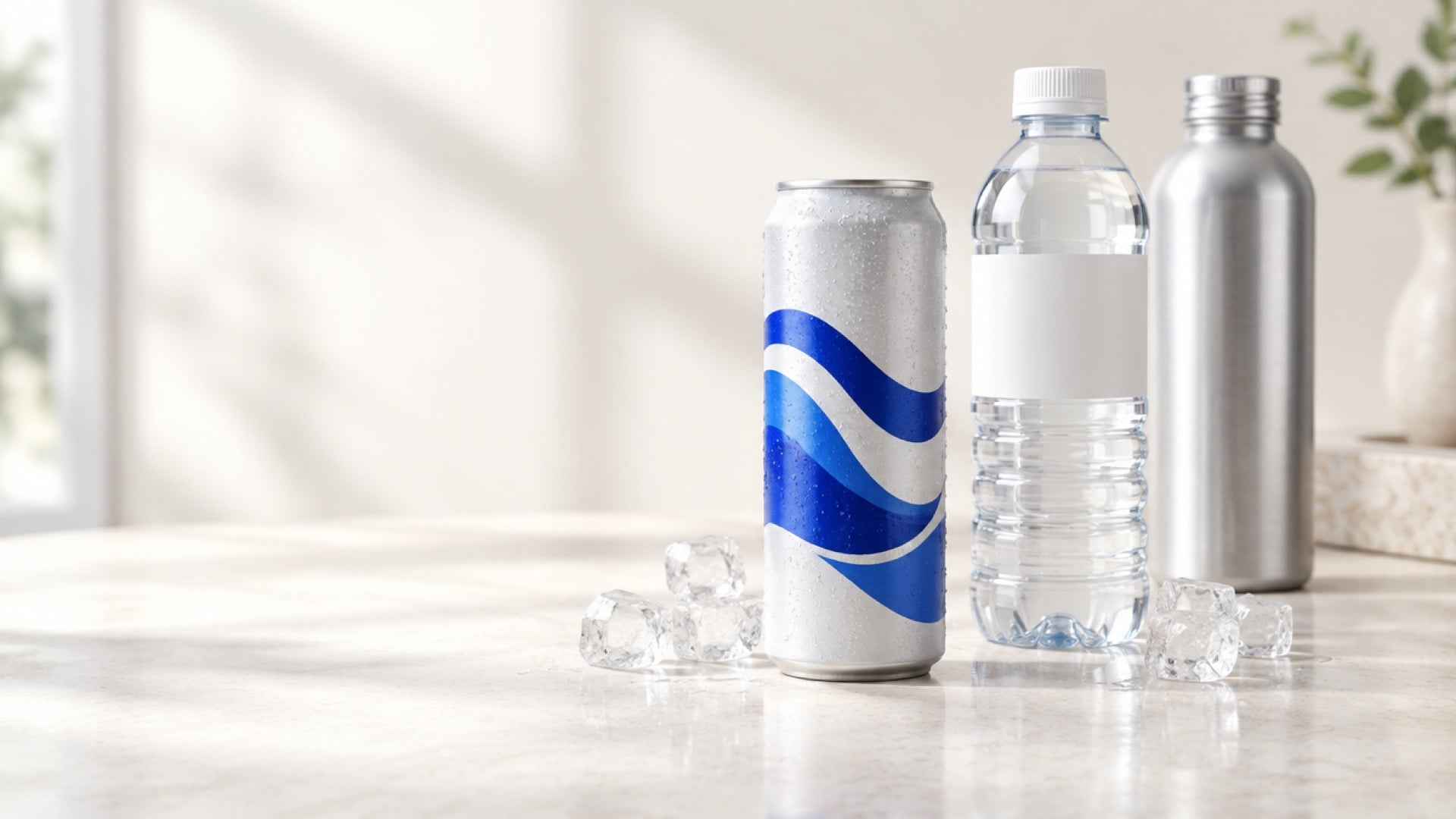
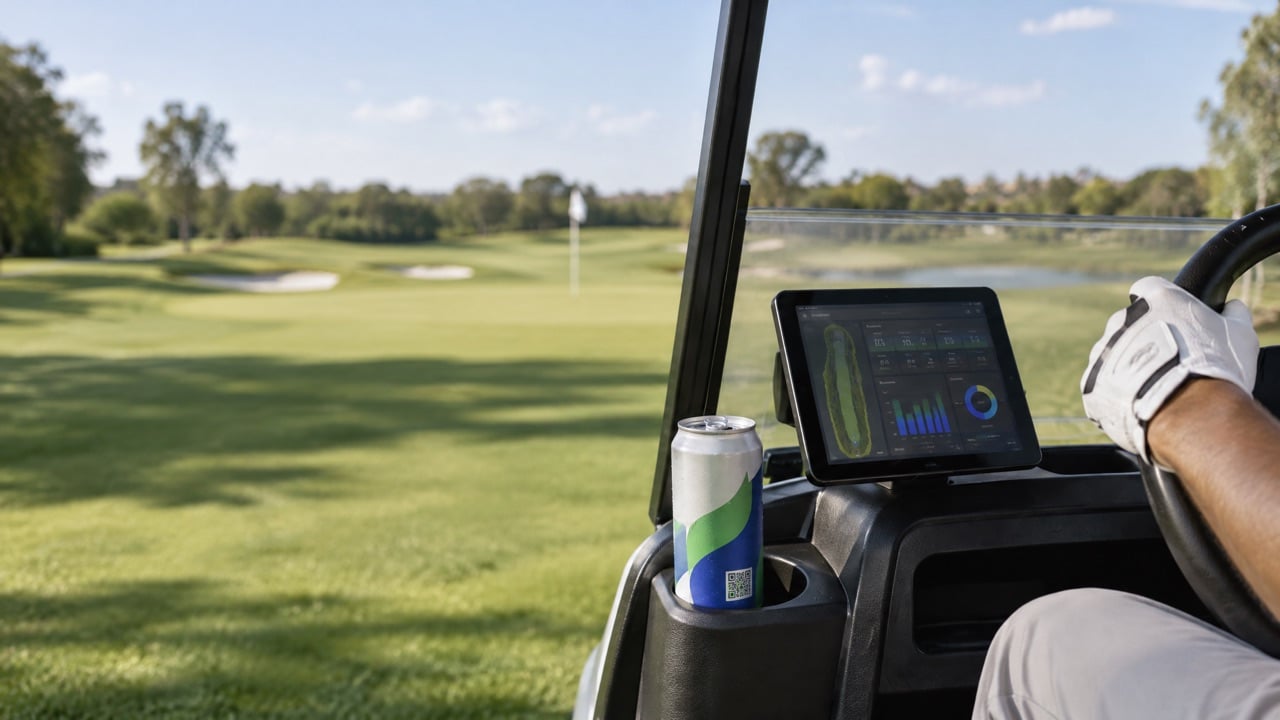
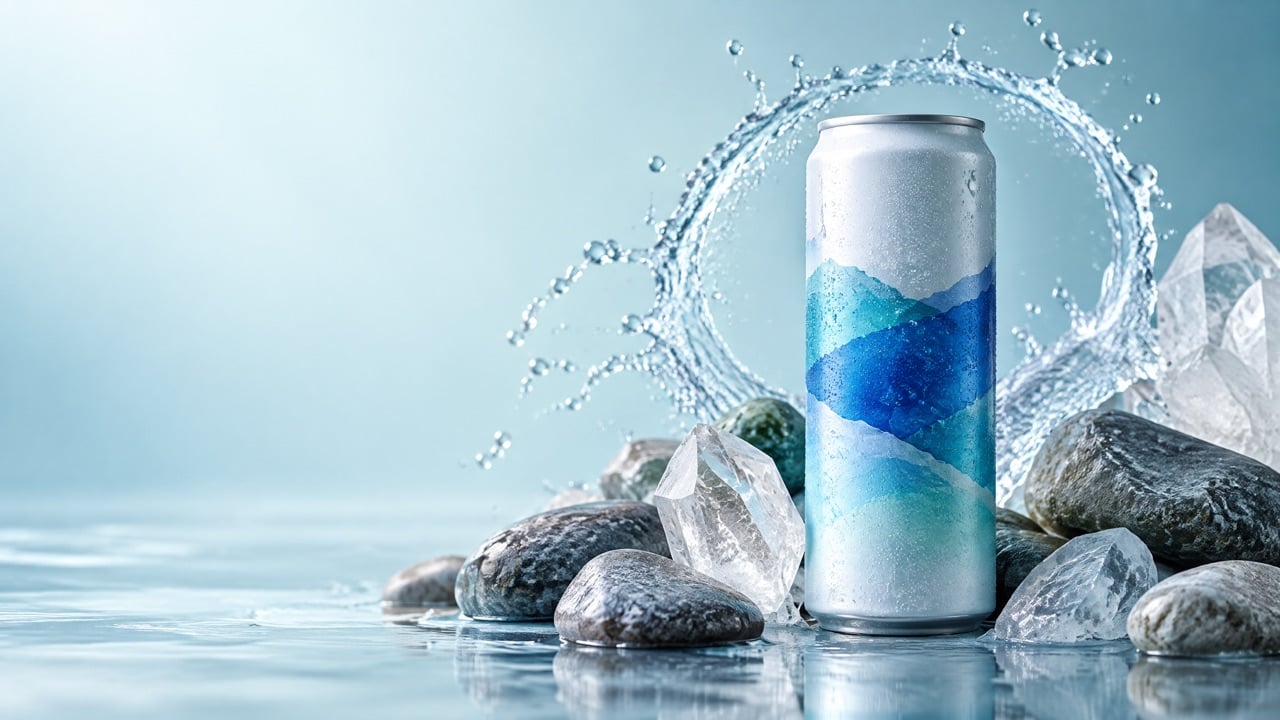
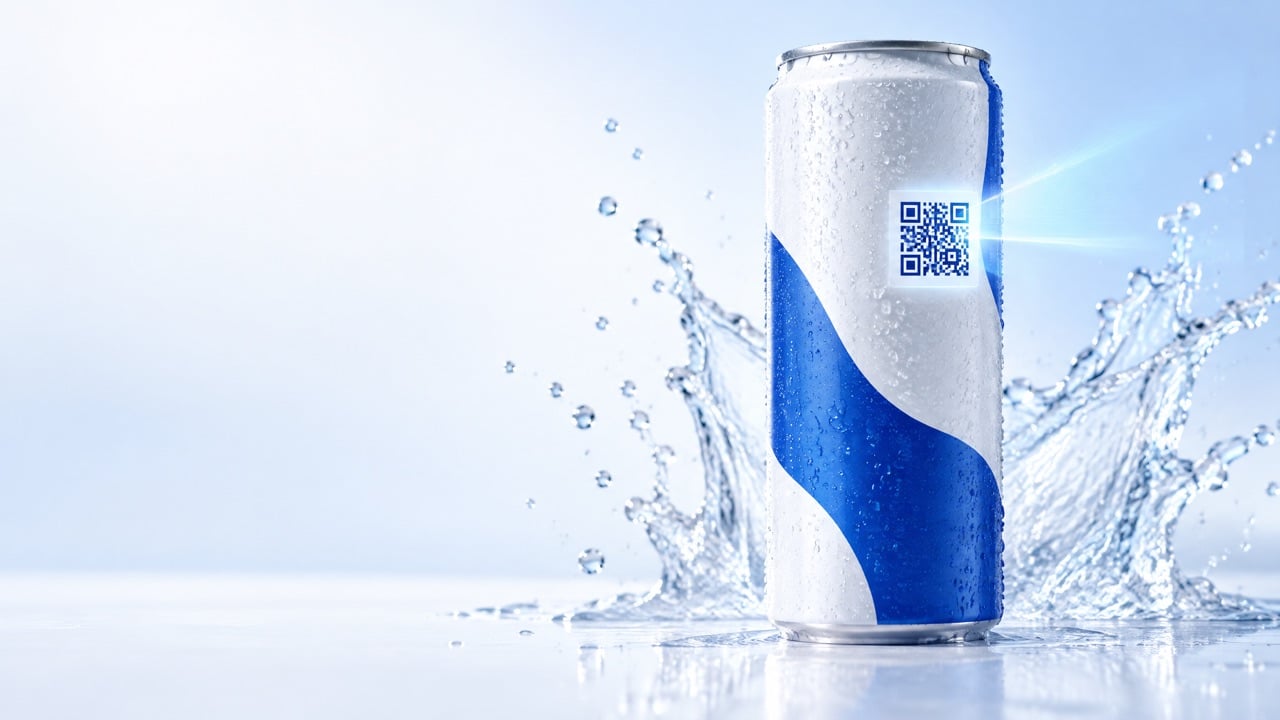
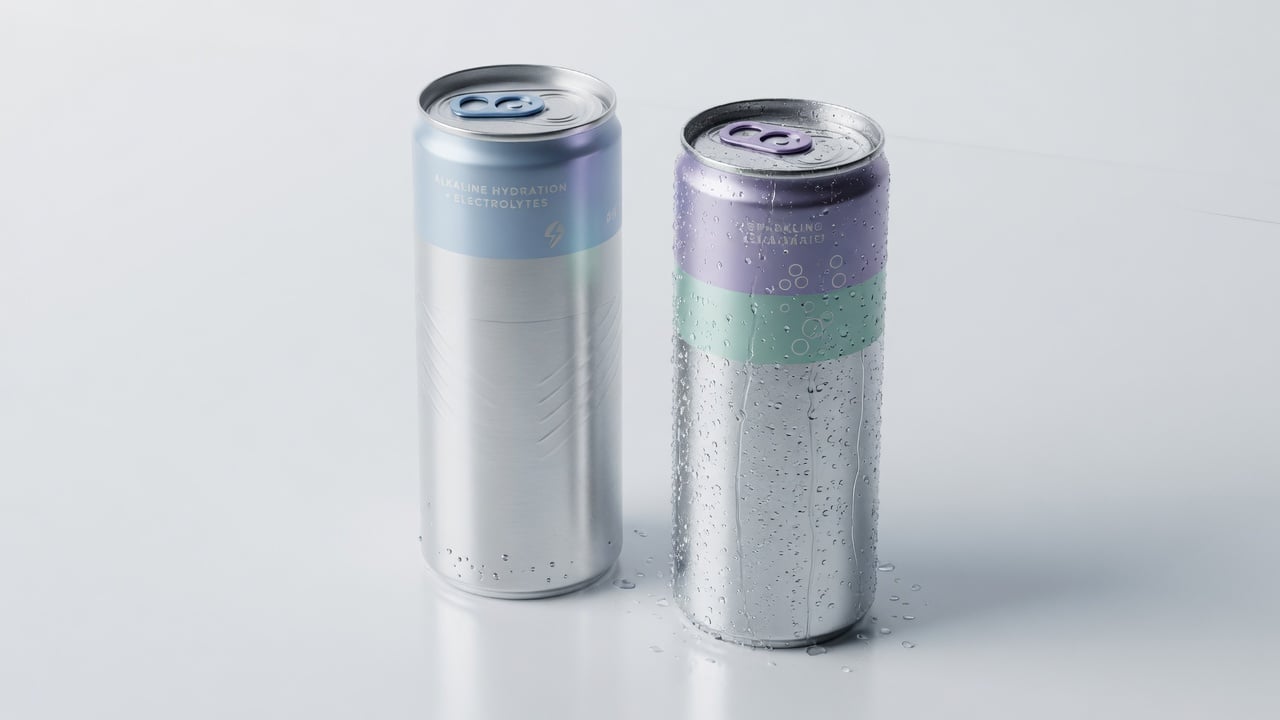
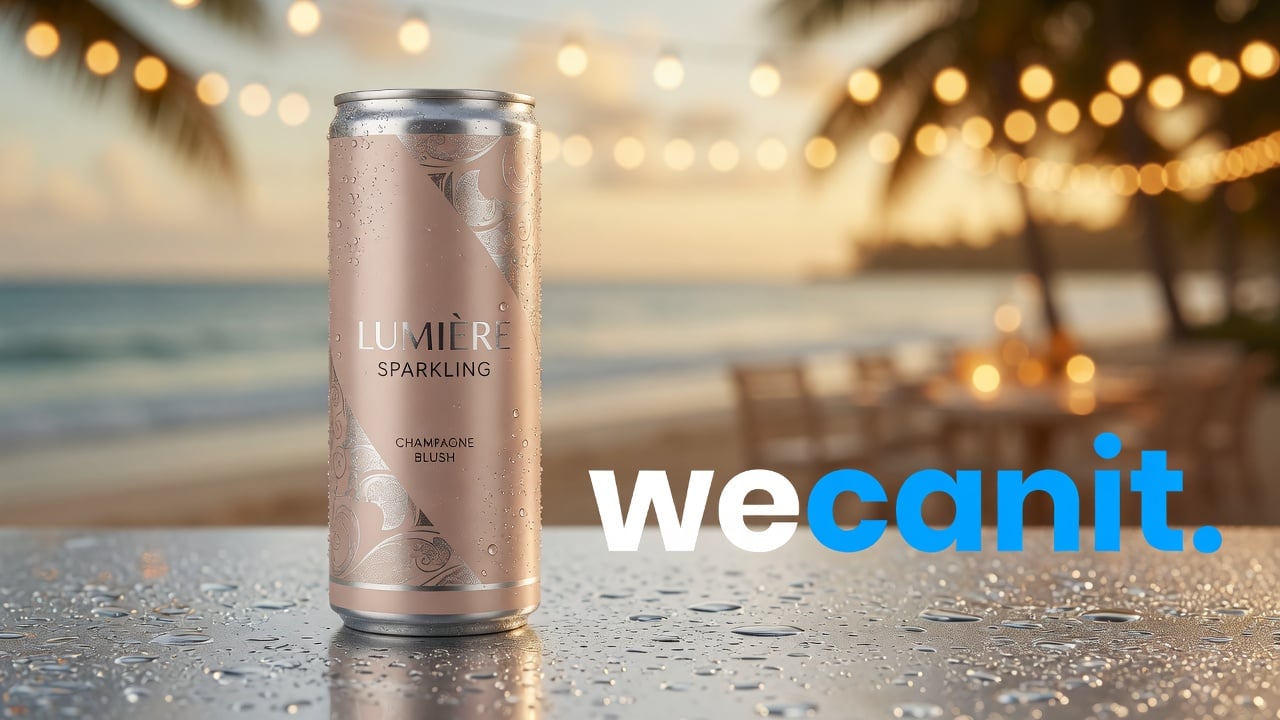
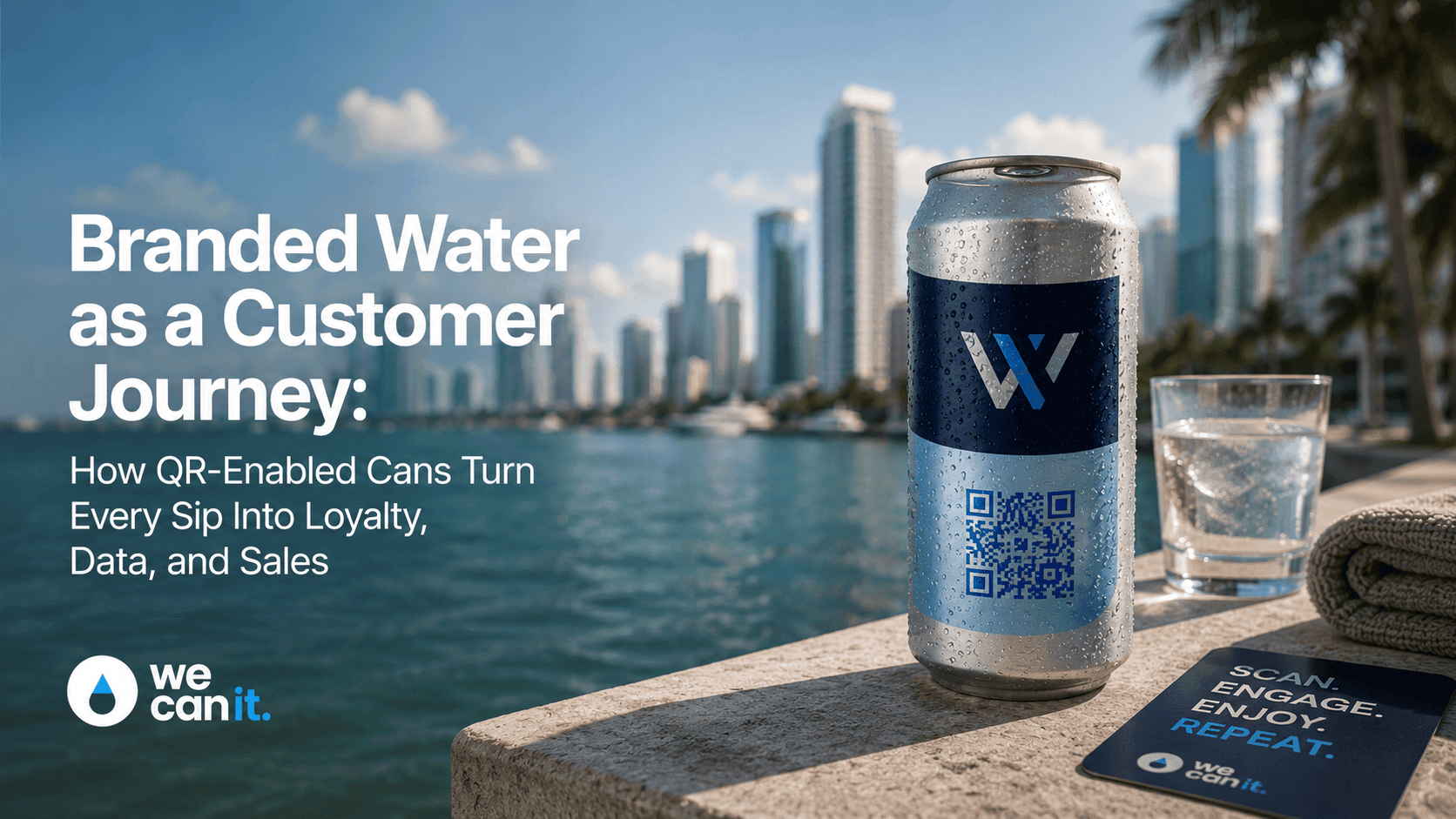
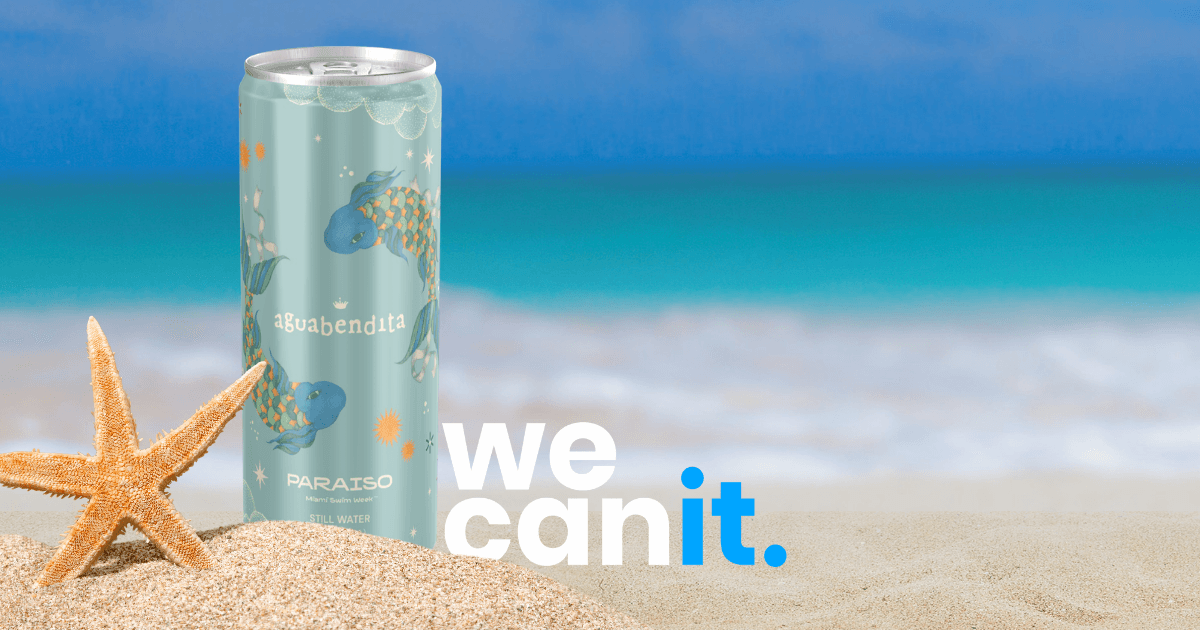
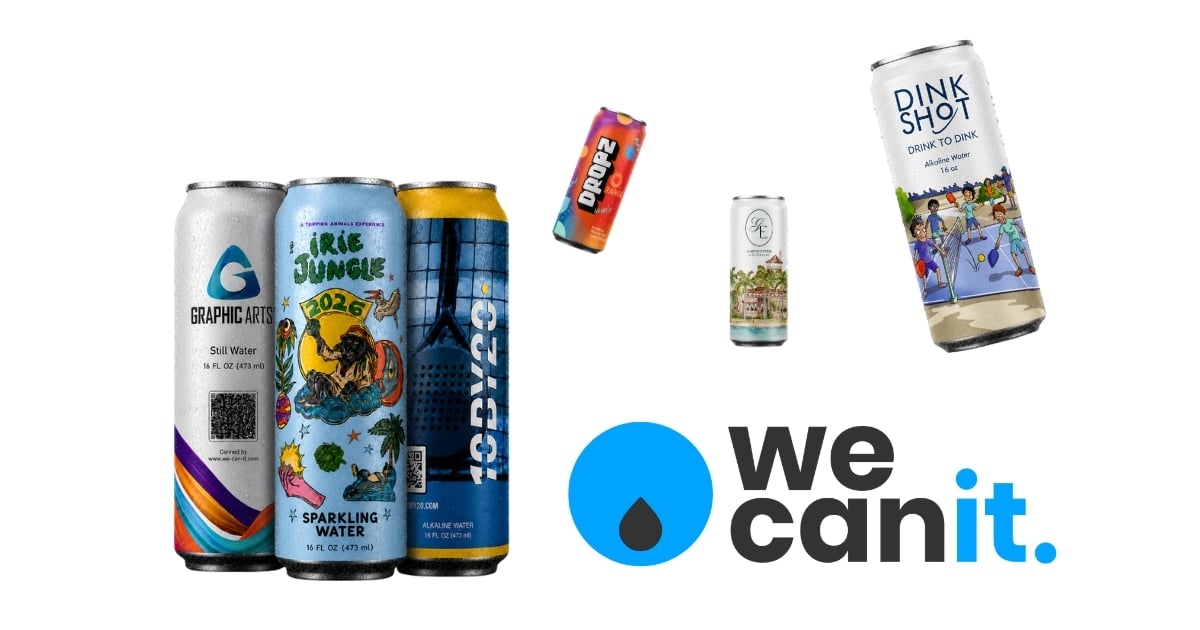
- Full-surface print. With digital print, your design covers the whole can, top to bottom and all the way around.
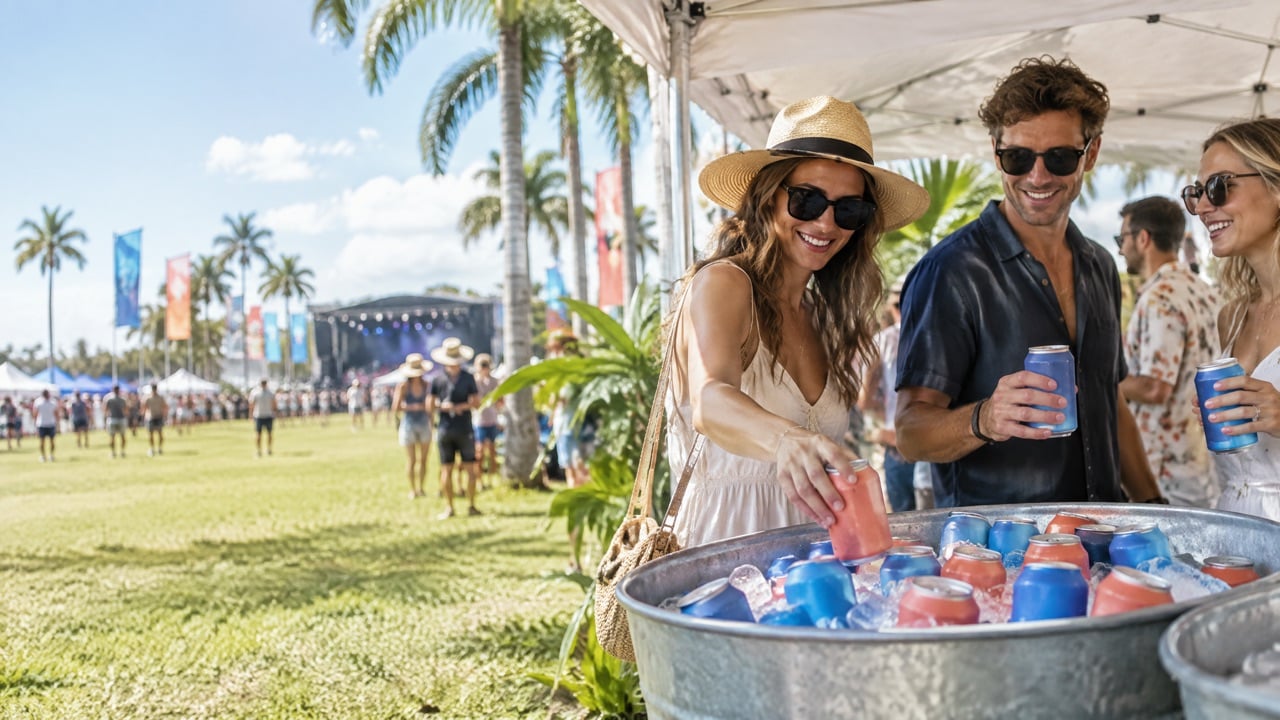
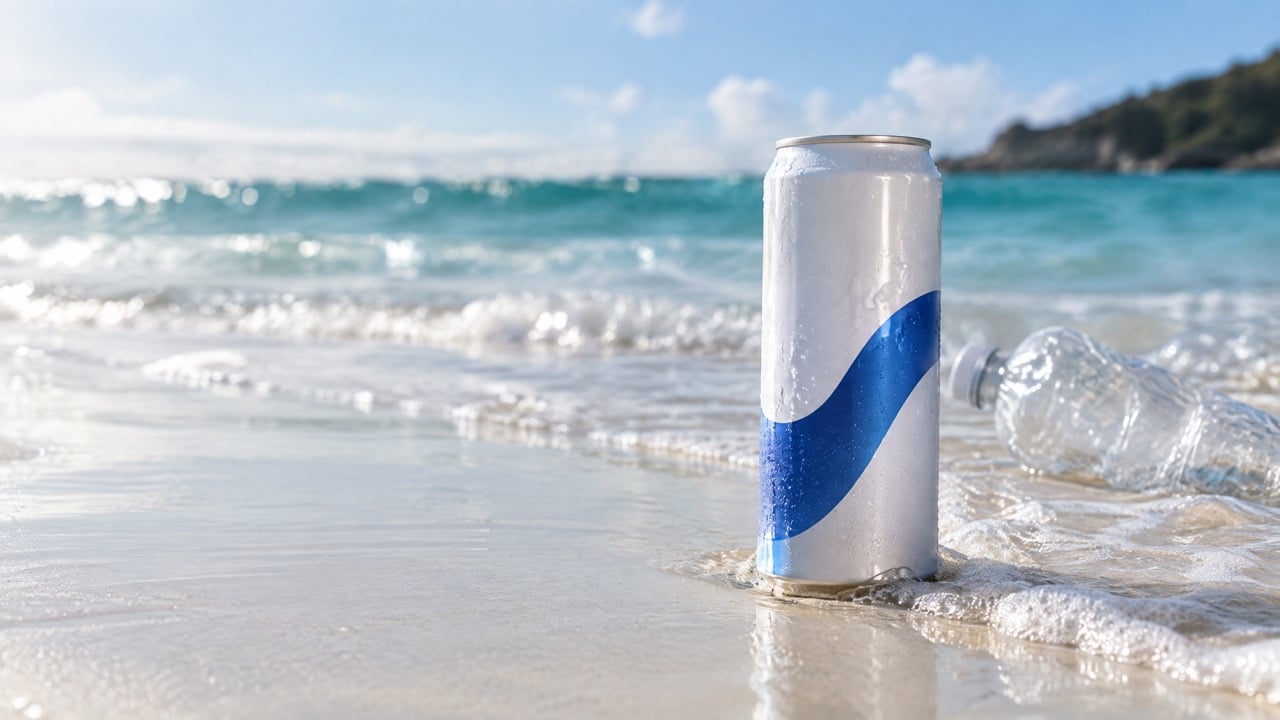
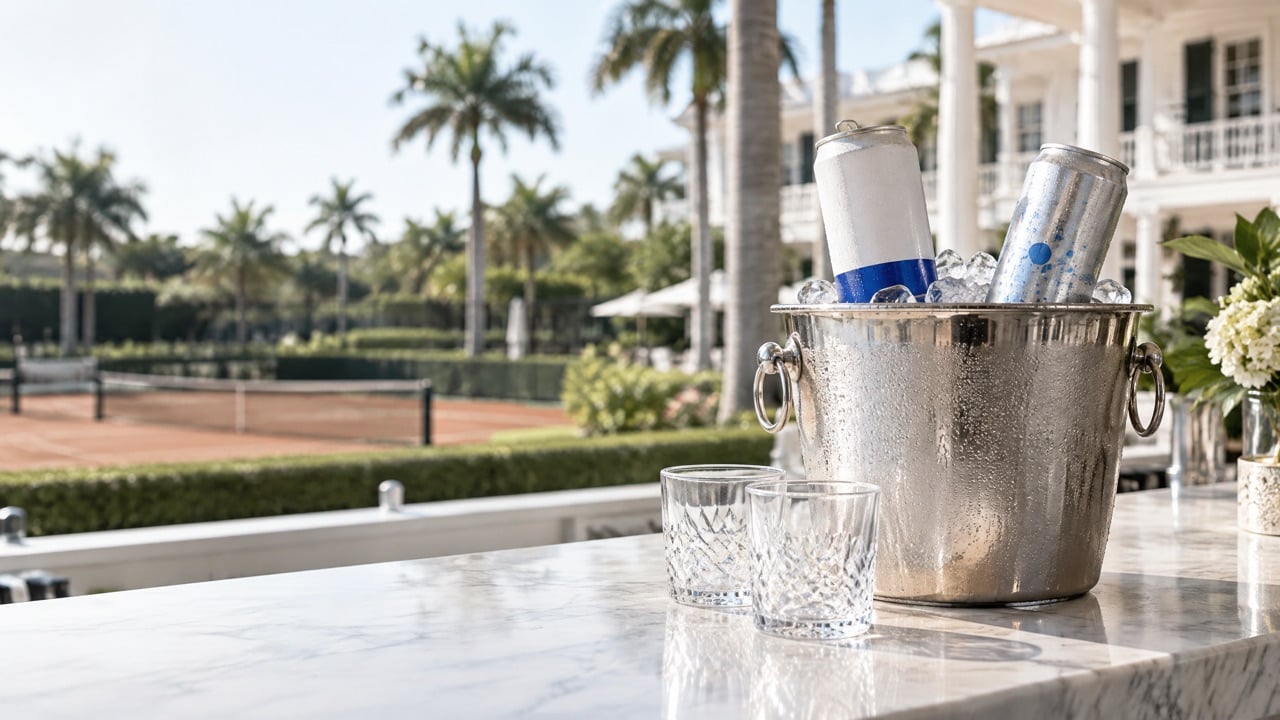
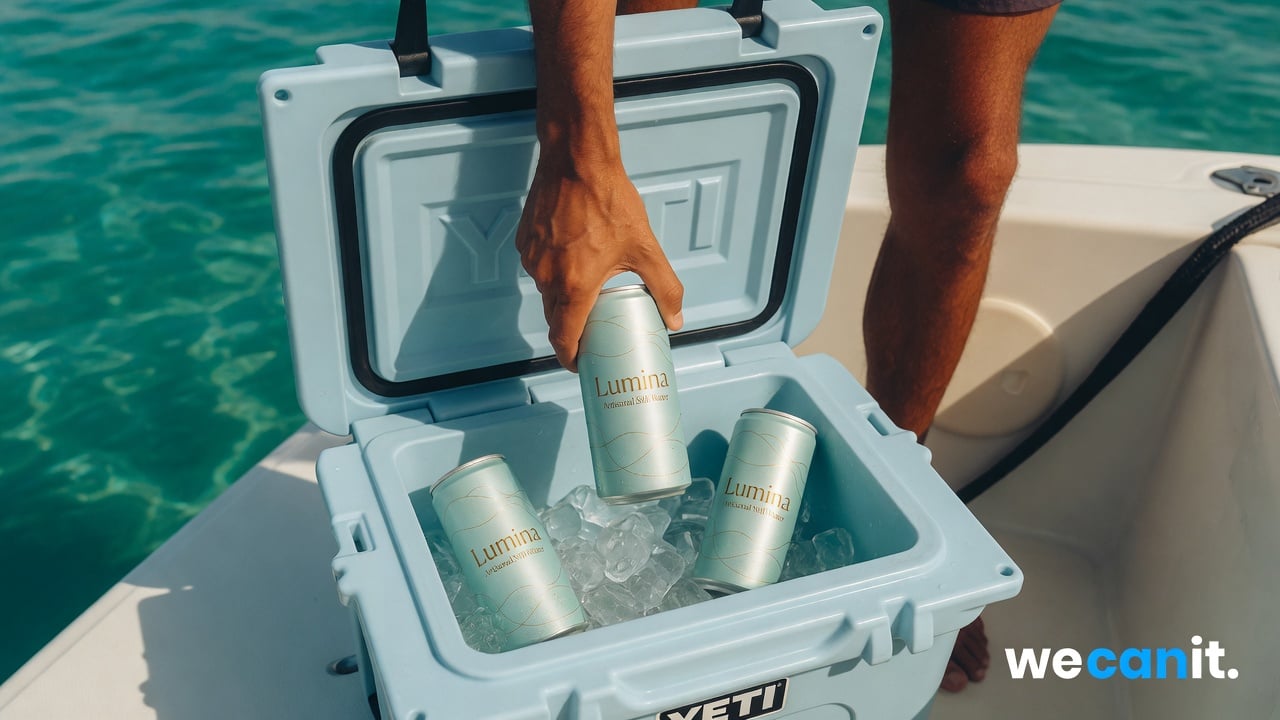
- No peeling. Ink printed on aluminum does not lift in an ice tub.
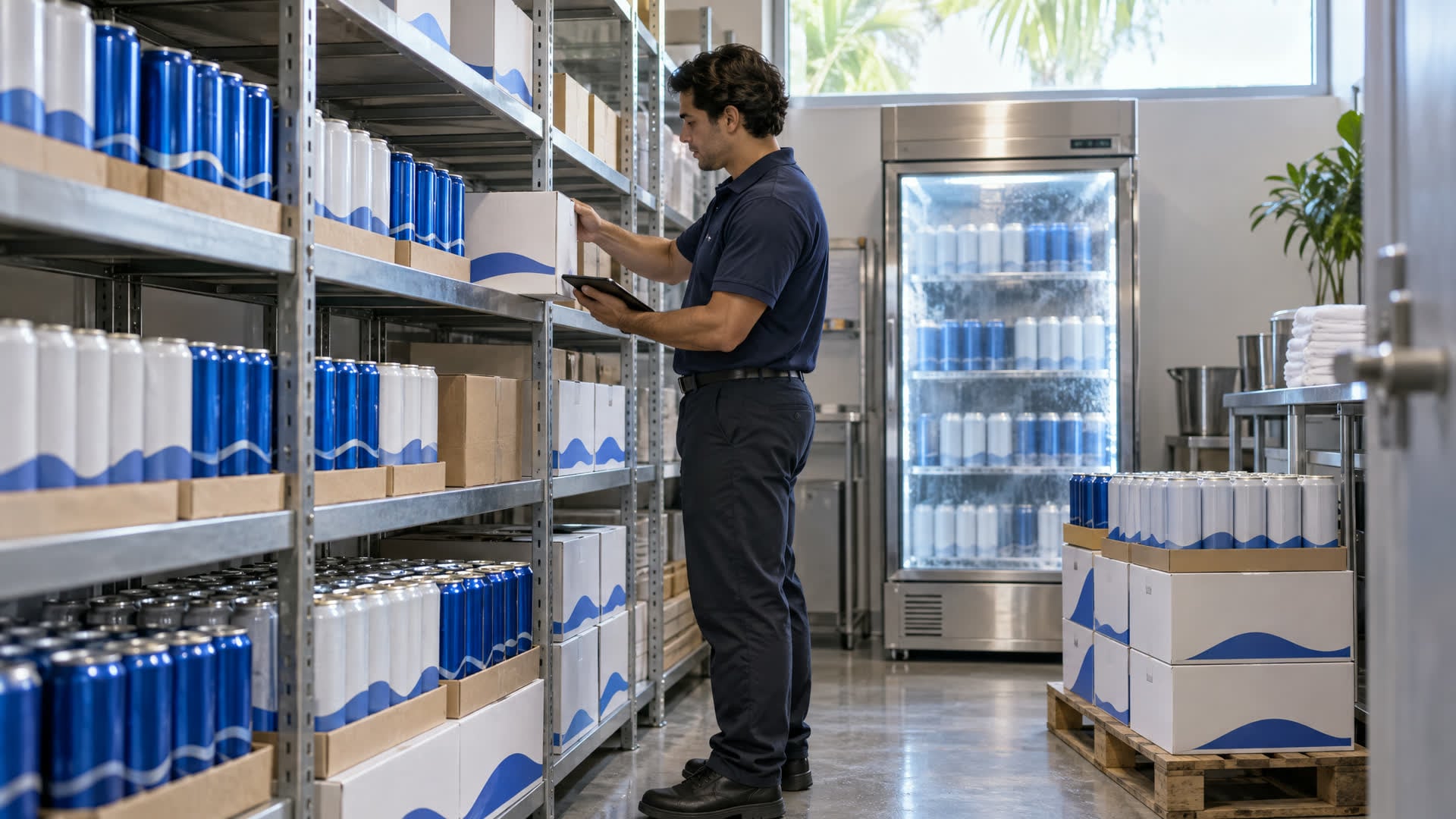
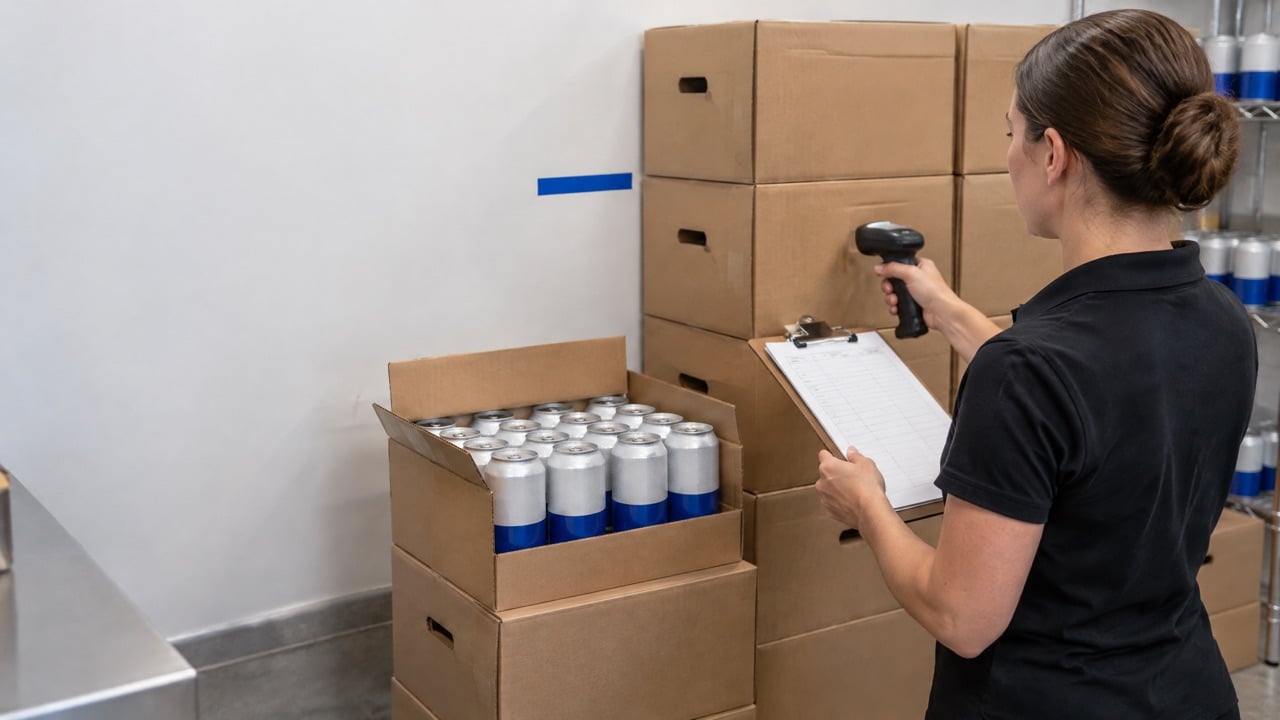
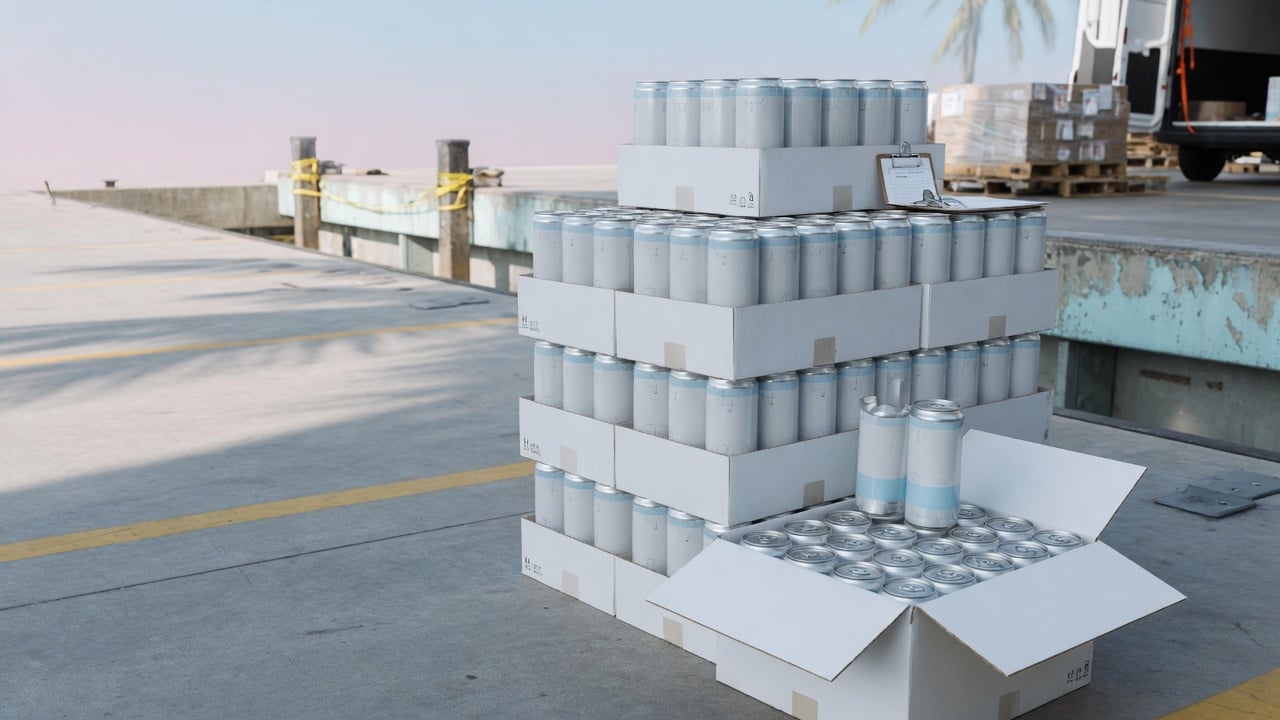
- Labeled option still available. For smaller runs, We Can It also offers labeled cans from 21 cases.
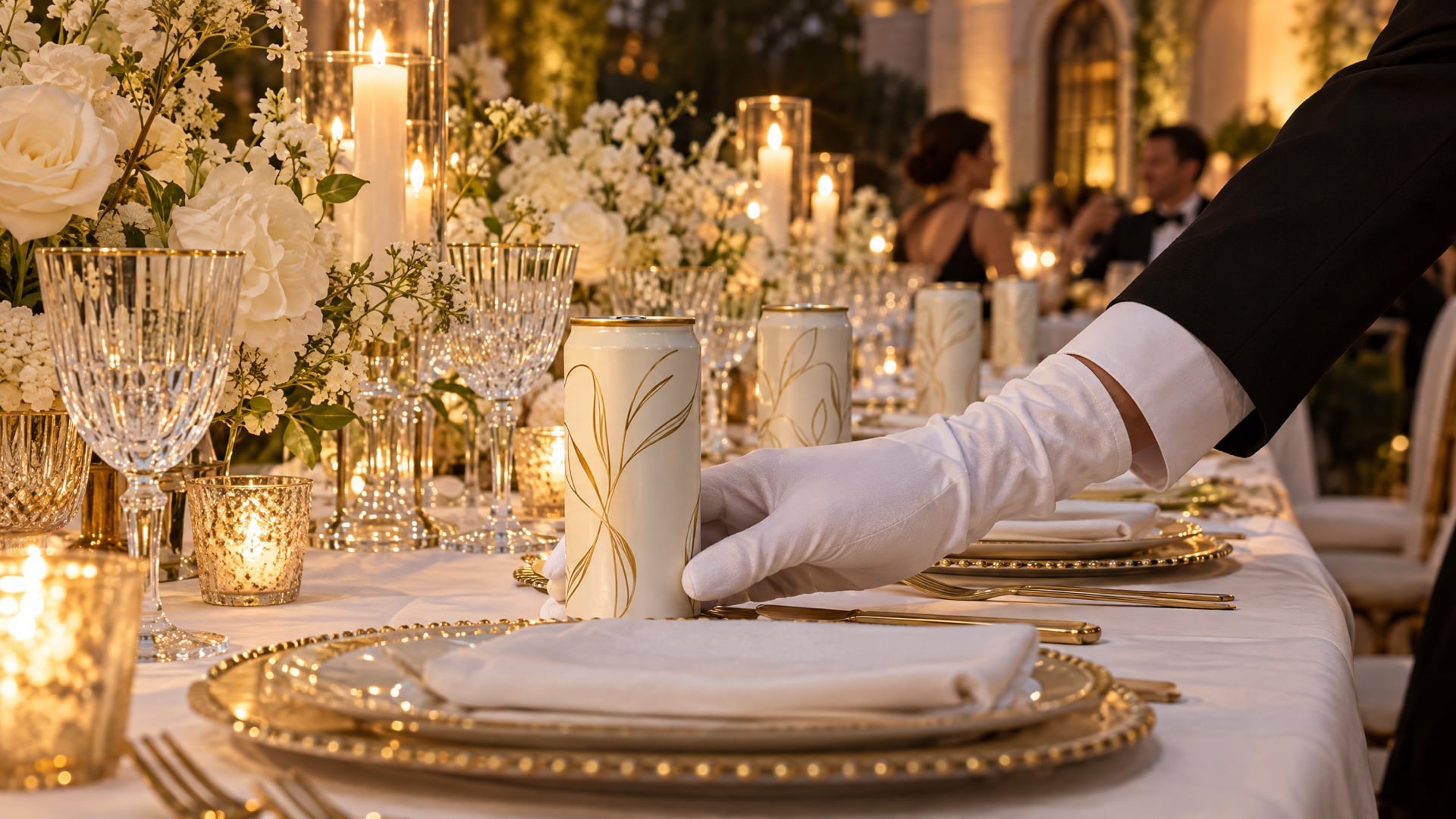
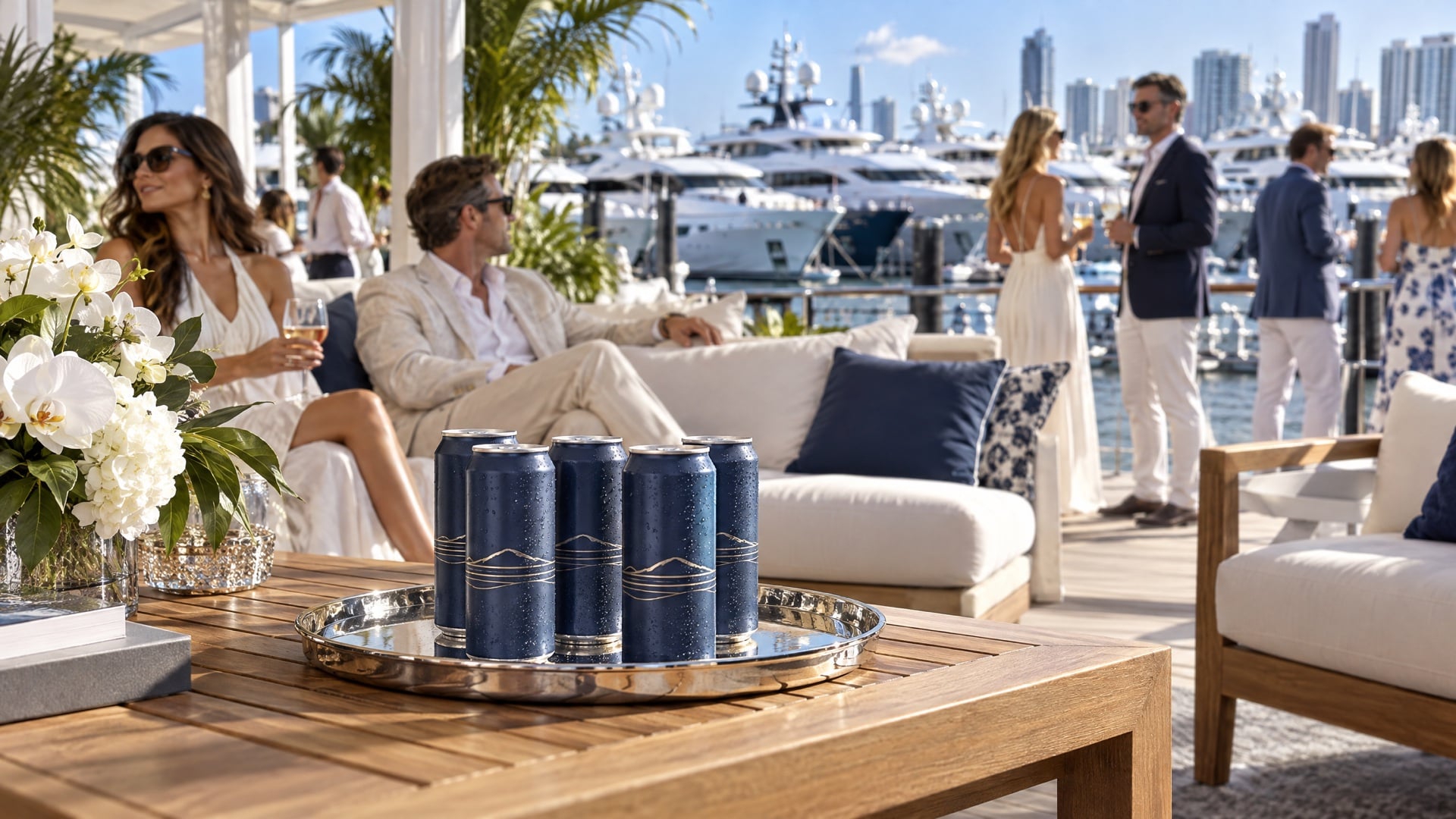
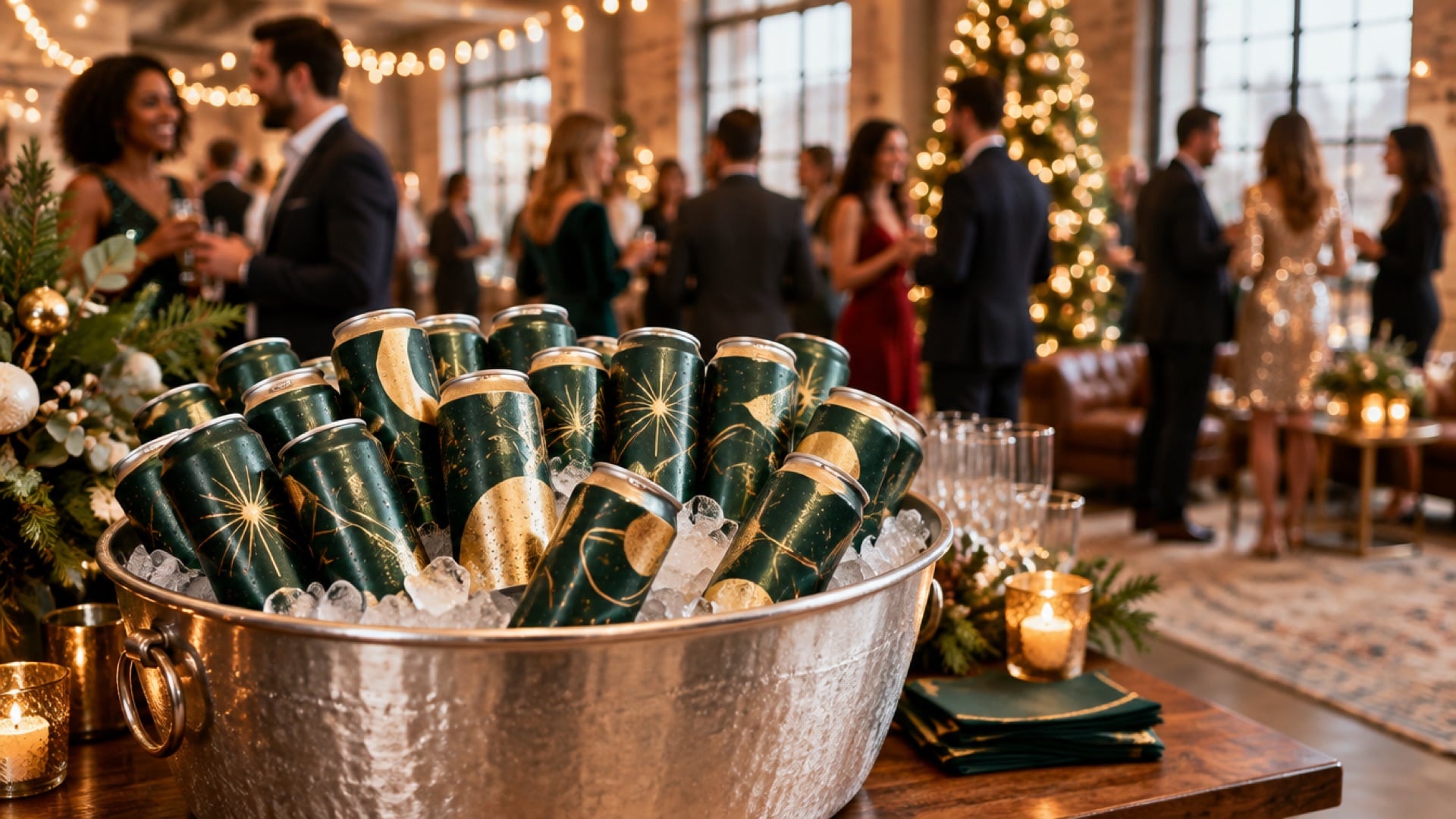
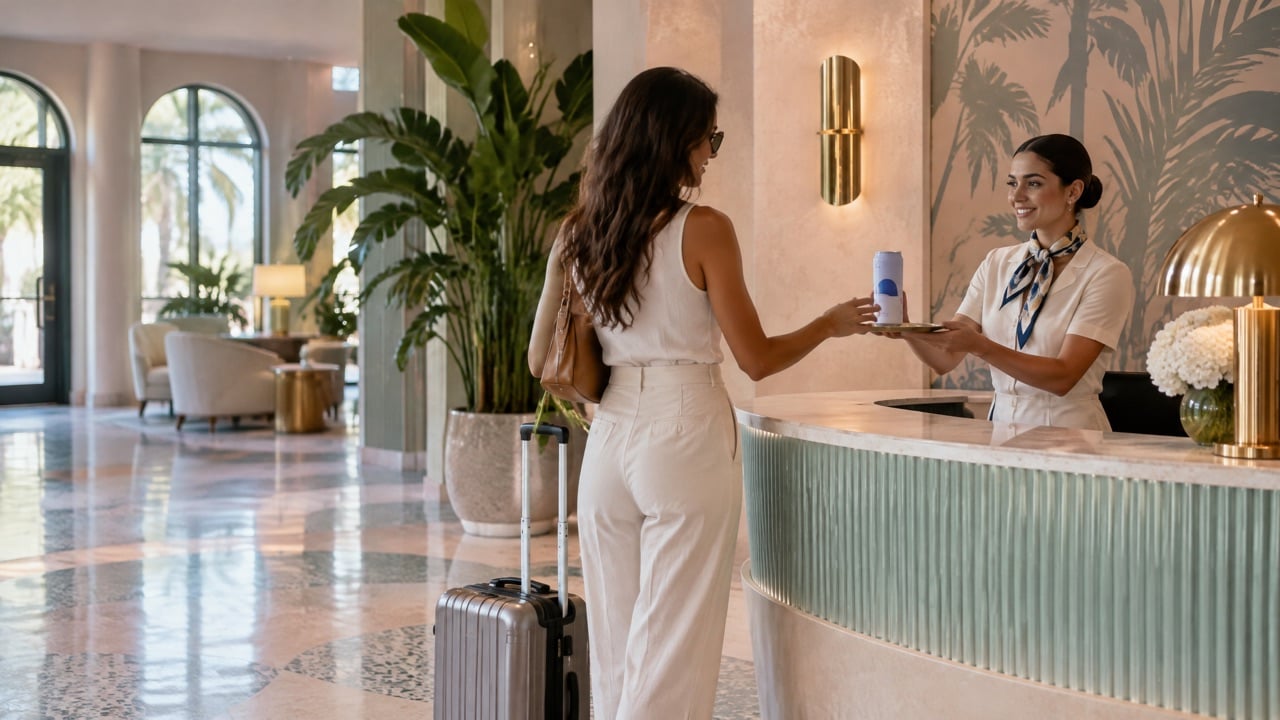
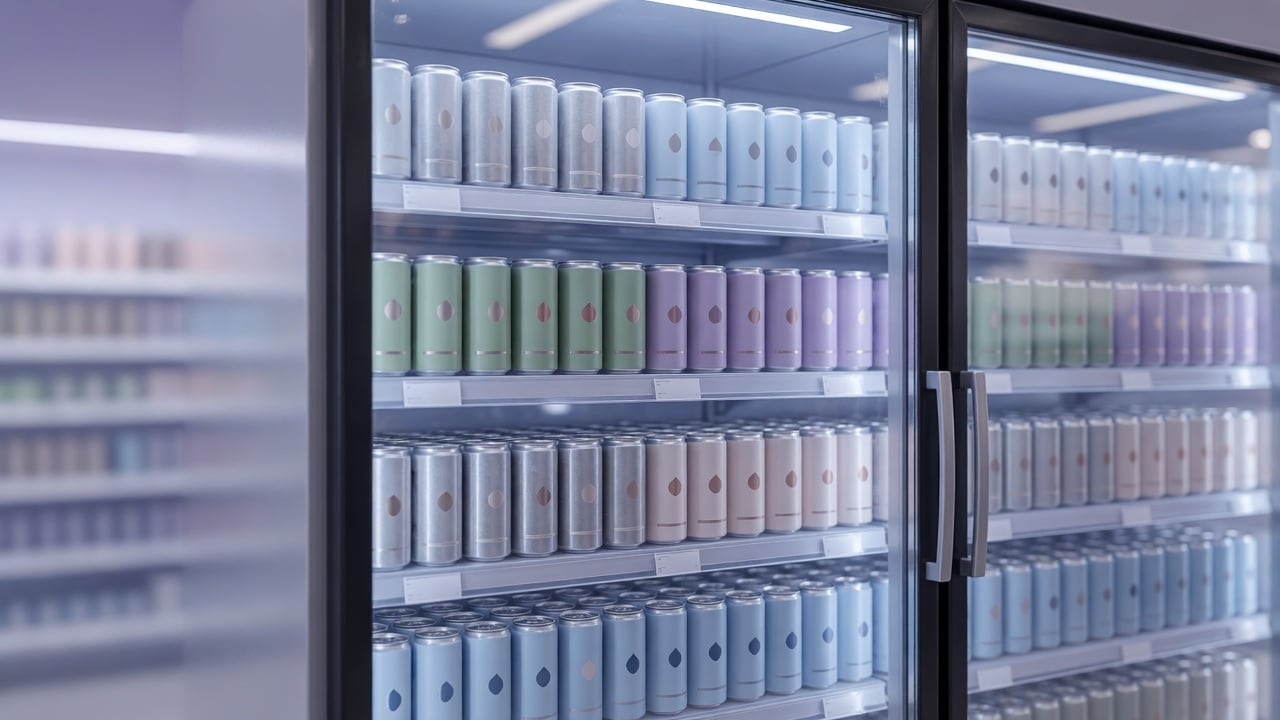
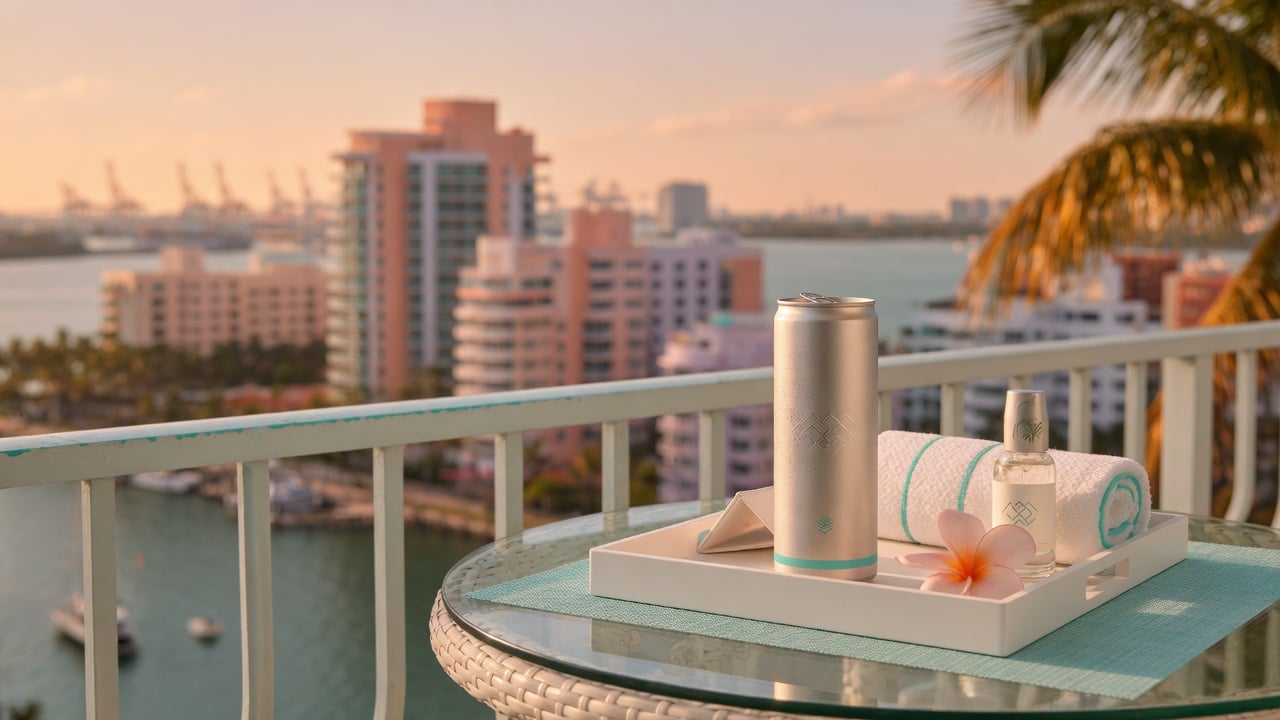
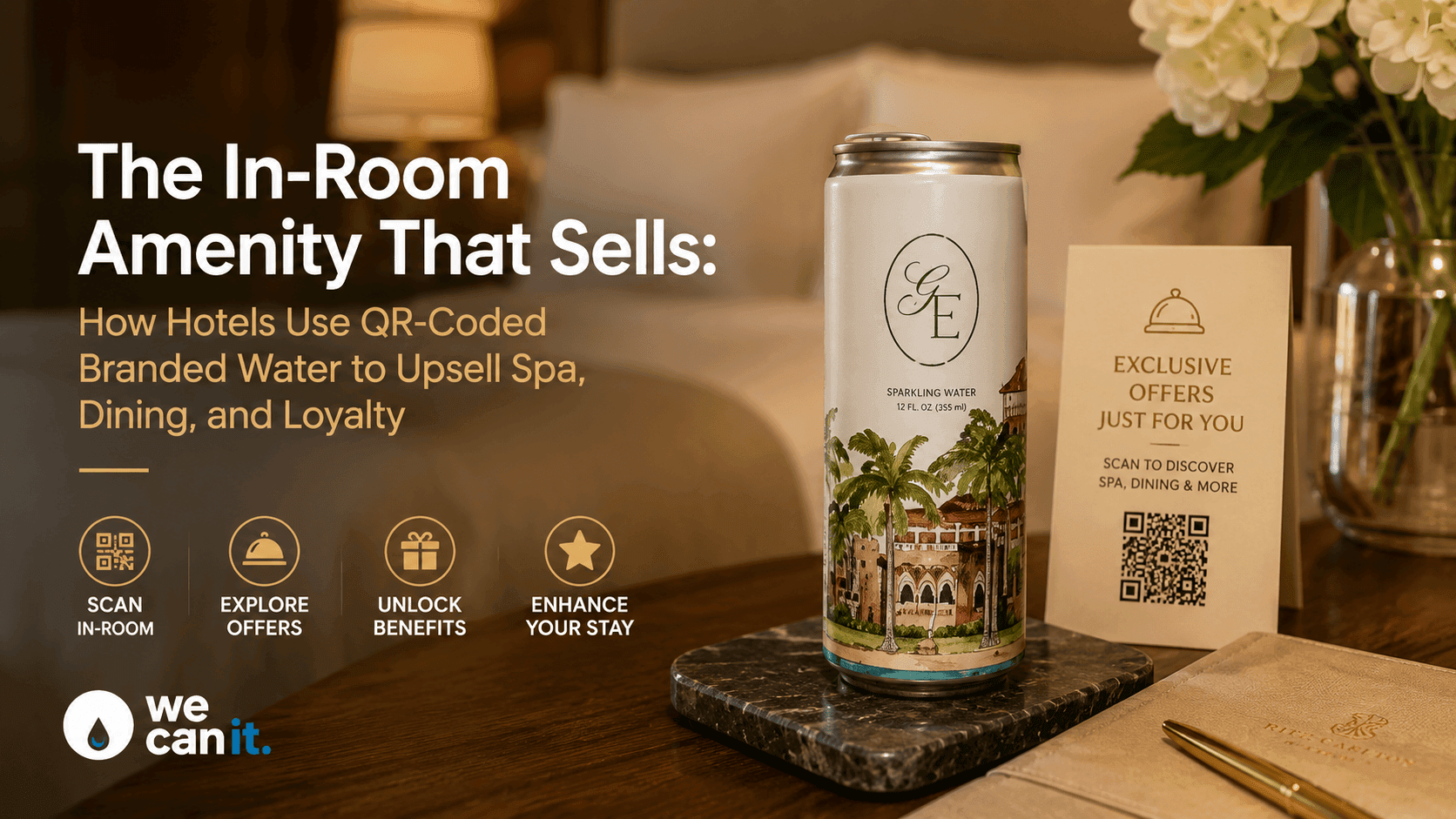
- Premium feel. A printed can reads as a product, not a promotional giveaway.
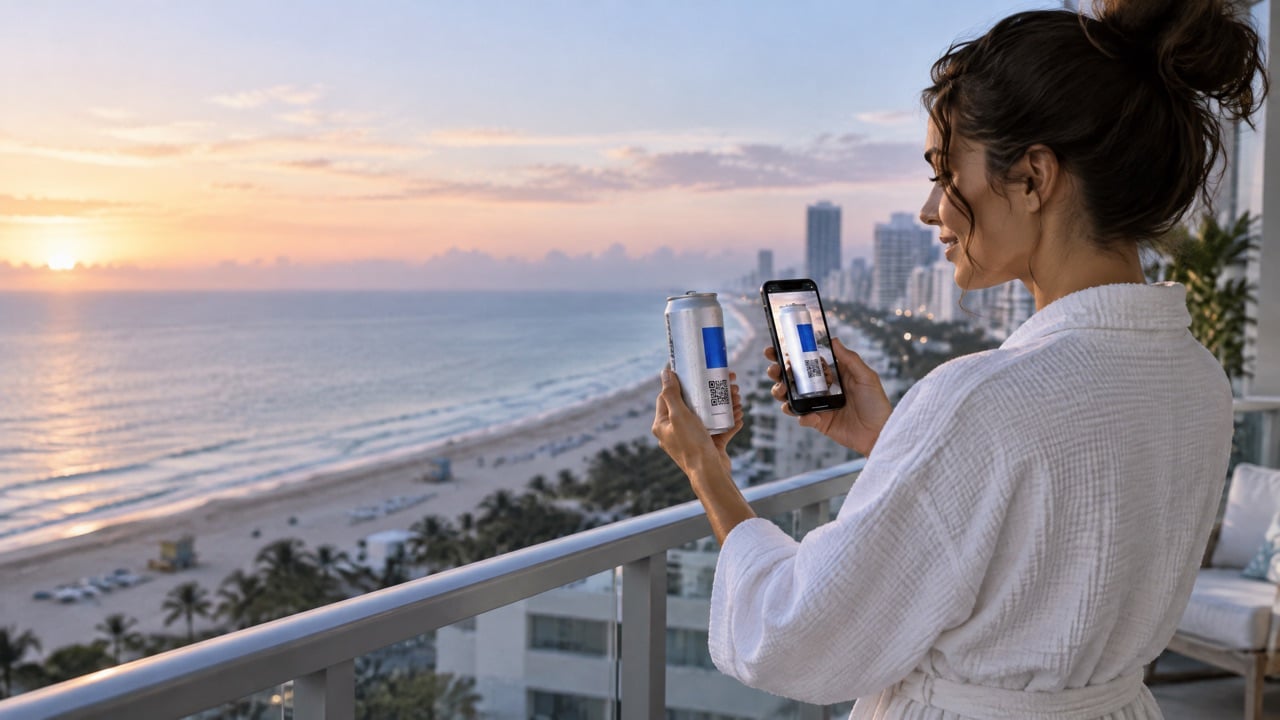
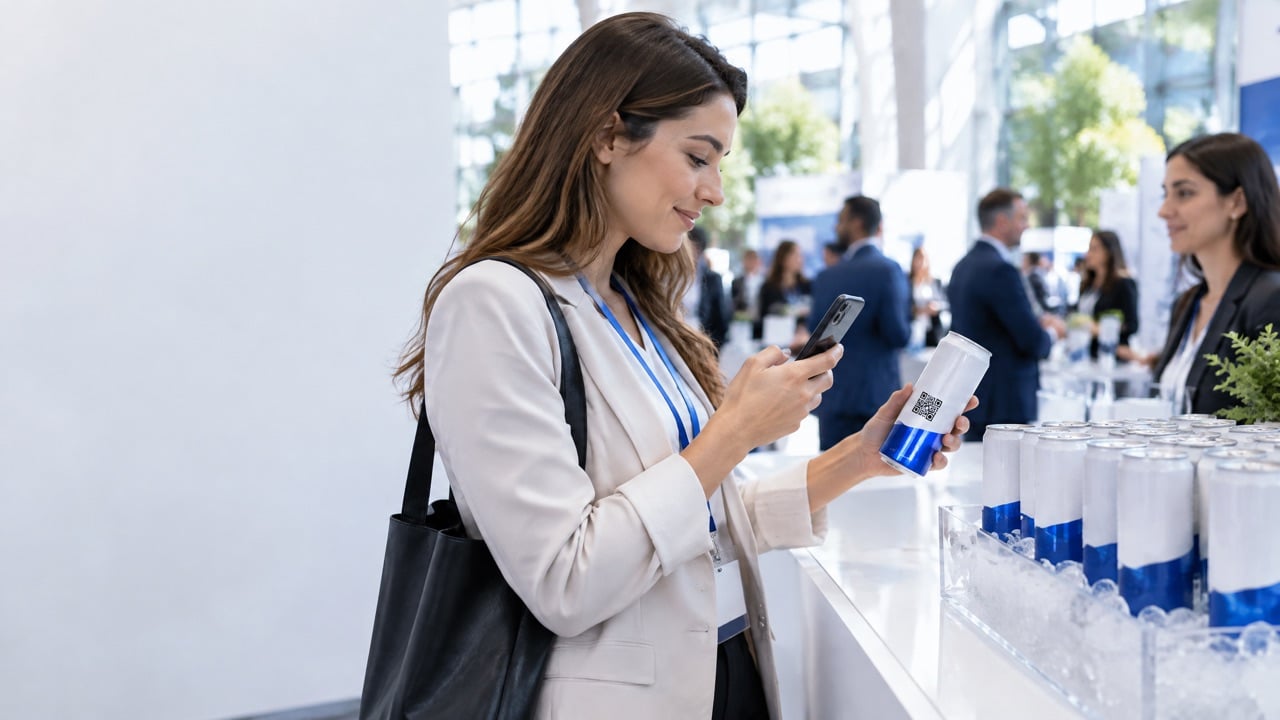
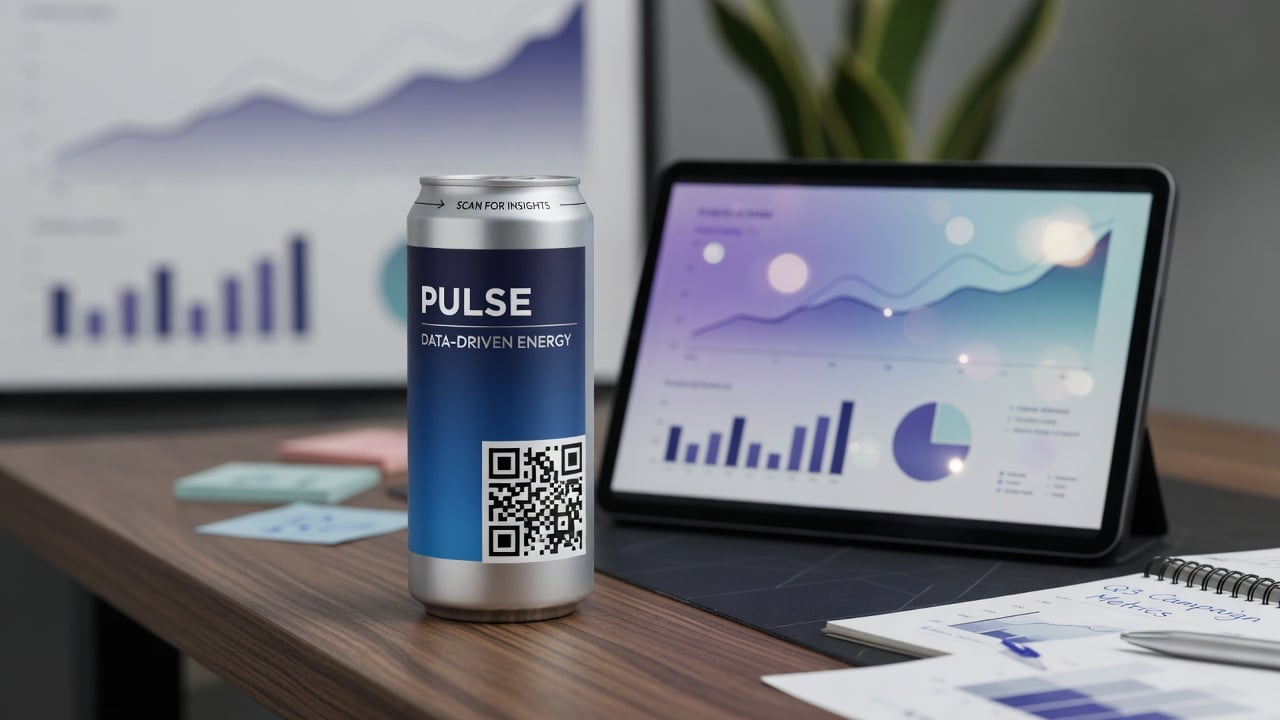
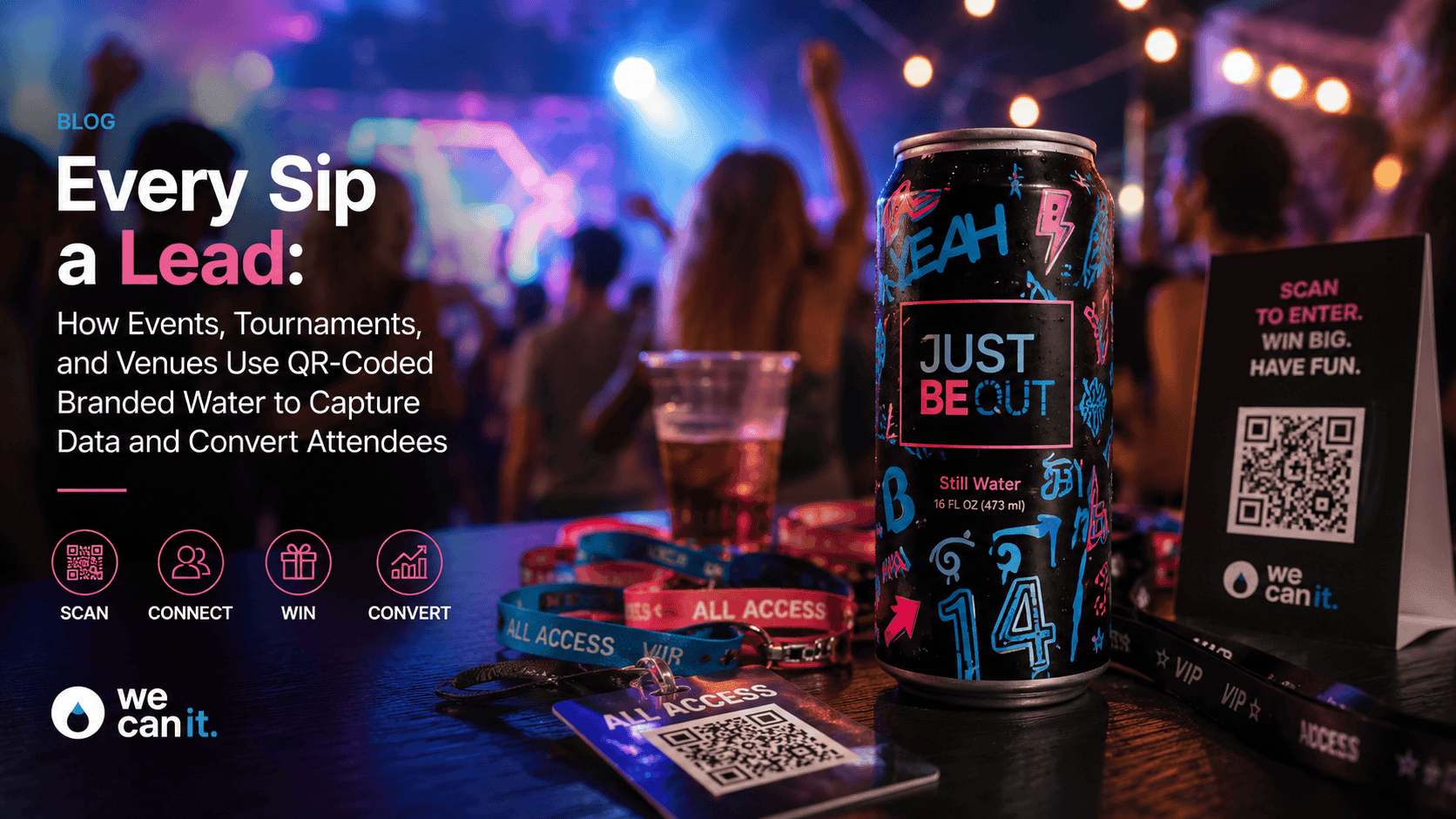
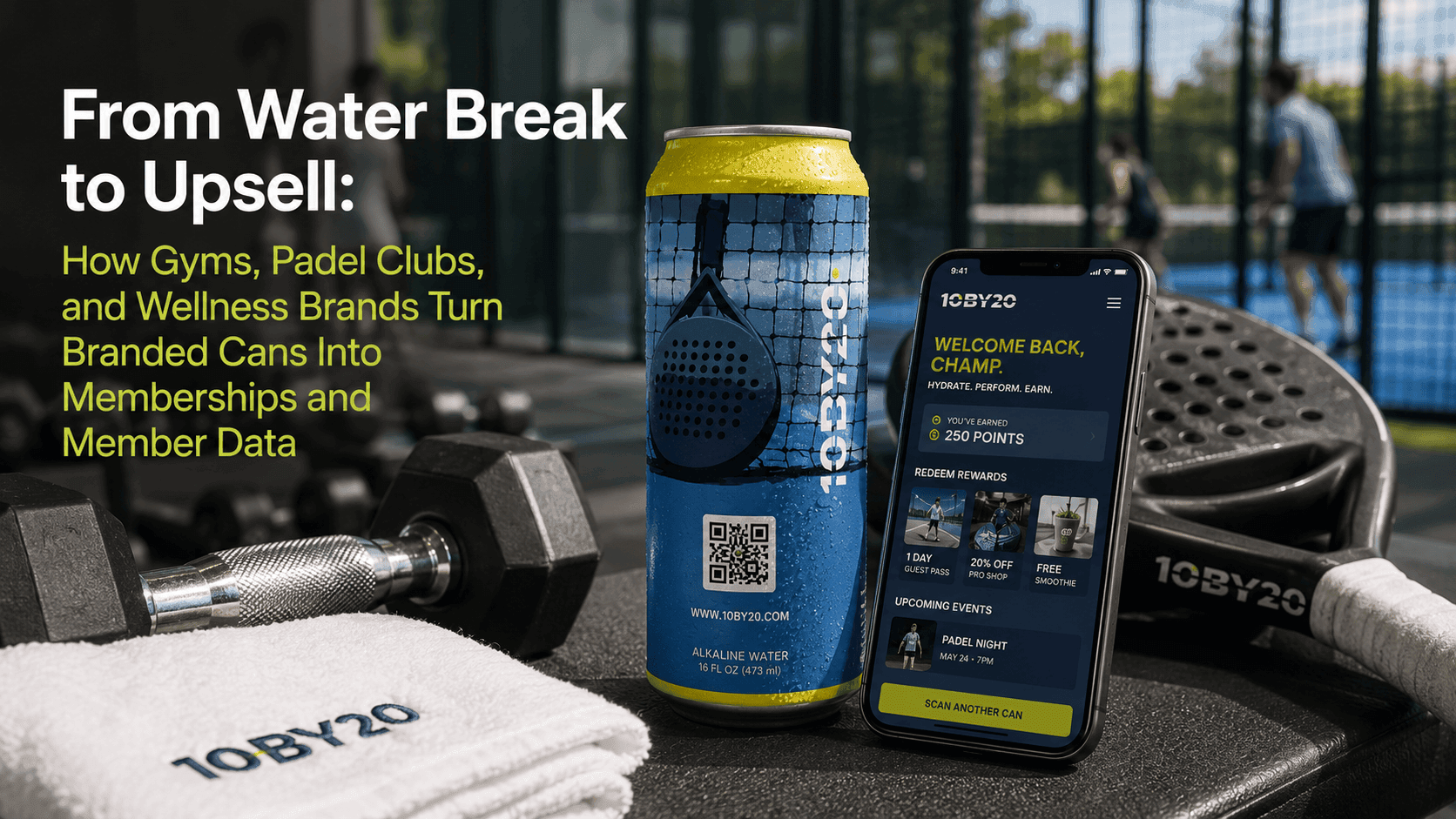
- QR code included. Every can includes one at no extra cost.
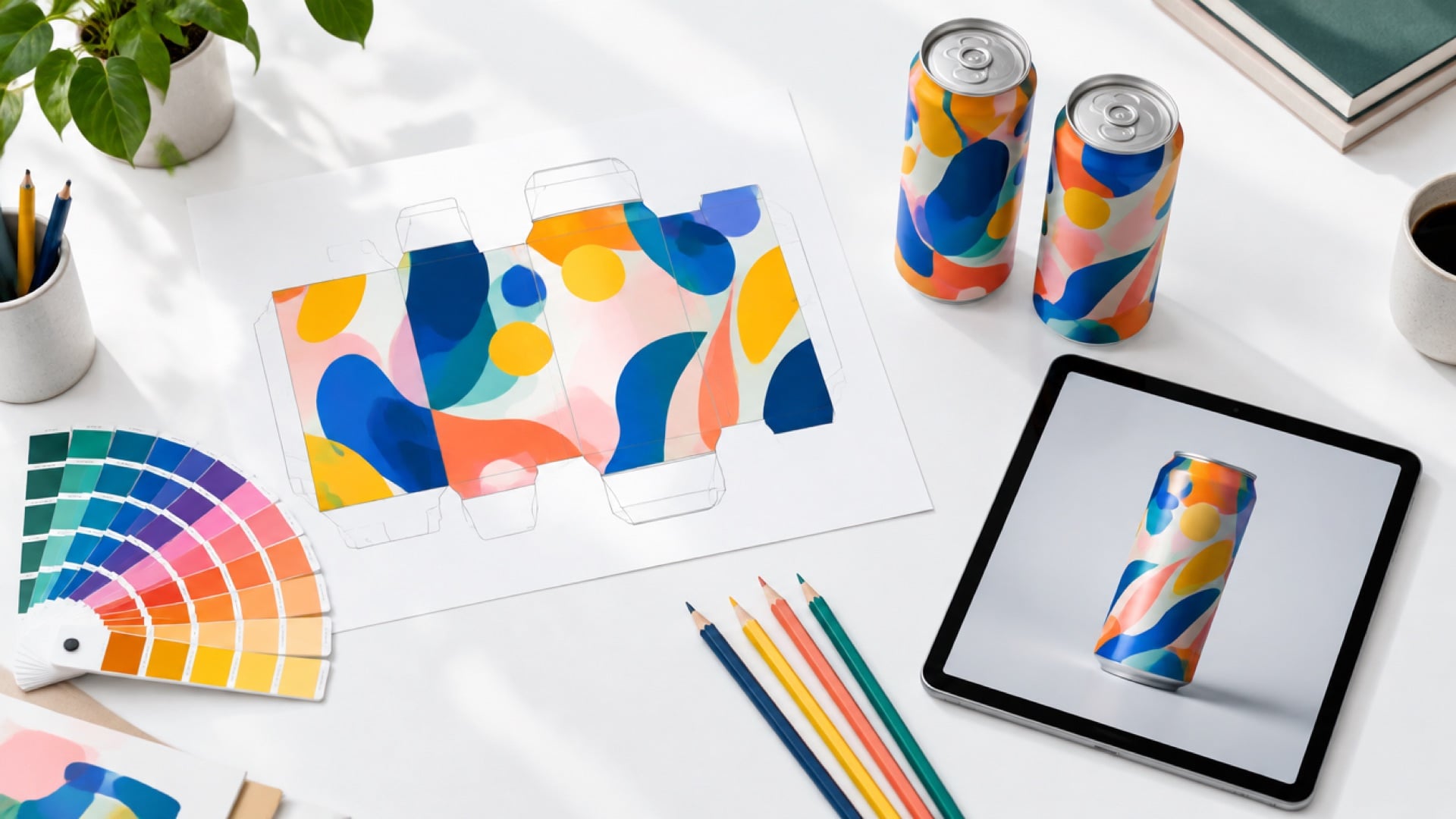
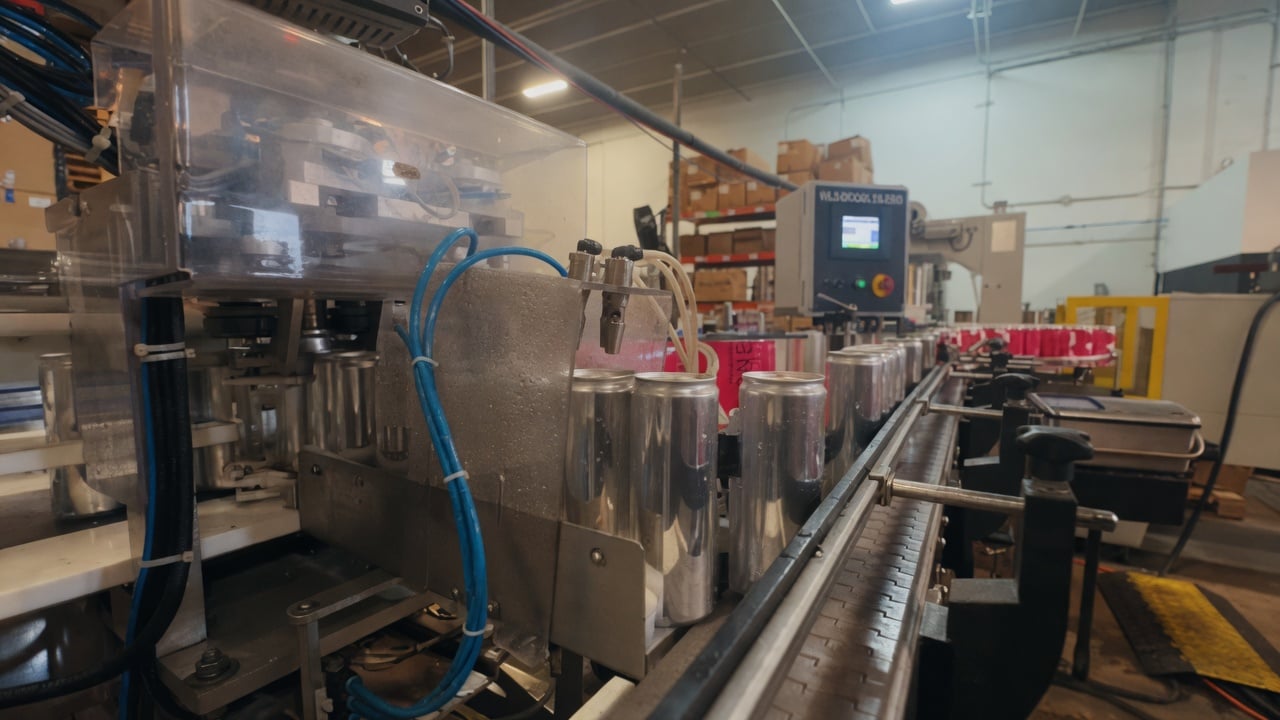
Our page on how we label and print cans explains both paths, and our artwork templates for digital can printing give designers the exact file setup.
Labels or printed cans: quick guide
- Very small, one-off order: a labeled bottle can be the quickest route.
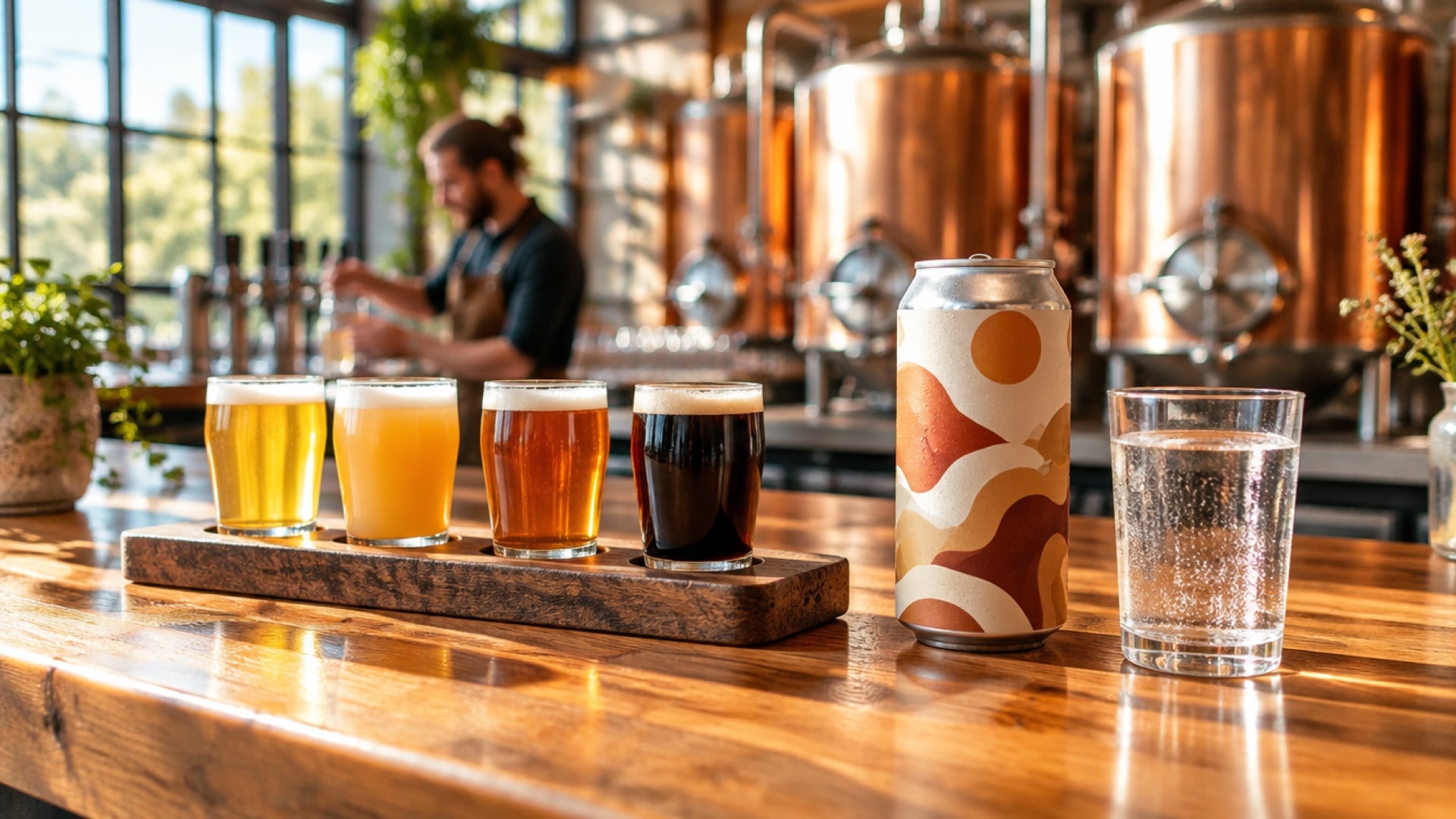
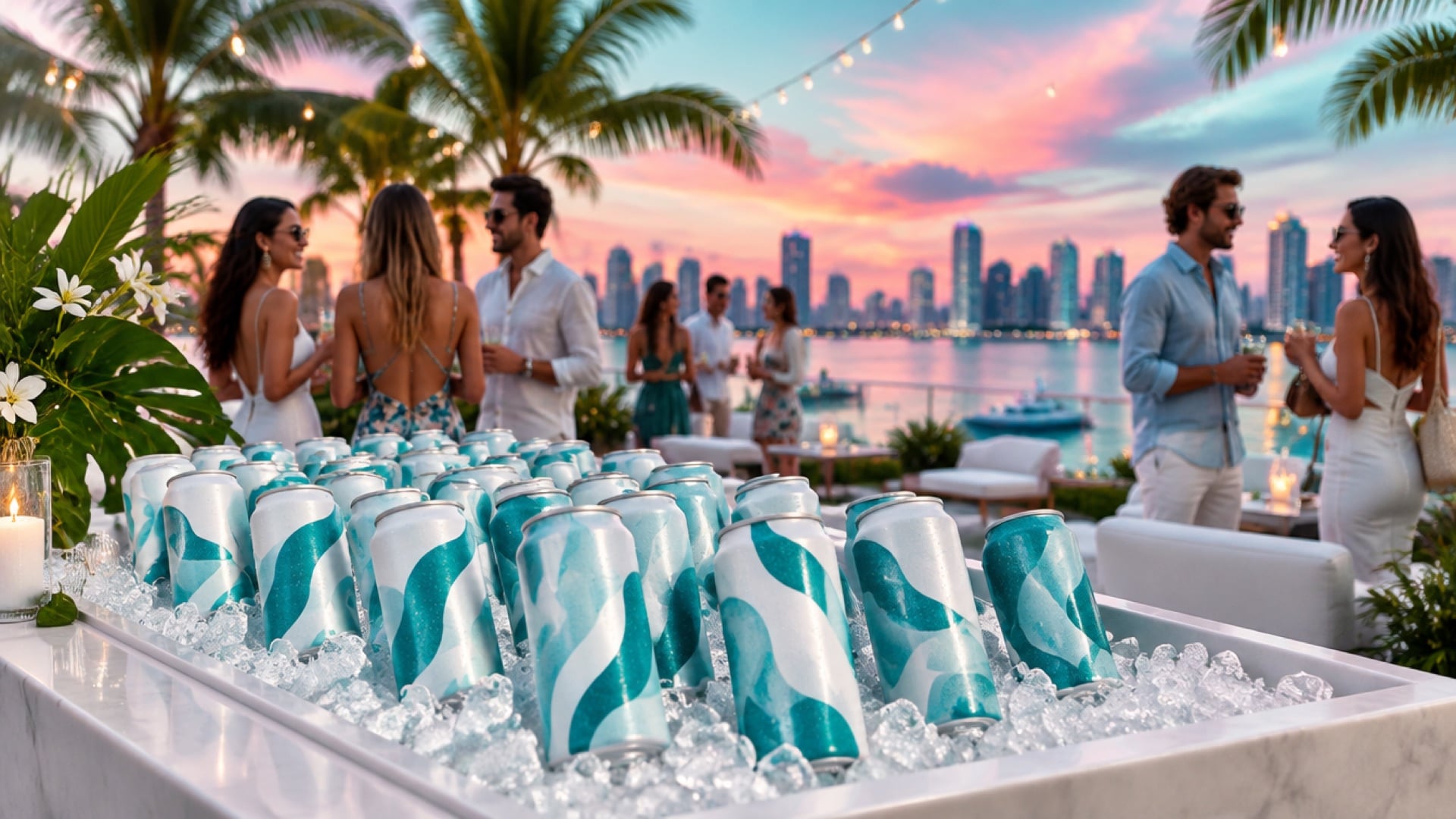
- Event or venue program from about 500 units: labeled cans start at 21 cases (504 cans).
- Full-surface brand design from 100 cases: digital print on aluminum.
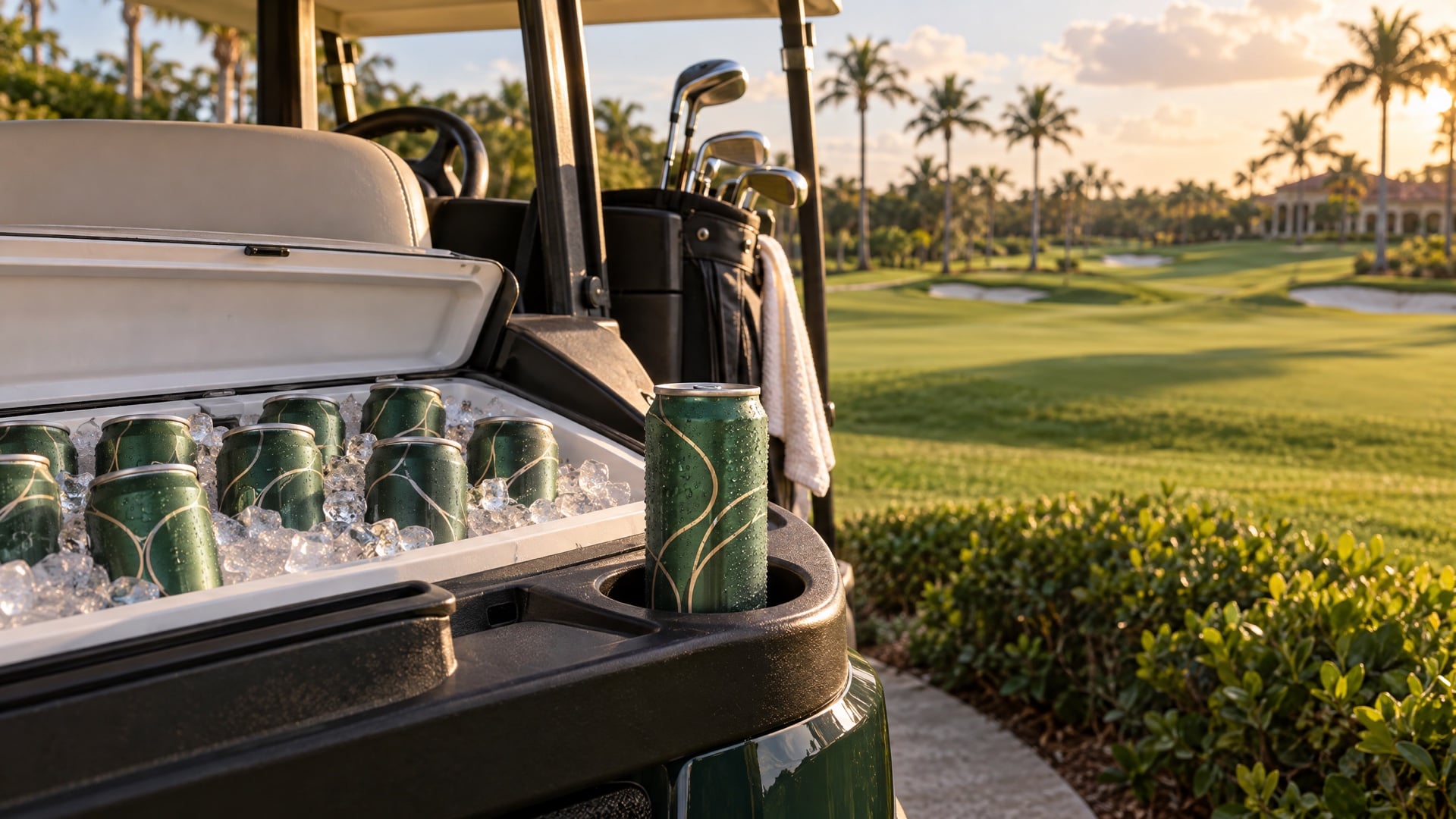
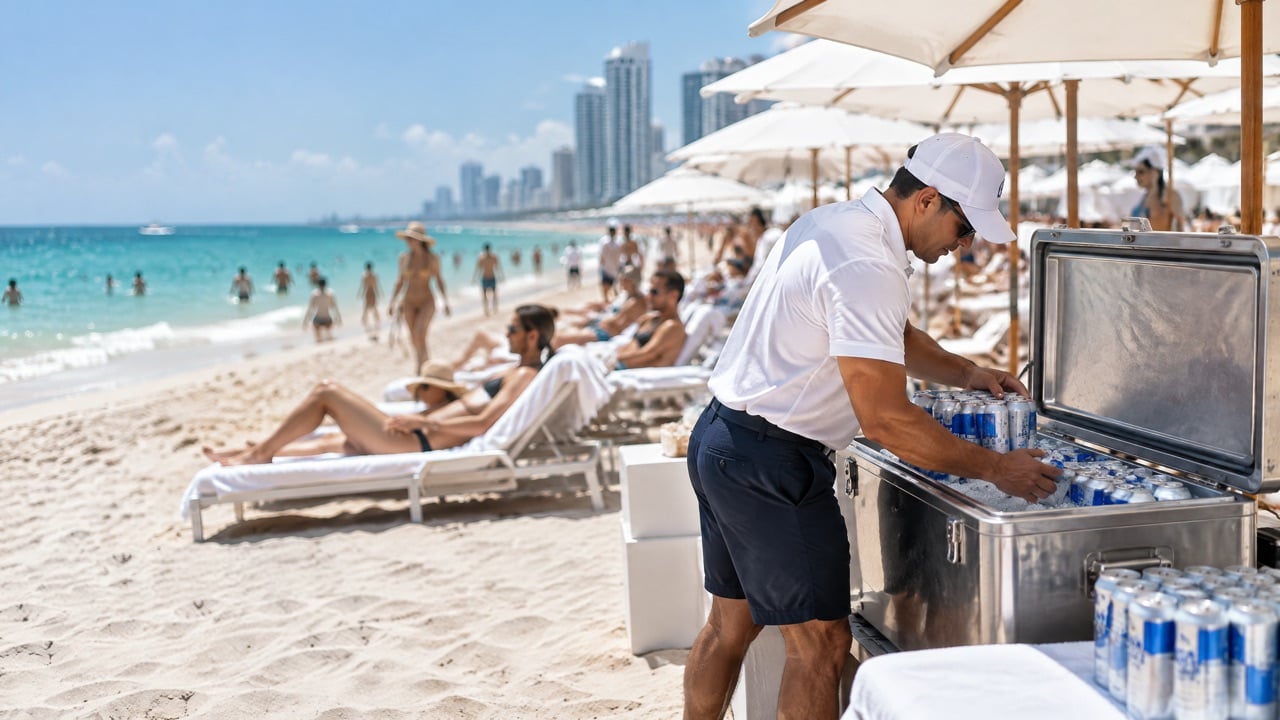
- Ice tubs and coolers: printed cans avoid peeling.
What custom branded water costs
Label costs depend on size, material, finish and quantity, plus application and the water itself. For branded cans, We Can It's digitally printed cans range from $0.90 to $2.50 per can depending on volume, labeled cans are priced very competitively for small runs, and the QR code is included at no extra cost. Use the online calculator to compare quantities, and read our guide to custom bottled water minimums, labels and lead times for the full buying process.
Label spec checklist before you approve
- Template, bleed and safe zone confirmed with the supplier.
- Waterproof material and cold-temperature adhesive for ice.
- Finish chosen for the event lighting.
- Vector logo, outlined fonts, print-resolution images.
- Small text checked at actual size on a real bottle.
- QR code tested on a curved surface.
- Printed proof approved for key brand colors.
- Delivery date confirmed with a buffer before the event.
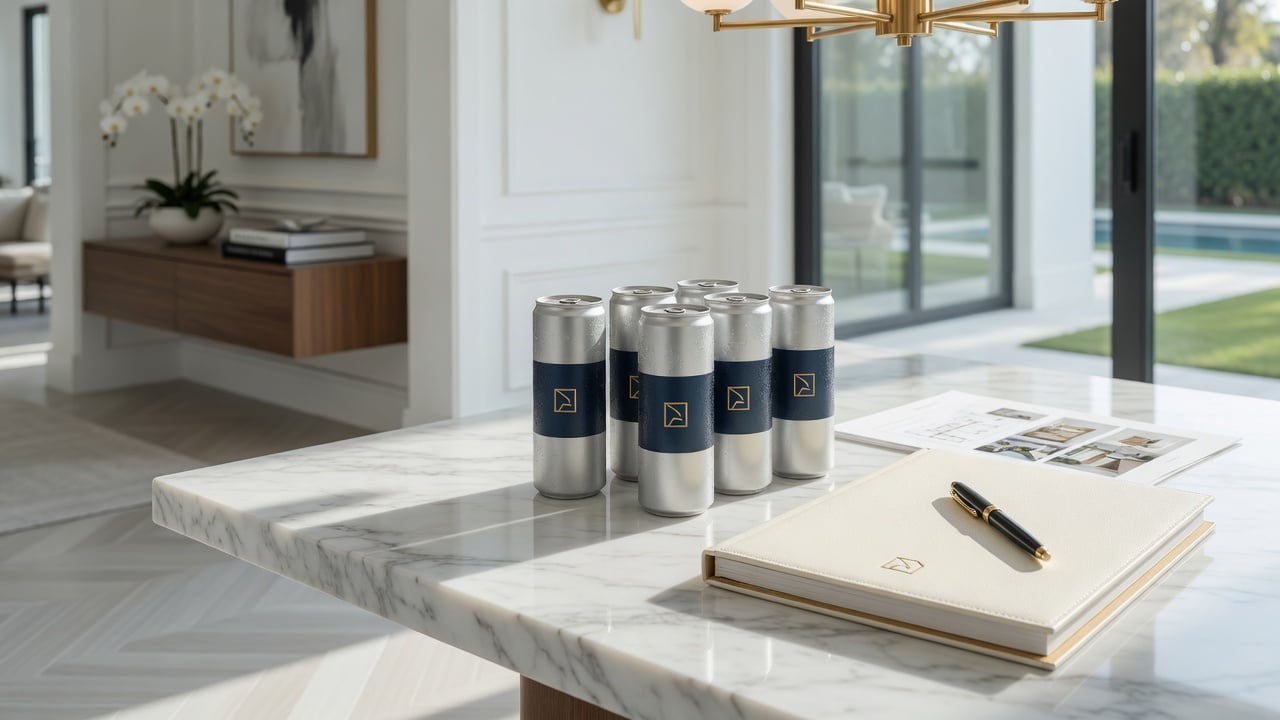
Example: an office relaunch that switched formats
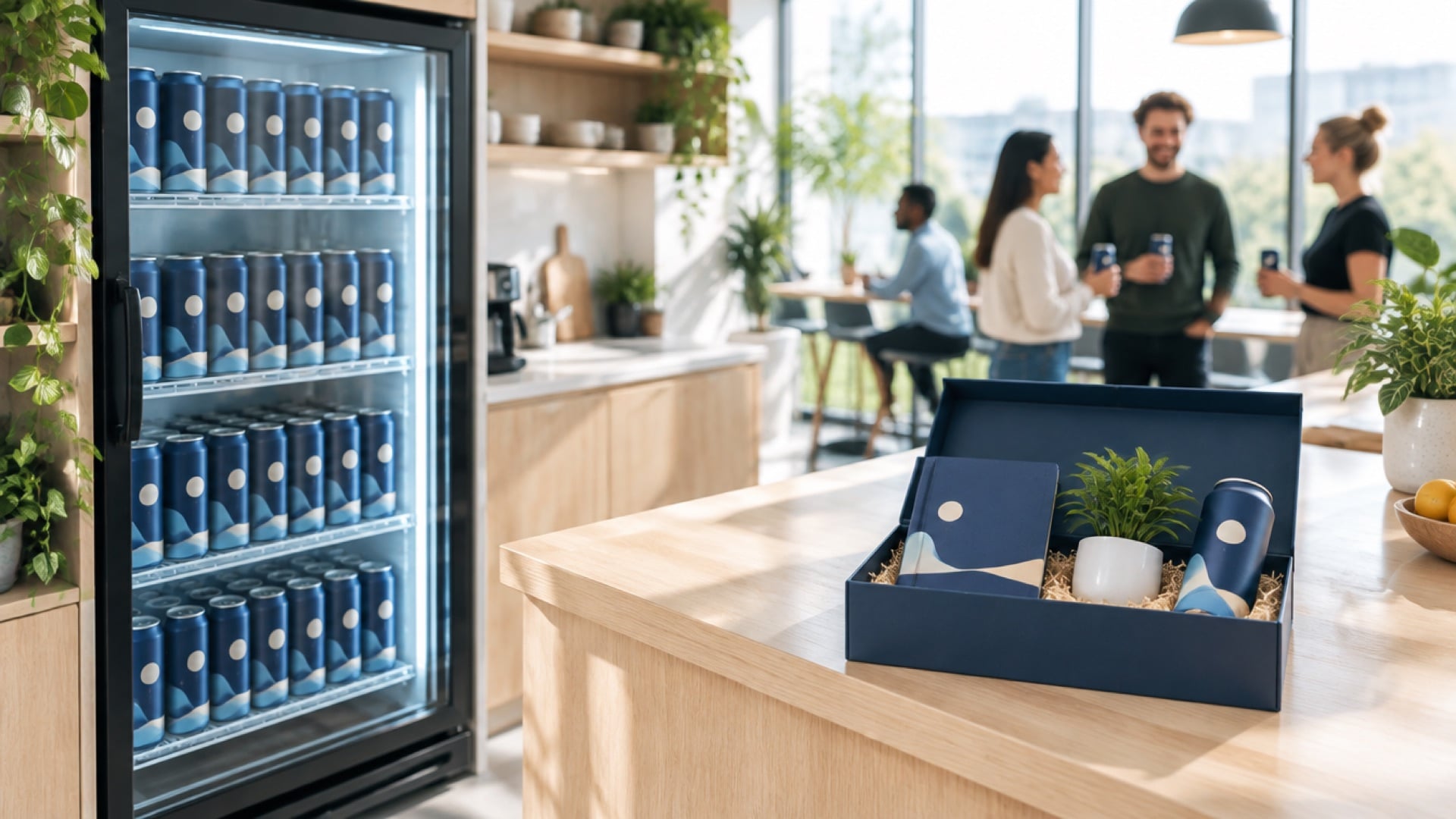
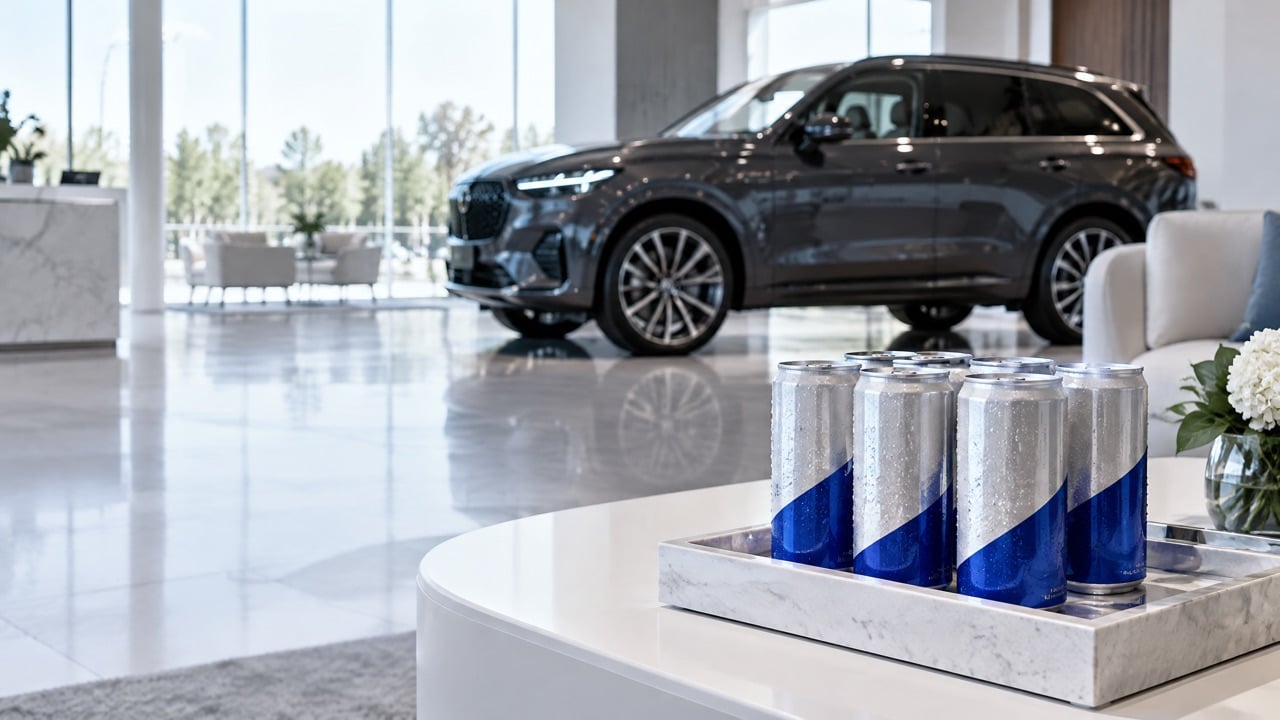
A company planning an office reopening wanted branded water for its lobby, meeting rooms and a launch party. The first plan was custom label bottles. The designer built a label, the supplier sent a template and the first proof showed the logo wrapping around the curve of the bottle, with the tagline split across the seam.
After two proof rounds, the team tried an ice test and found the paper labels wrinkling within an hour. They switched to waterproof film, which solved the peeling, but the design still had to fit a narrow strip.
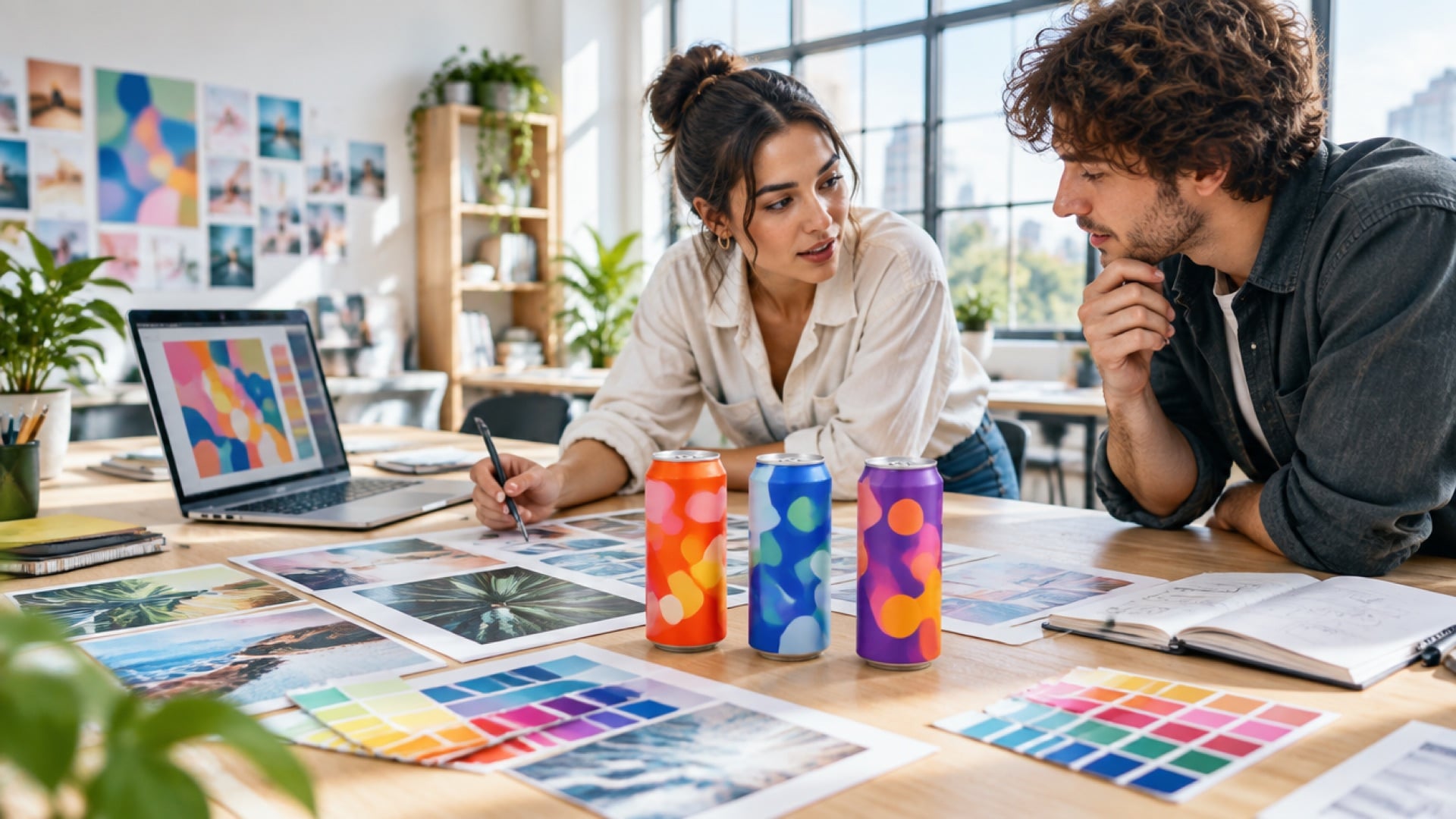
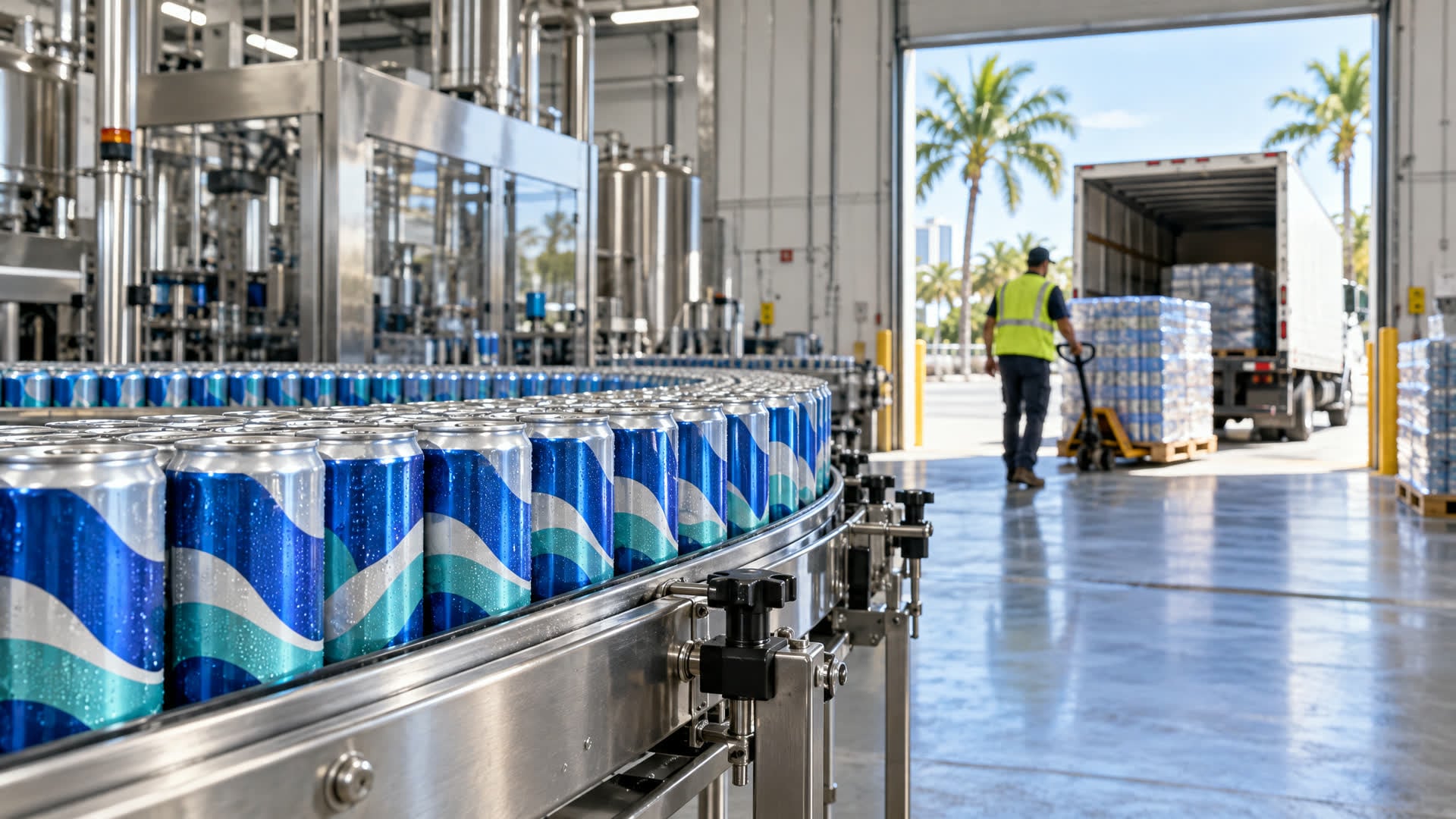
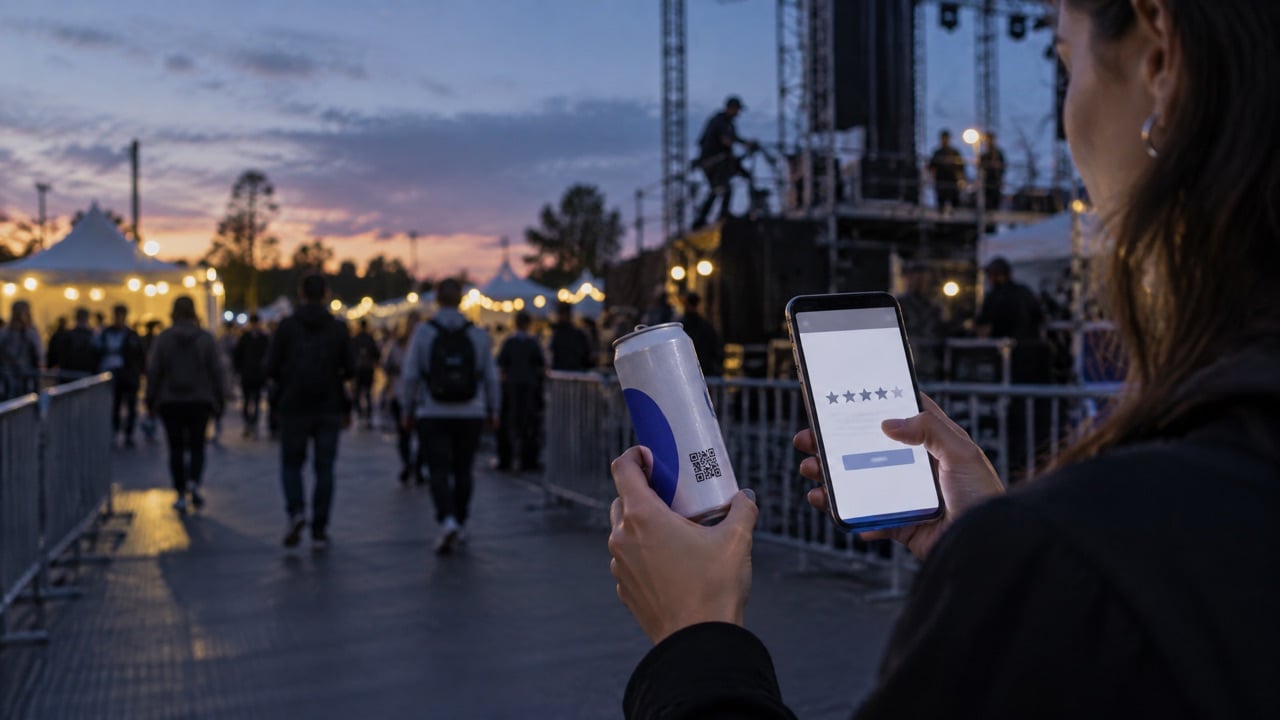
For the next event, the team moved to a printed aluminum can. The designer used the can artwork template, placed the logo on the front panel and the QR code on the back, and approved a digital proof. The cans arrived in about three weeks, went straight into ice tubs and came out looking the same as they went in. The QR code opened a welcome page for visitors and a feedback form for employees.
The lesson was not that labels are bad. It was that the label had to be specified for ice from the start, and that a printed can removed the label decisions entirely.
Who should own the label specification
Label projects slip when nobody owns the spec. Assign one person to:
- Get the template and confirm the bottle or can size.
- Choose the material and adhesive for the real service conditions.
- Collect print-ready files from the designer.
- Approve proofs and sign off on color.
- Confirm delivery with a buffer before the event.
Frequently asked questions
What is the best material for water bottle labels?
Waterproof film, often BOPP, is the usual choice because it resists water, ice and handling. Ask for cold-temperature adhesive if the bottles will sit in ice tubs, and avoid paper labels for chilled service.
What resolution should a water bottle label design be?
Images should be around 300 dpi at final print size, and logos should be vector files. Always follow the supplier's template and file requirements.
Why do water bottle labels peel at events?
Labels usually peel because of paper material, standard adhesive in cold and wet conditions, or condensation. Waterproof film with cold-temperature adhesive reduces the problem, and printing directly on an aluminum can removes it.
Can I put a QR code on a water bottle label?
Yes. Leave a quiet zone around the code, keep it on a flat-looking part of the label and test it on a real curved bottle before approving the run. Every We Can It can includes a QR code at no extra cost.
What is the minimum order for branded water cans?
We Can It's labeled cans start at 21 cases (504 cans) and digitally printed cans start at 100 cases. Production takes about 2 to 3 weeks from artwork approval.
Get a quote for custom branded water without the label hassle
If labels keep peeling or the design never fits the strip, see how your brand looks on a full can. Get an instant estimate, and a product advisor will follow up by email with options and timing.