What Is a Digital Journey? 6 Examples by Industry
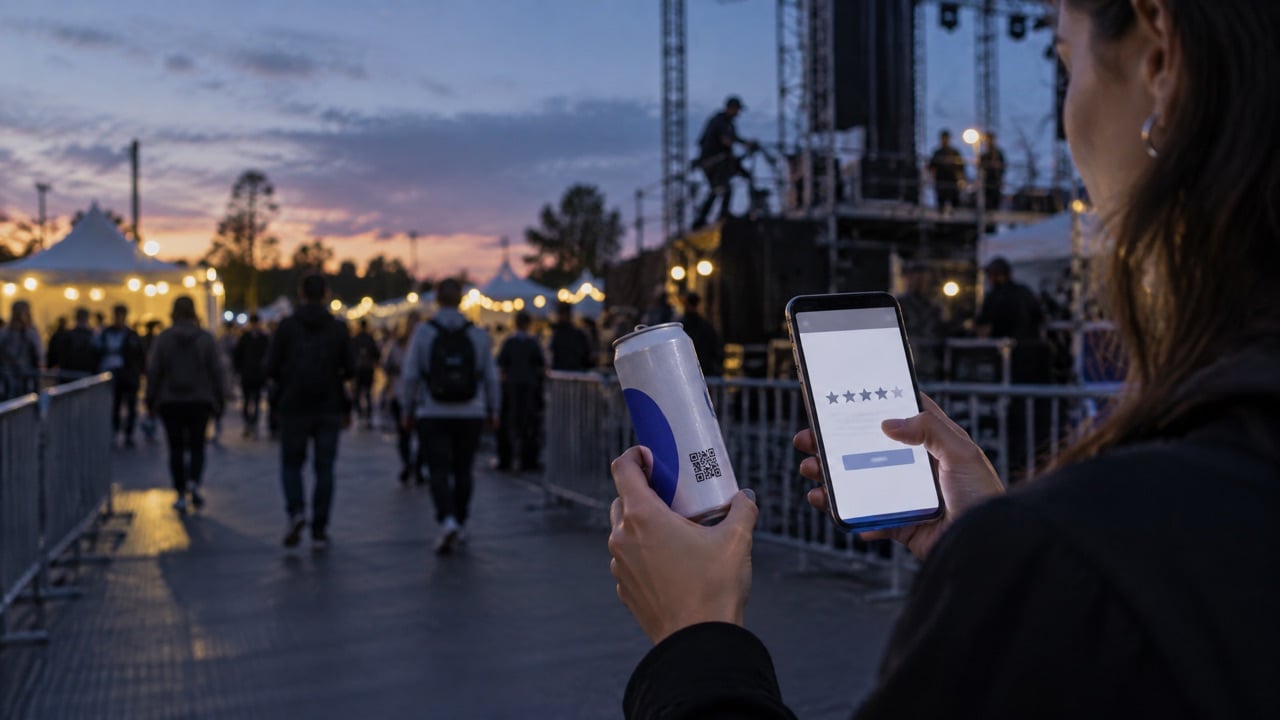
A QR code is only as good as what happens after the scan. Most codes open a homepage that was never designed for someone standing at a pool bar or walking a dock with a drink in their hand. The guest looks for a moment, finds nothing useful, and closes the page.
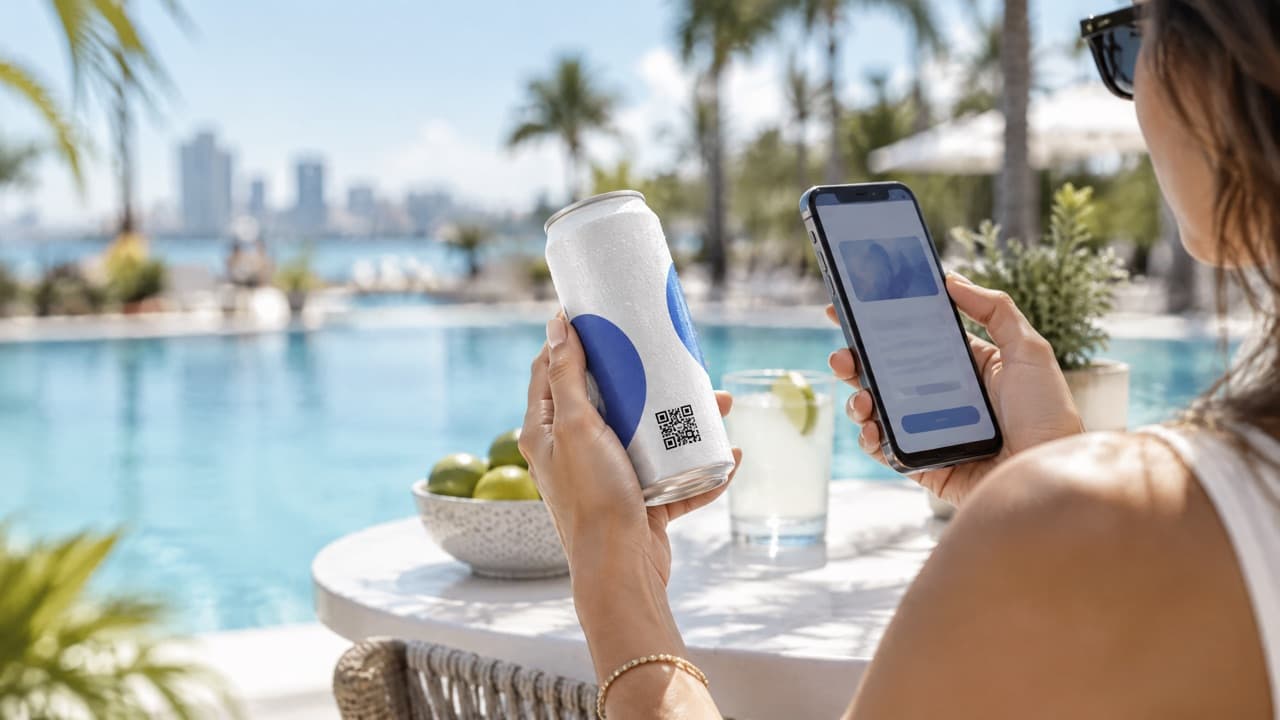
A QR code is only as good as what happens after the scan. Most codes open a homepage that was never designed for someone standing at a pool bar or walking a dock with a drink in their hand. The guest looks for a moment, finds nothing useful, and closes the page.
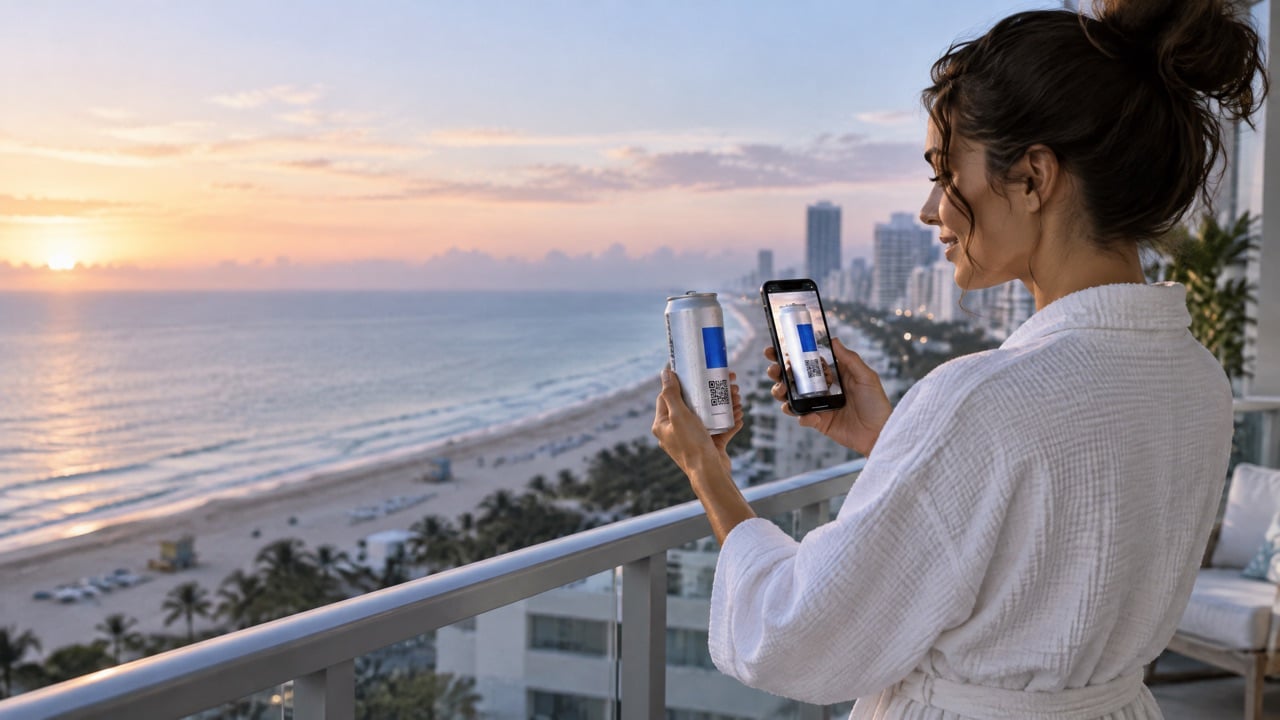
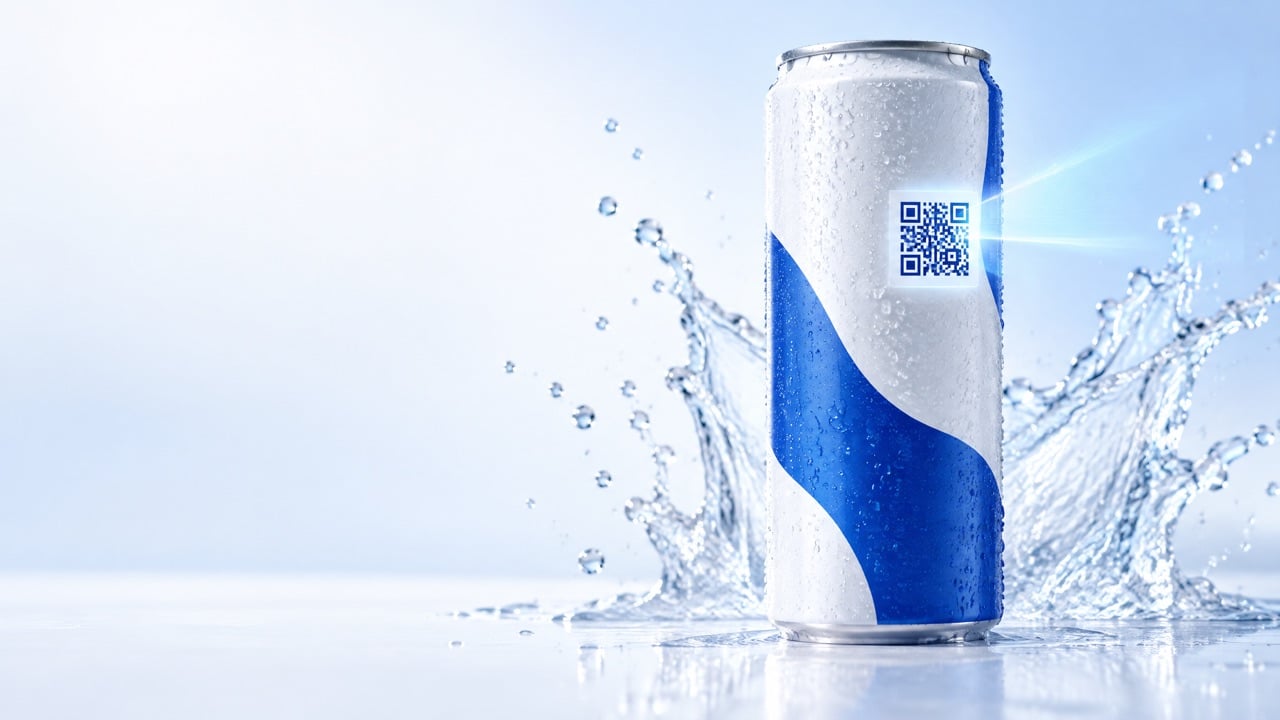
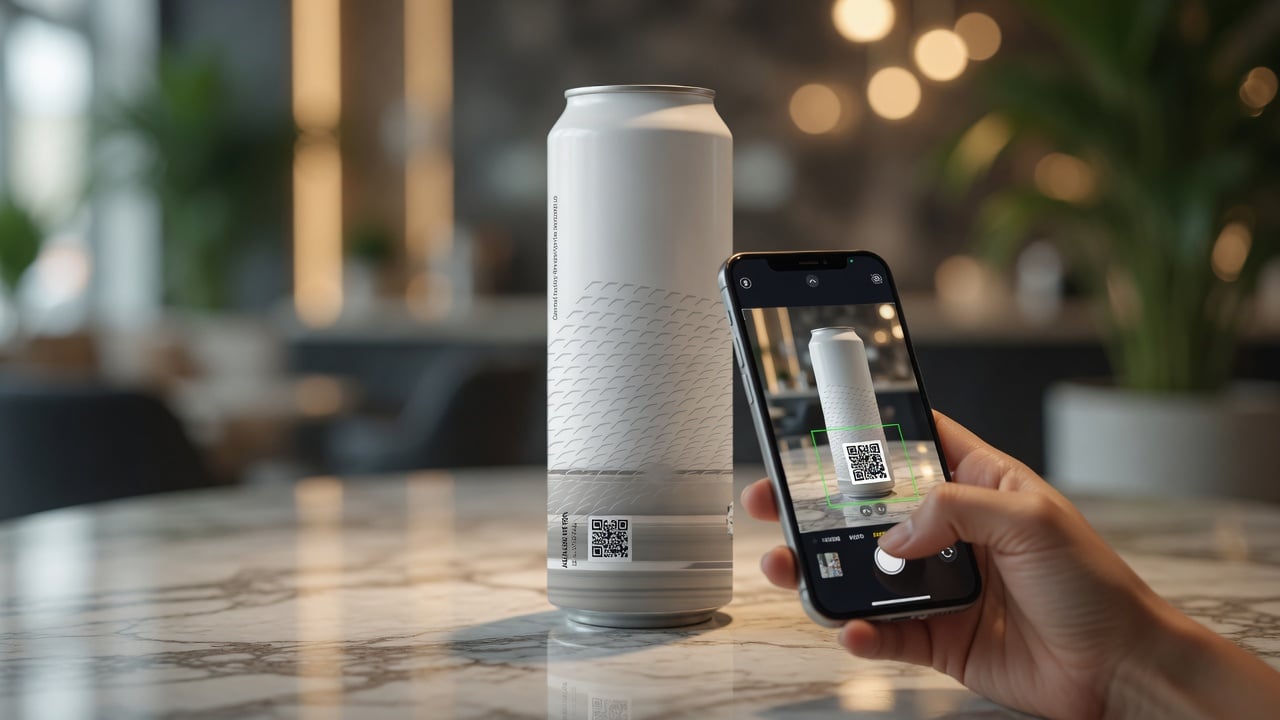
A We Can It Digital Journey is the experience that opens when someone scans a branded can: a mobile page built for that exact place and moment. This guide explains what a Digital Journey is and shows six concrete examples by industry, so you can picture what yours could look like. It is for marketers, hospitality leaders, and event teams deciding what their can should open.
What is a Digital Journey?
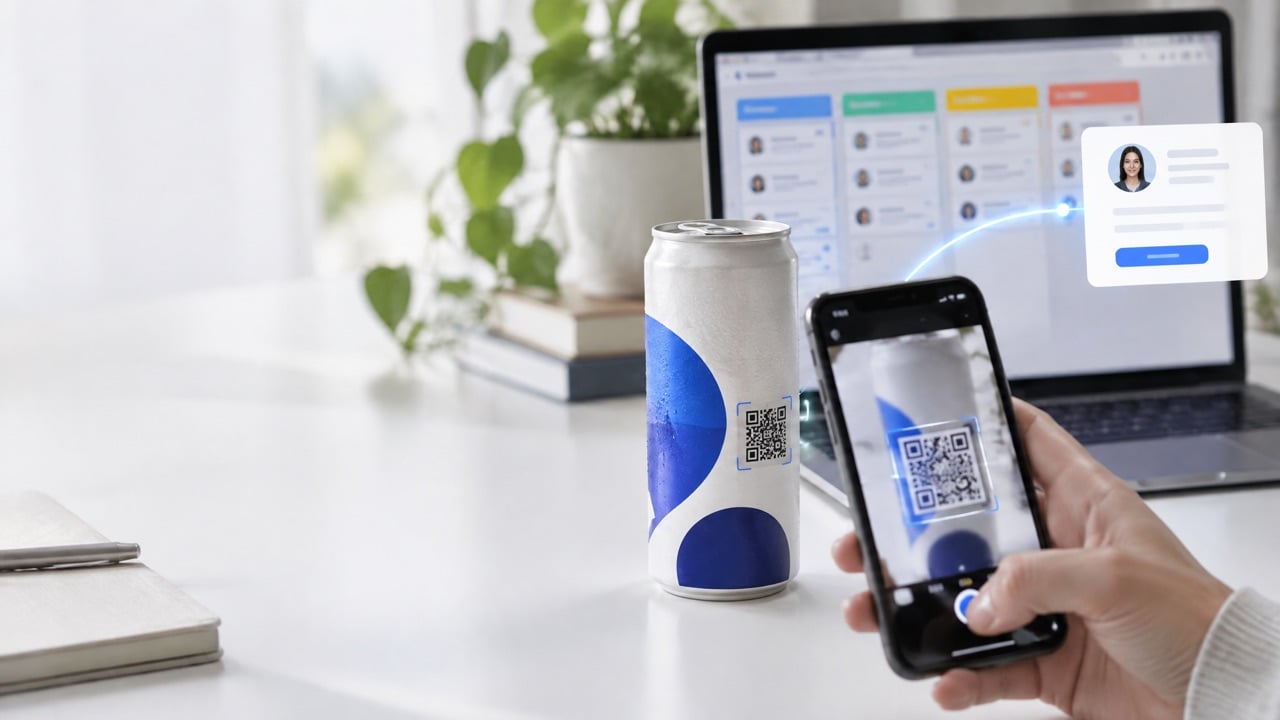
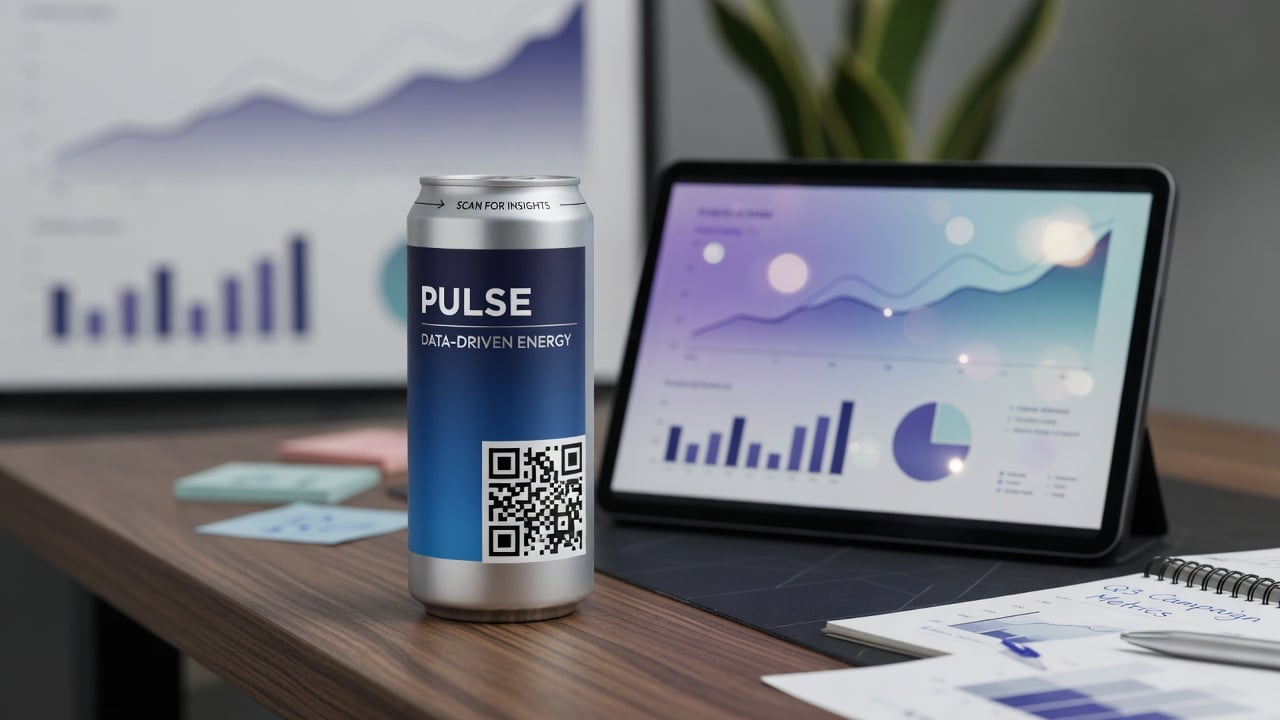
A Digital Journey is a short, mobile-first experience connected to the QR code on a branded can. Instead of a generic website, it opens a page designed for the setting where the can is served. It can show information, offer something, invite a booking, or collect feedback, and it can be updated without reprinting the can.
Every good Digital Journey has three parts:
- Instant value: something useful the moment the page opens.
- One clear action: book, sign up, redeem, share, or learn more.
- A setting-specific feel: it belongs to the place where the guest scanned.
The technology side is described on Technology · Digital experience.
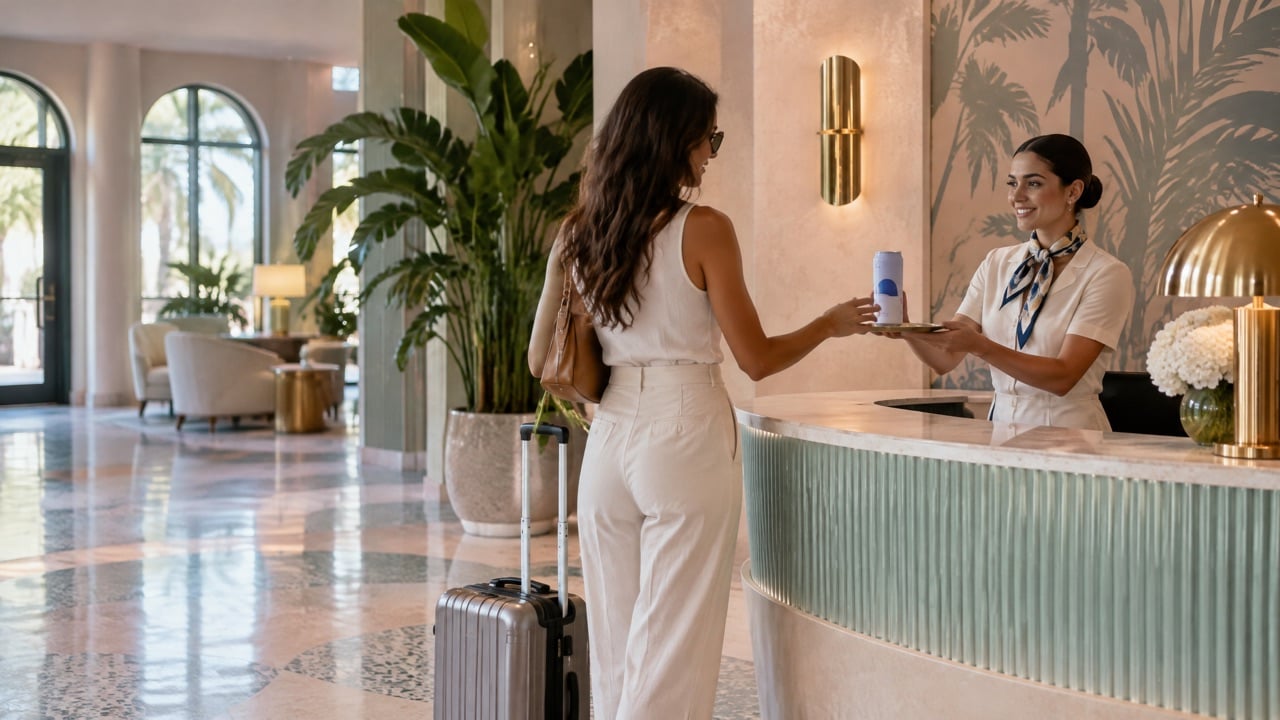
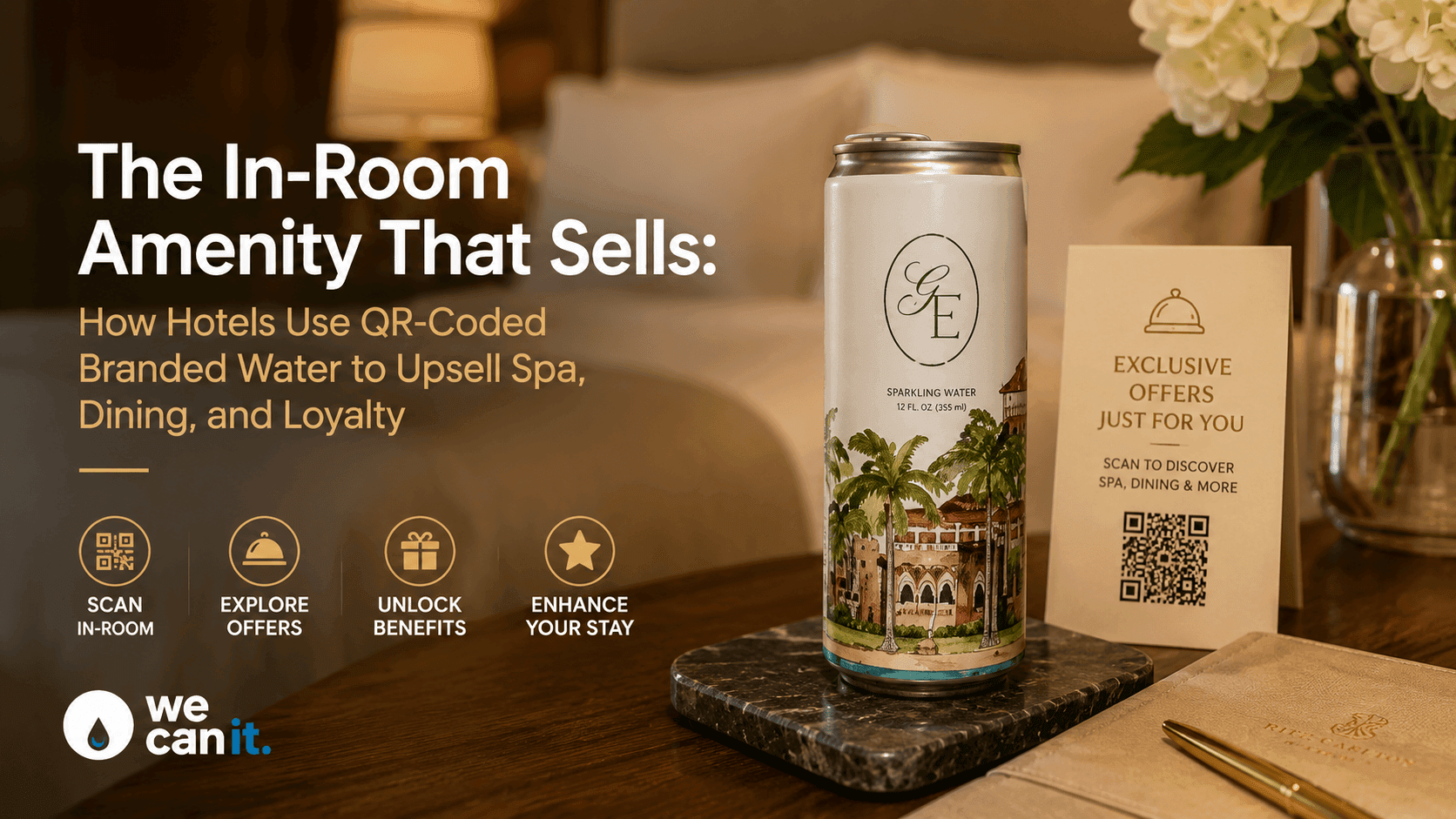
Example 1: A hotel menu and guest services page
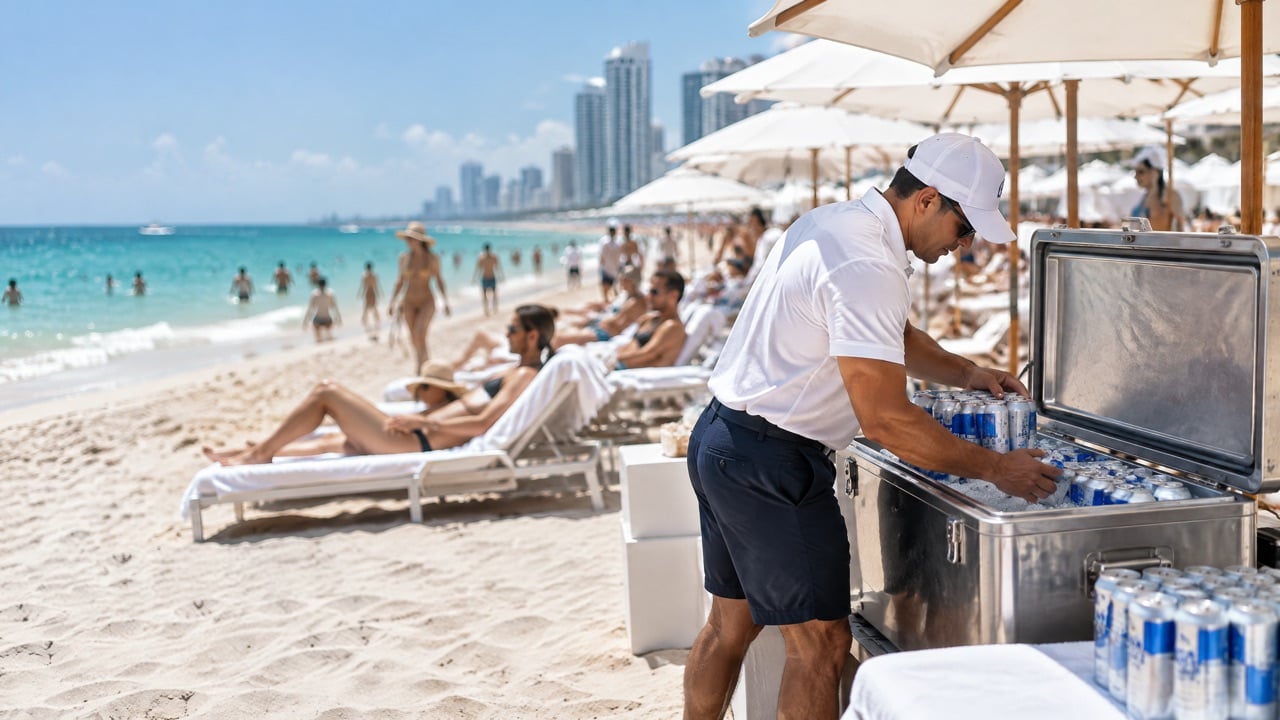
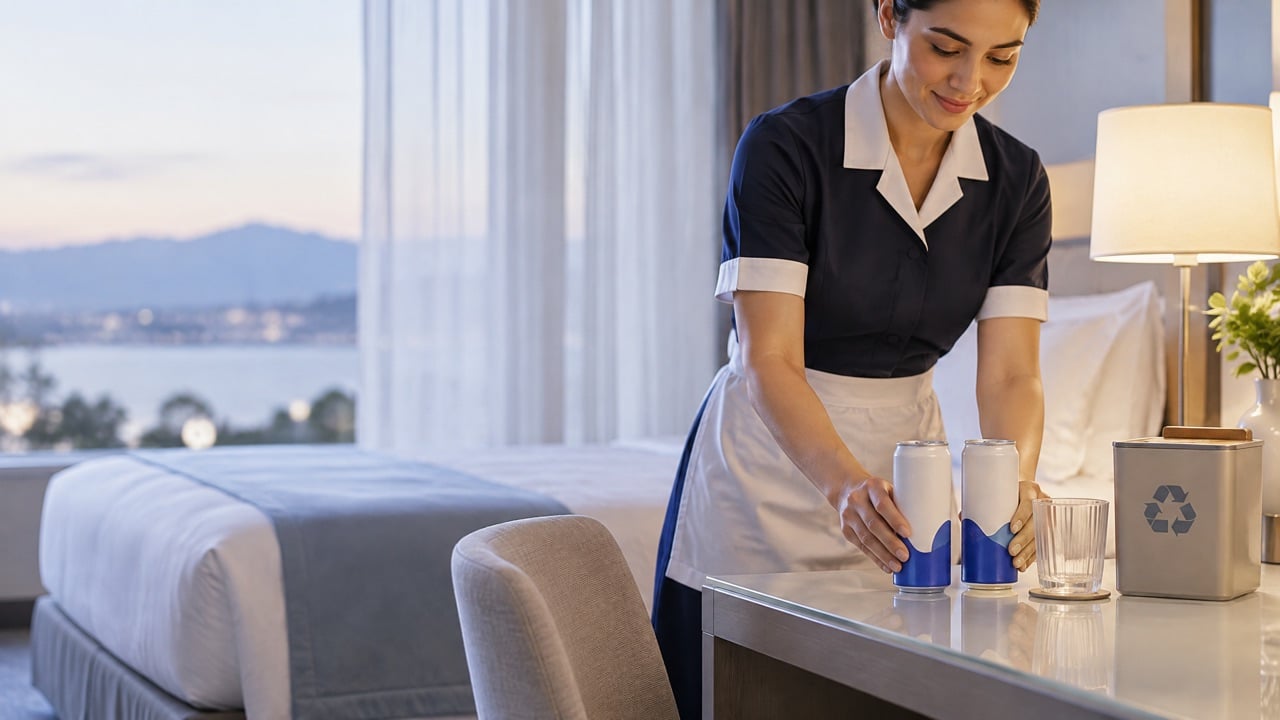
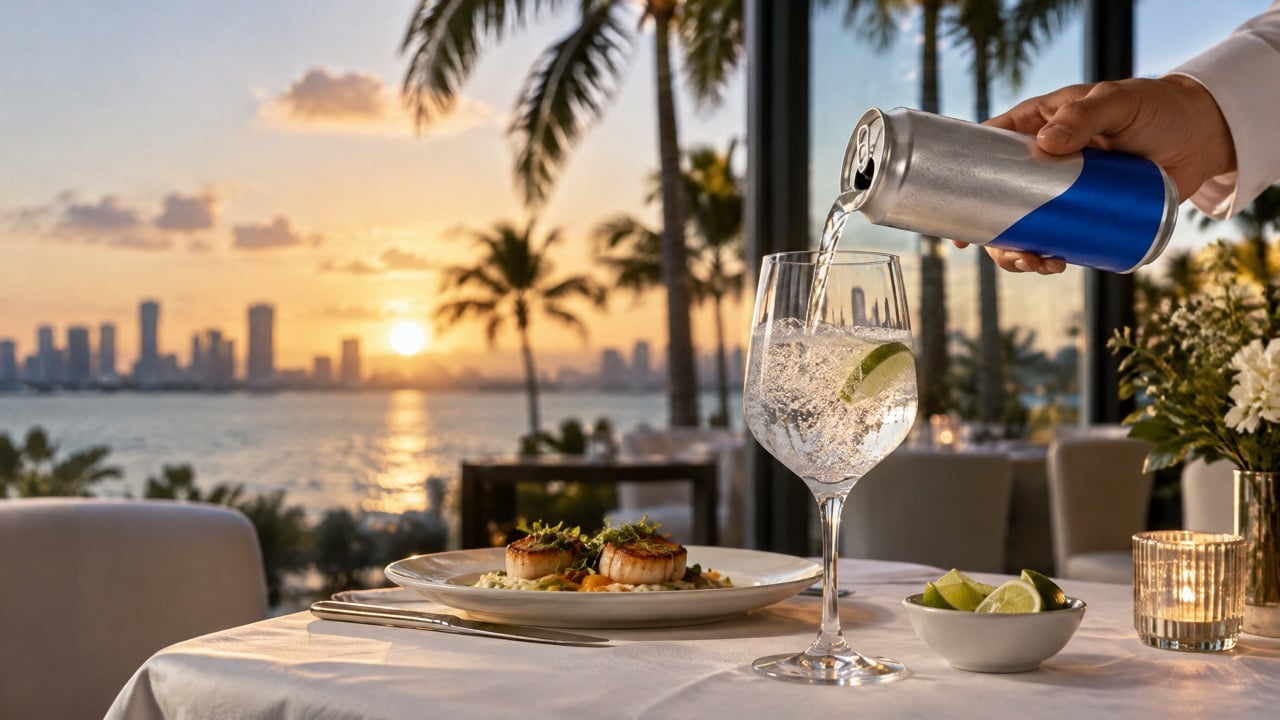
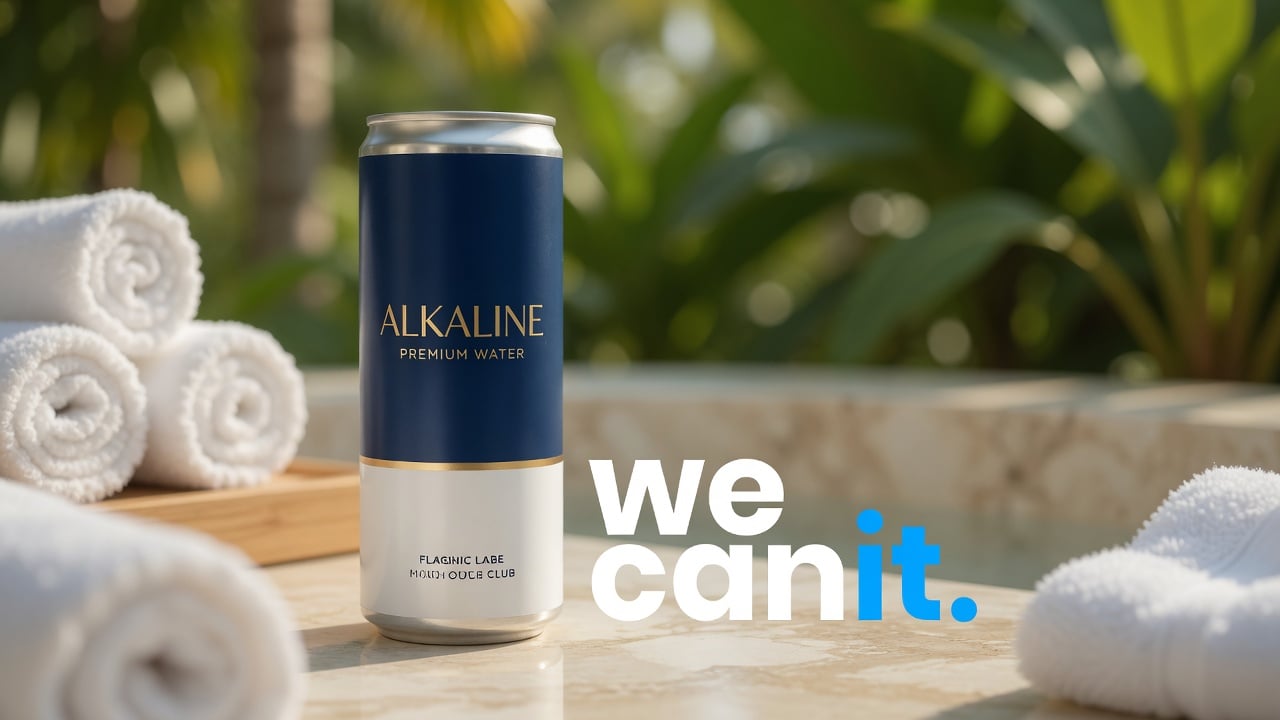
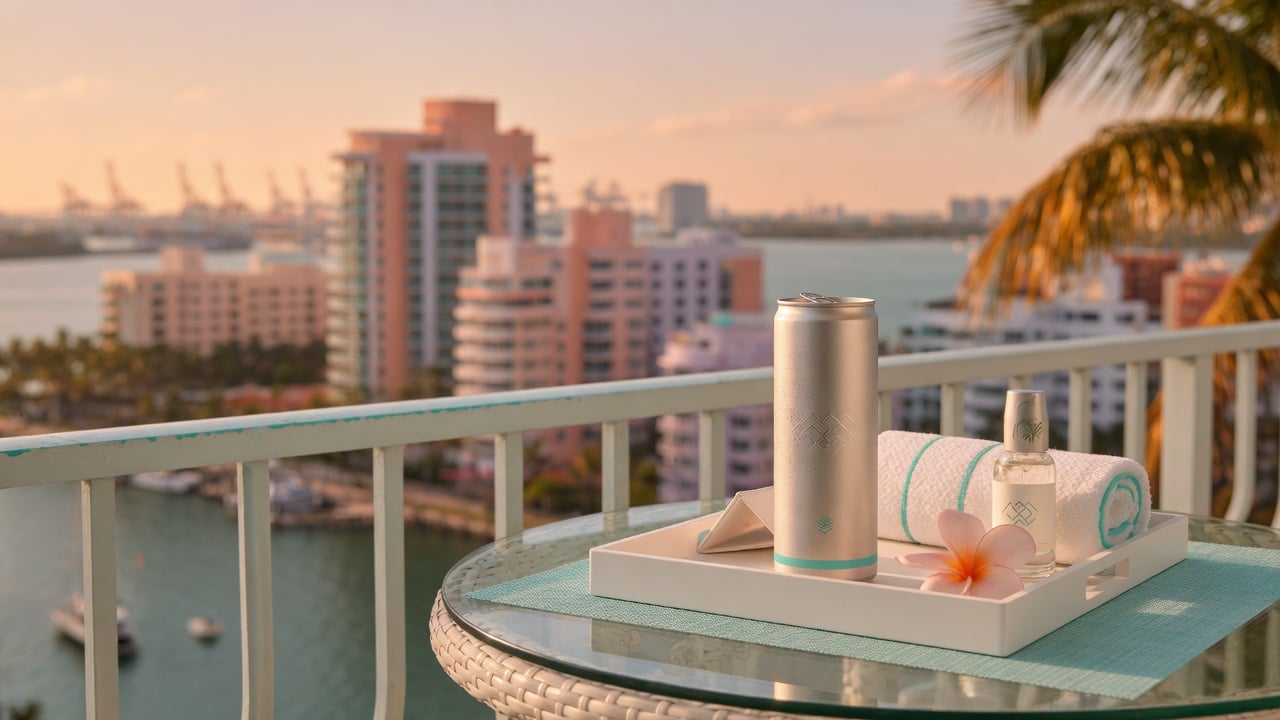
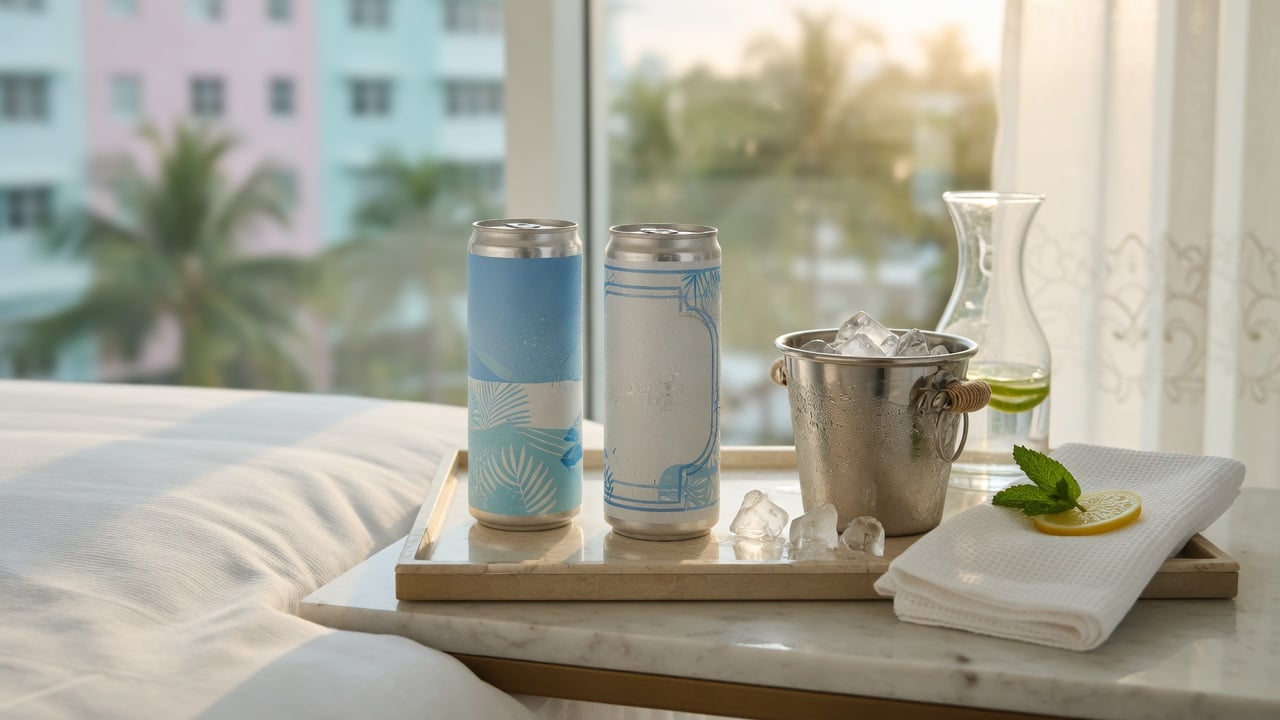
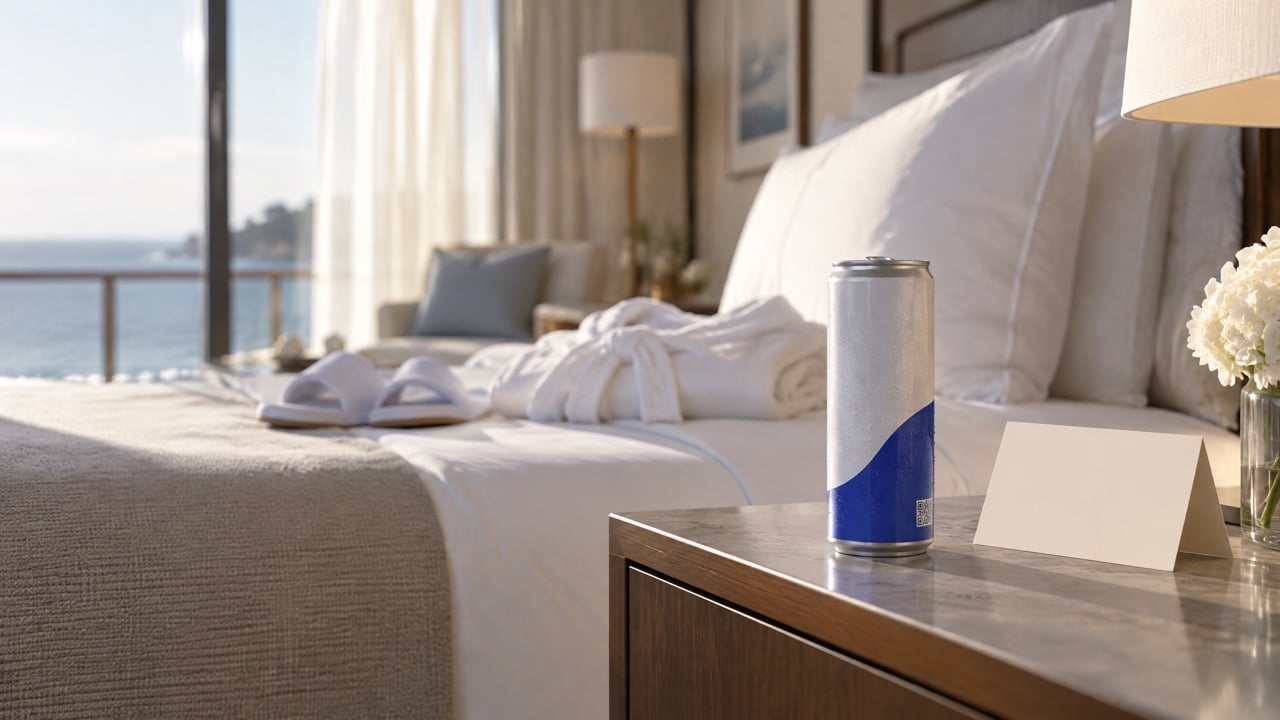
Where: in-room cans and pool-side service at a resort.
What opens: today's pool menu, spa availability, and a button to request towels or housekeeping.
The action: book a spa treatment or order to the lounger.
Why it works: the guest is relaxed, has time, and wants something now. The page answers the question they already had.
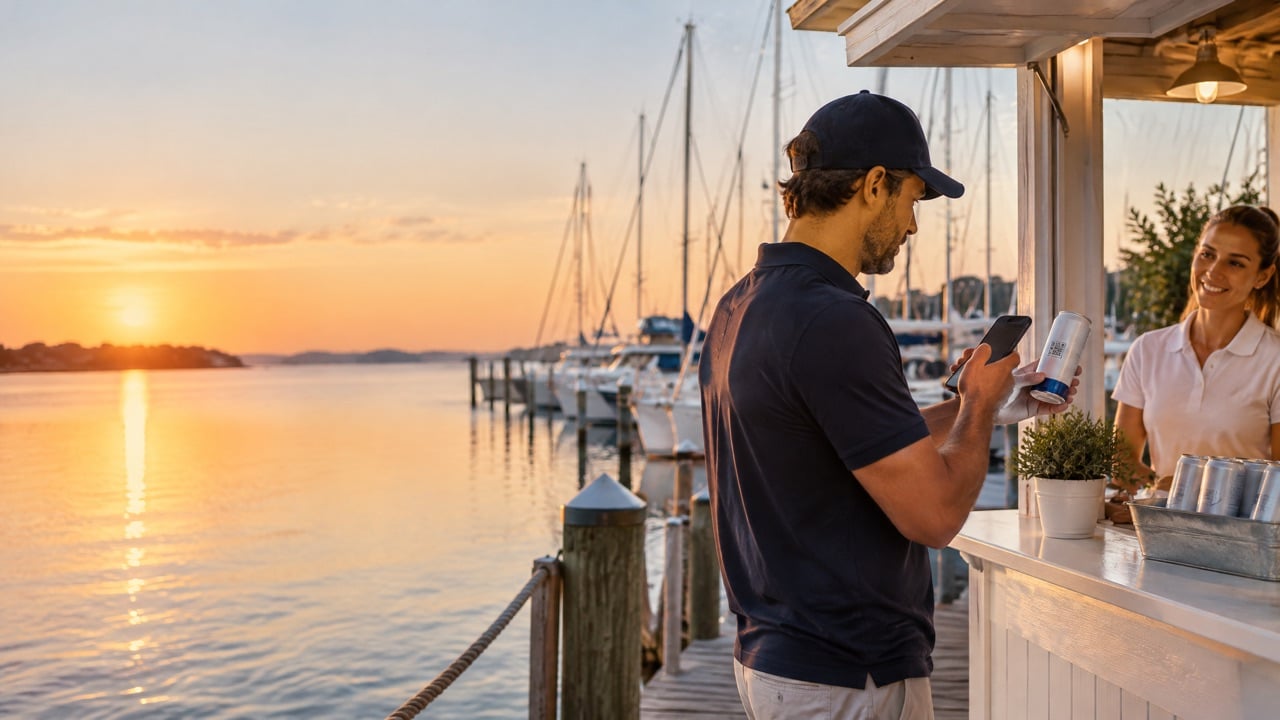
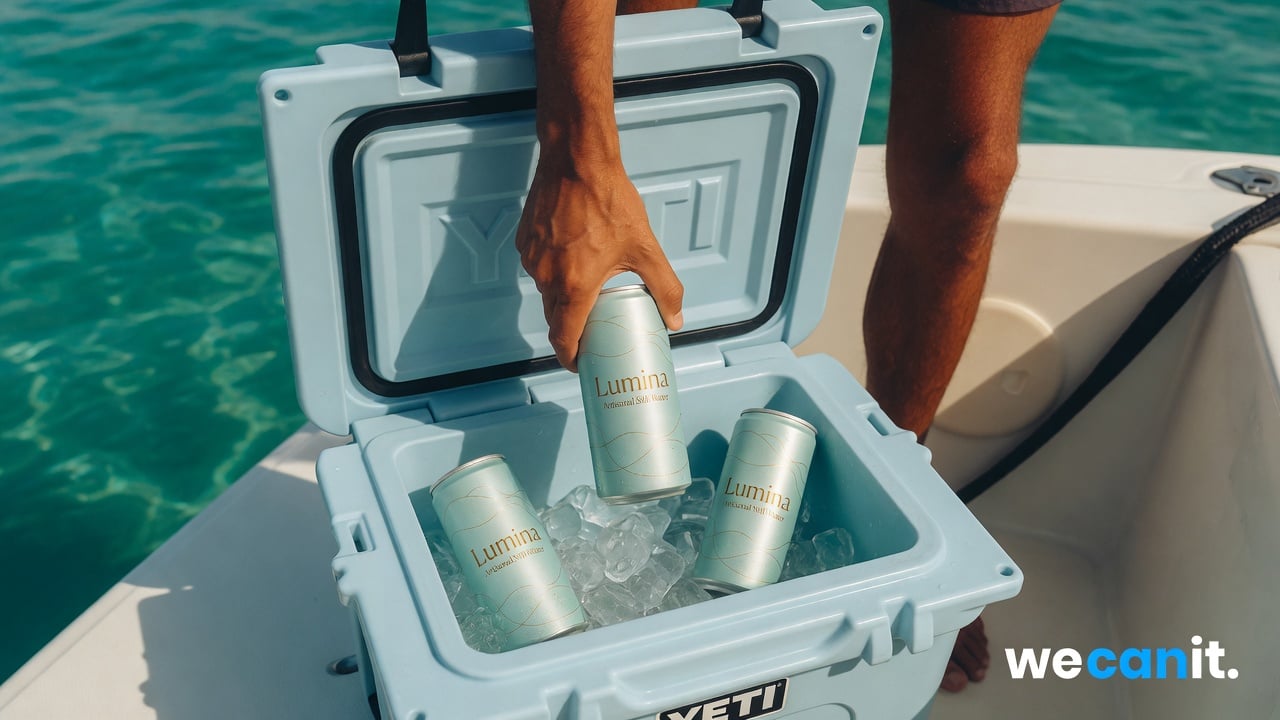
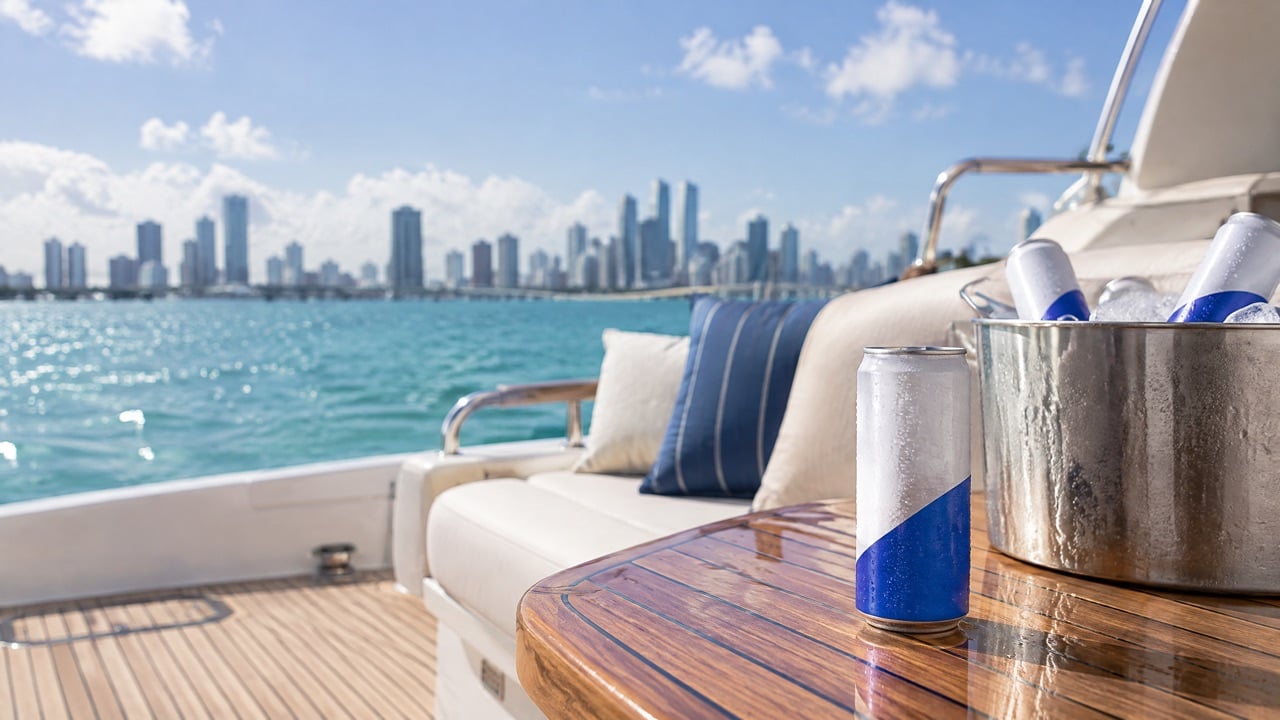
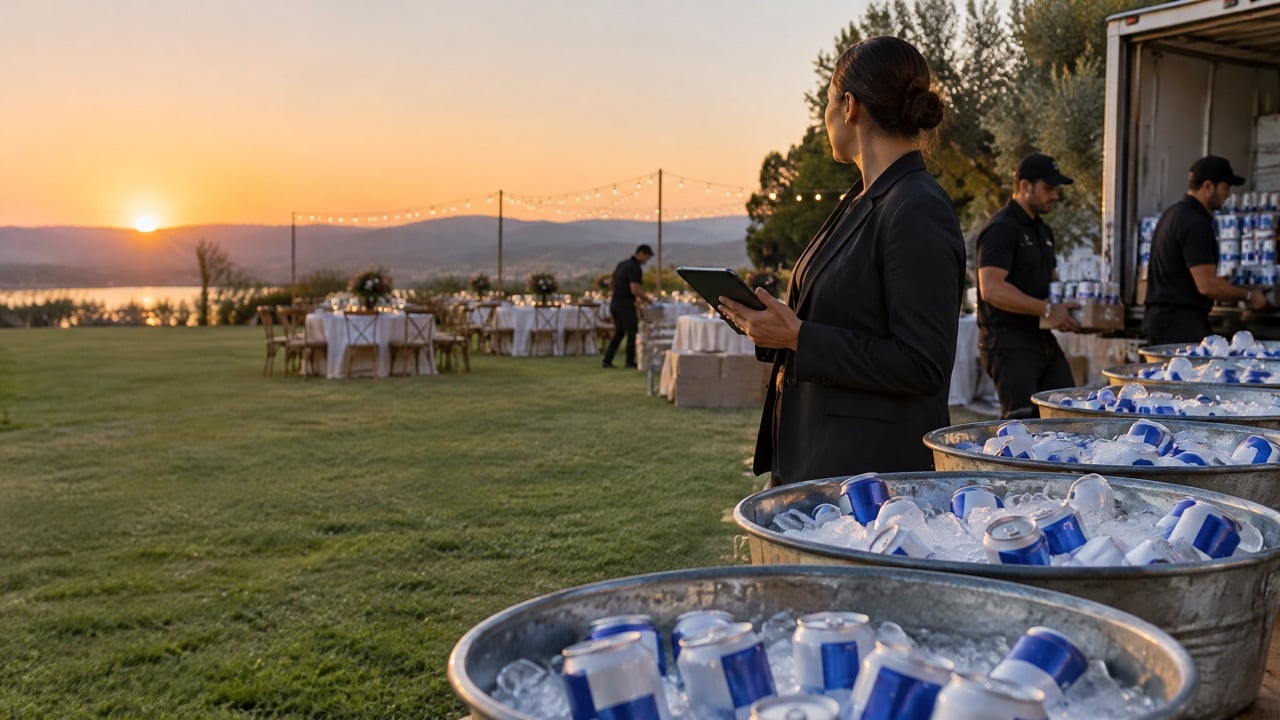
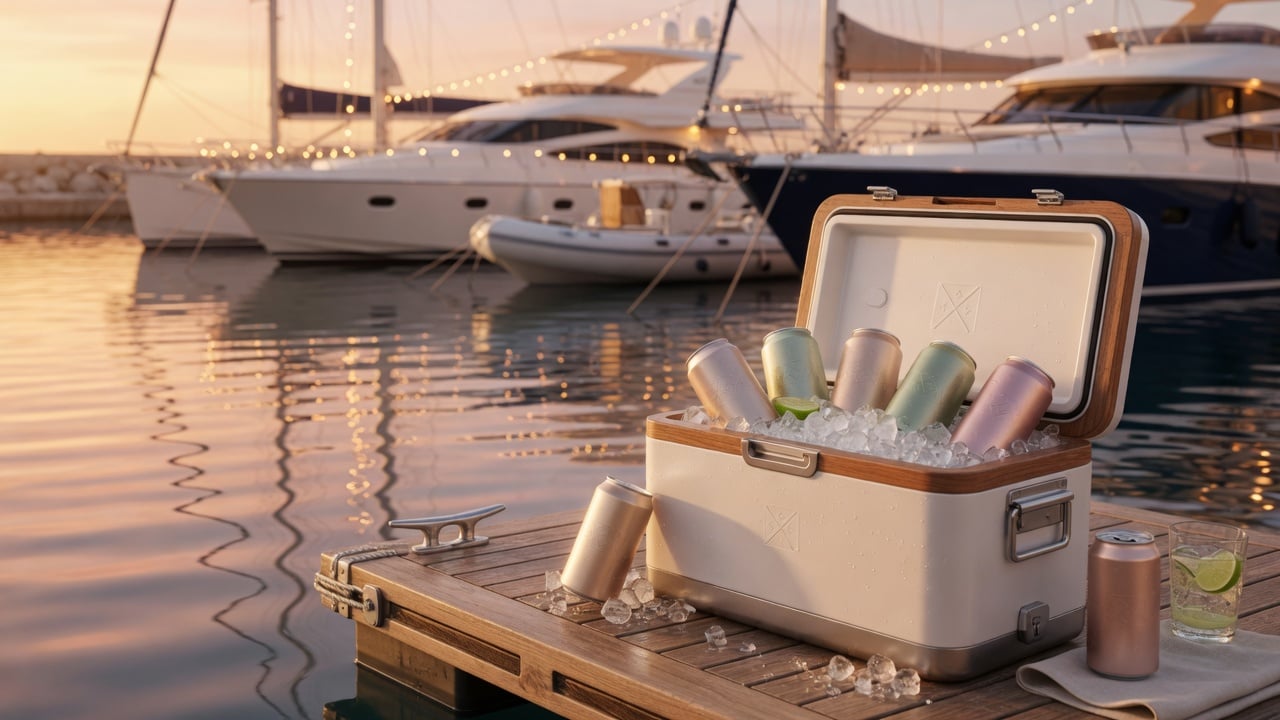
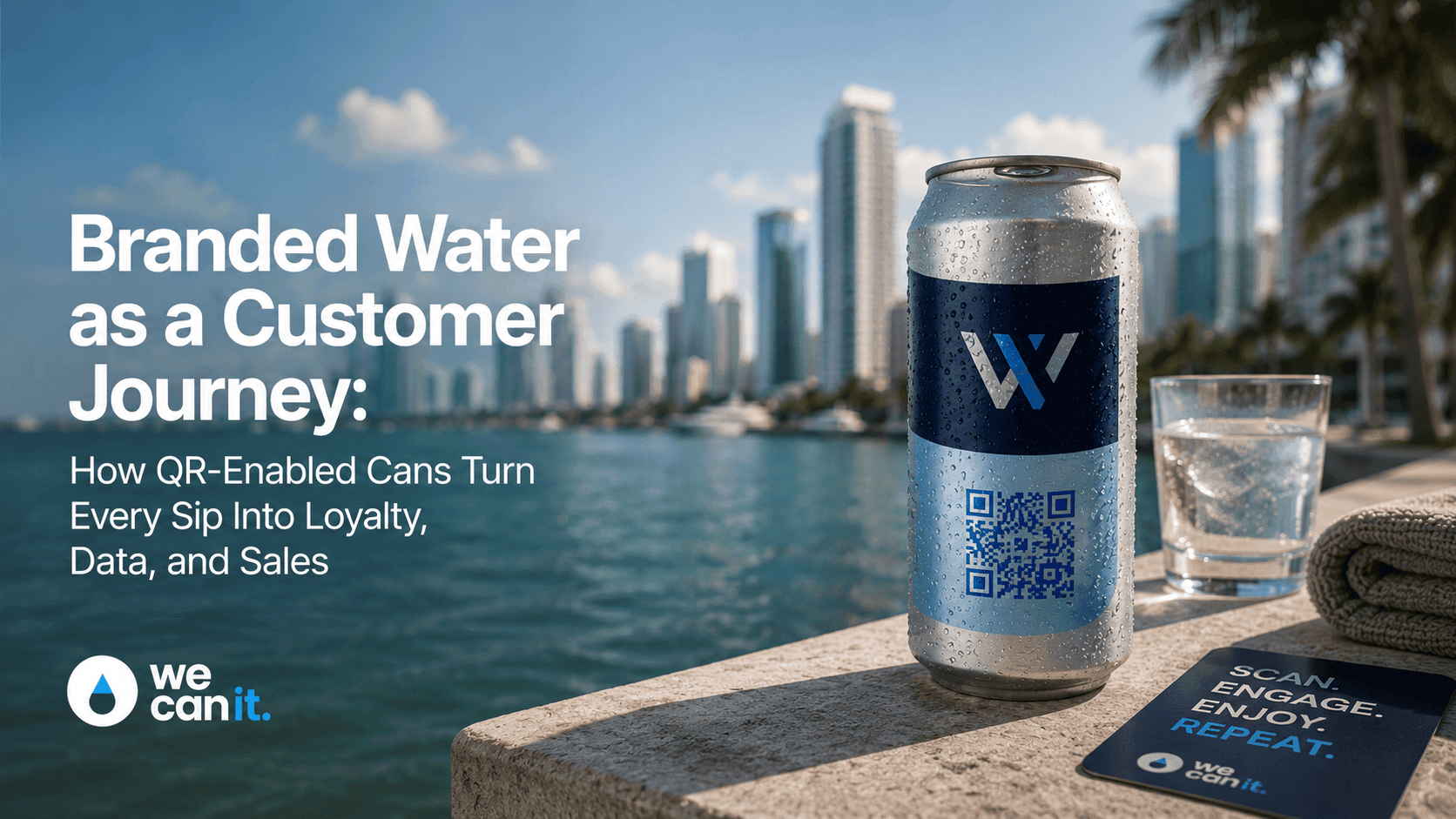
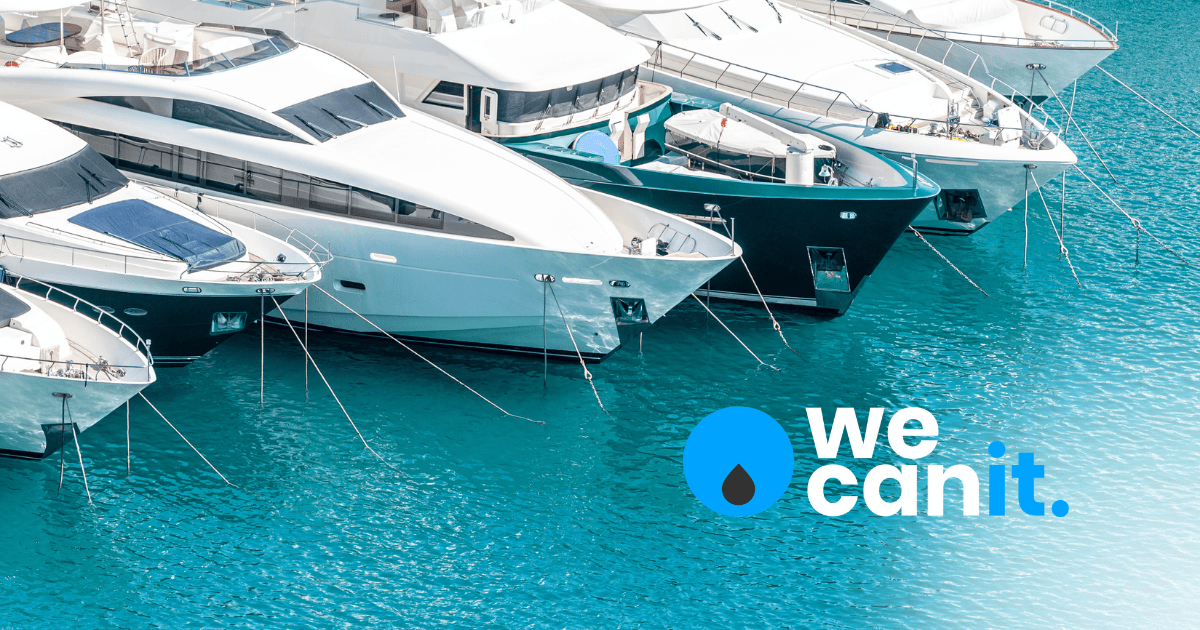
Example 2: A marina welcome page
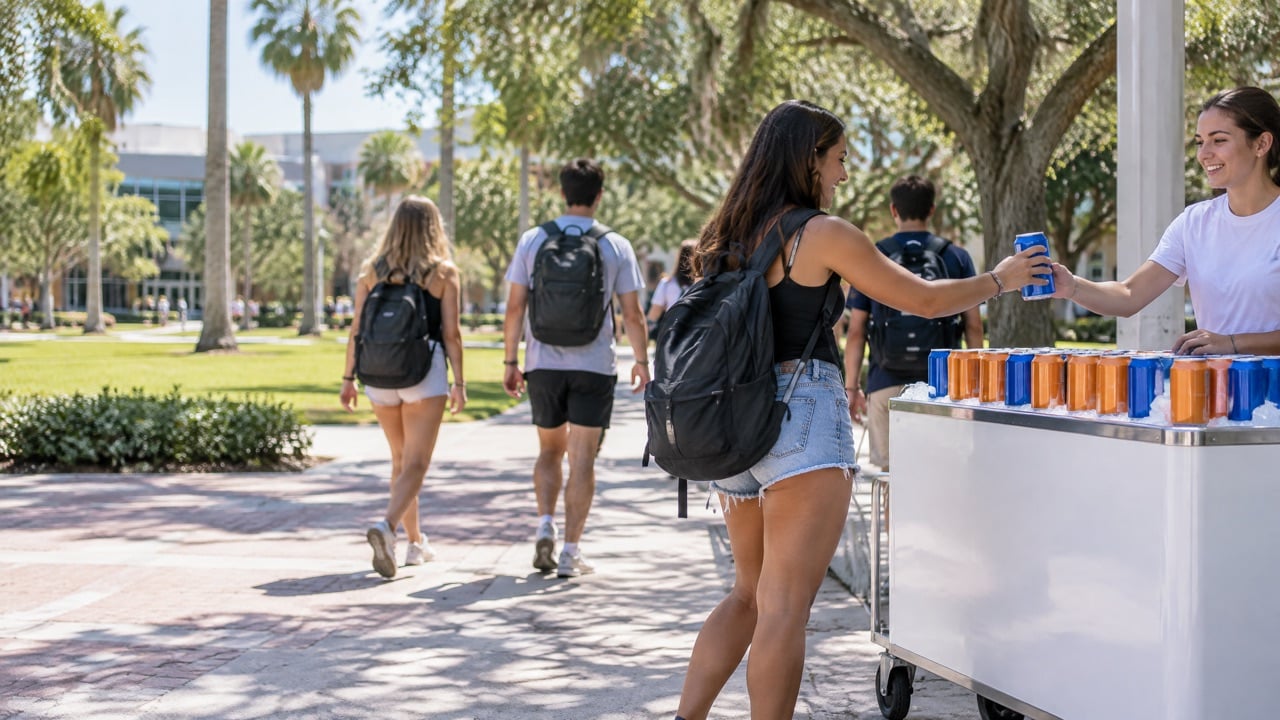
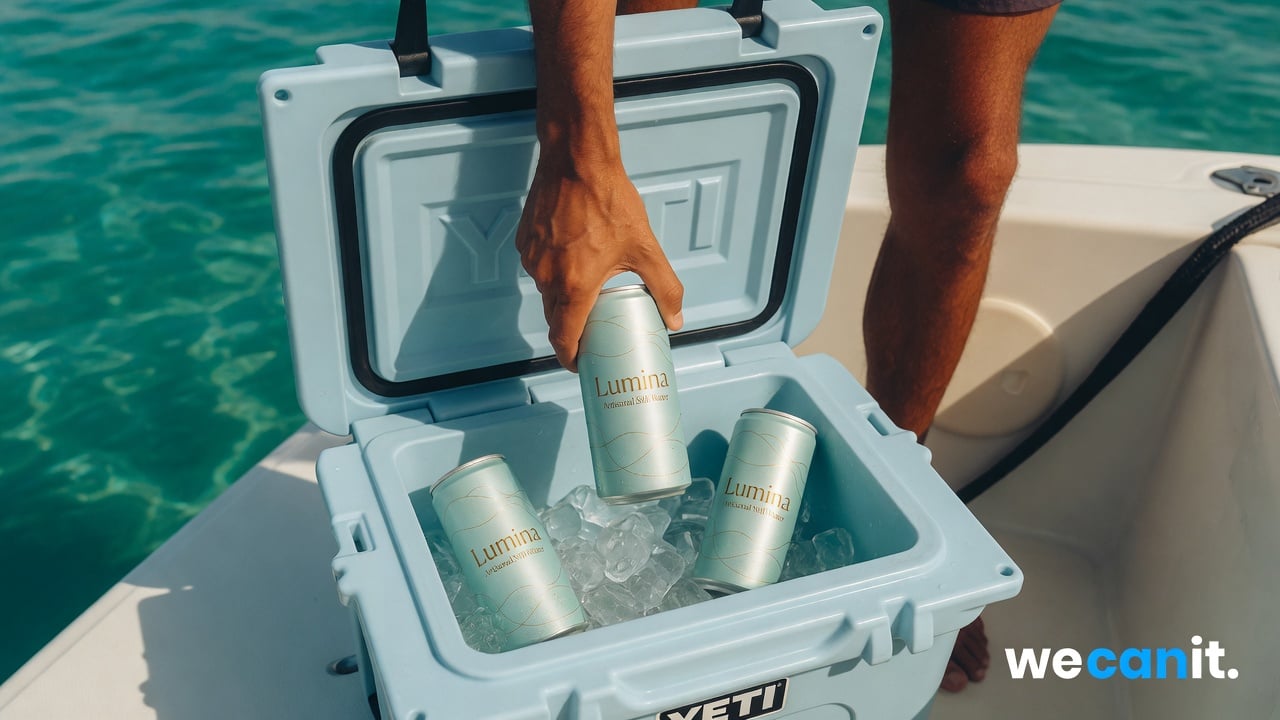
Where: cans handed to boaters at the fuel dock or ship store.
What opens: fuel prices, tide and weather for the day, marina events, and slip availability for visiting boats.
The action: reserve a transient slip or join the marina newsletter.
Why it works: boaters check conditions before heading out. A page that saves them a search earns a scan every trip.
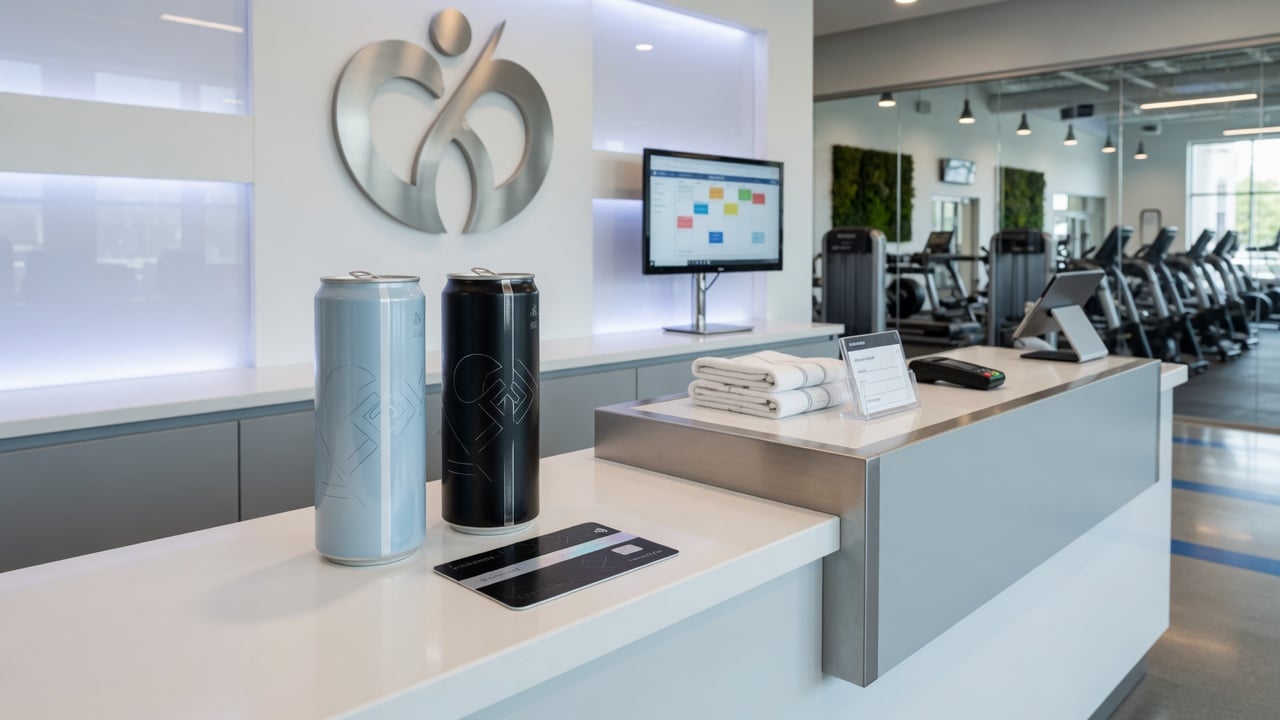
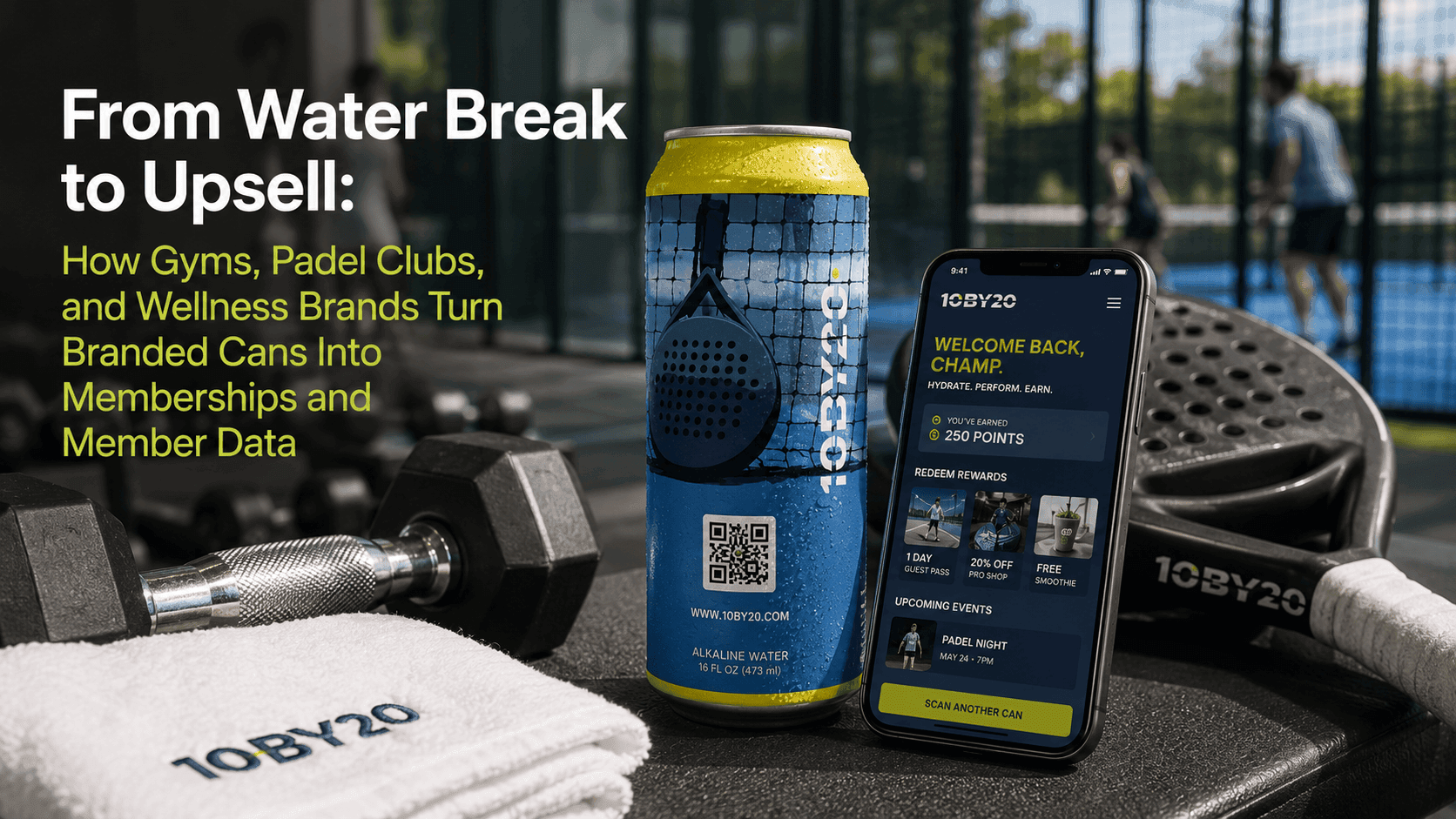
Example 3: A gym class schedule
Where: cans in new member welcome kits and front-desk coolers.
What opens: this week's class schedule, beginner recommendations, and the booking app link.
The action: book the next class.
Why it works: new members often do not know where to start. A clear schedule and a one-tap booking removes friction in the first week.
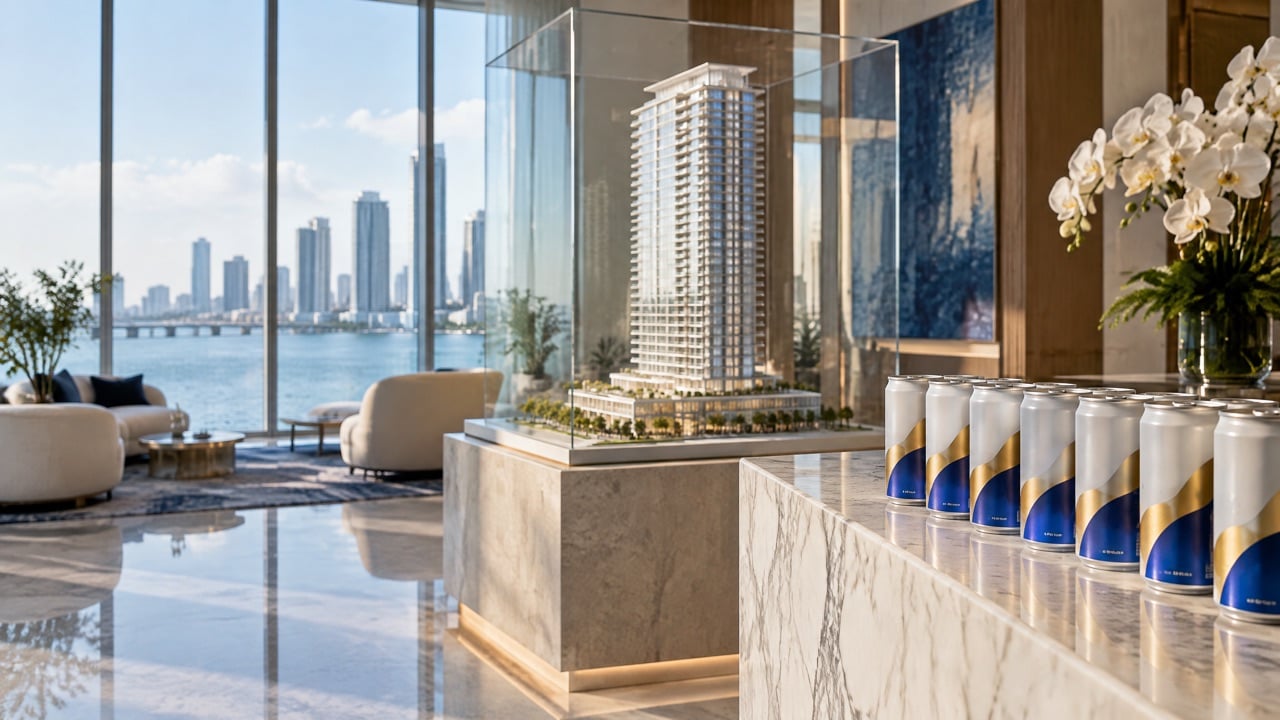
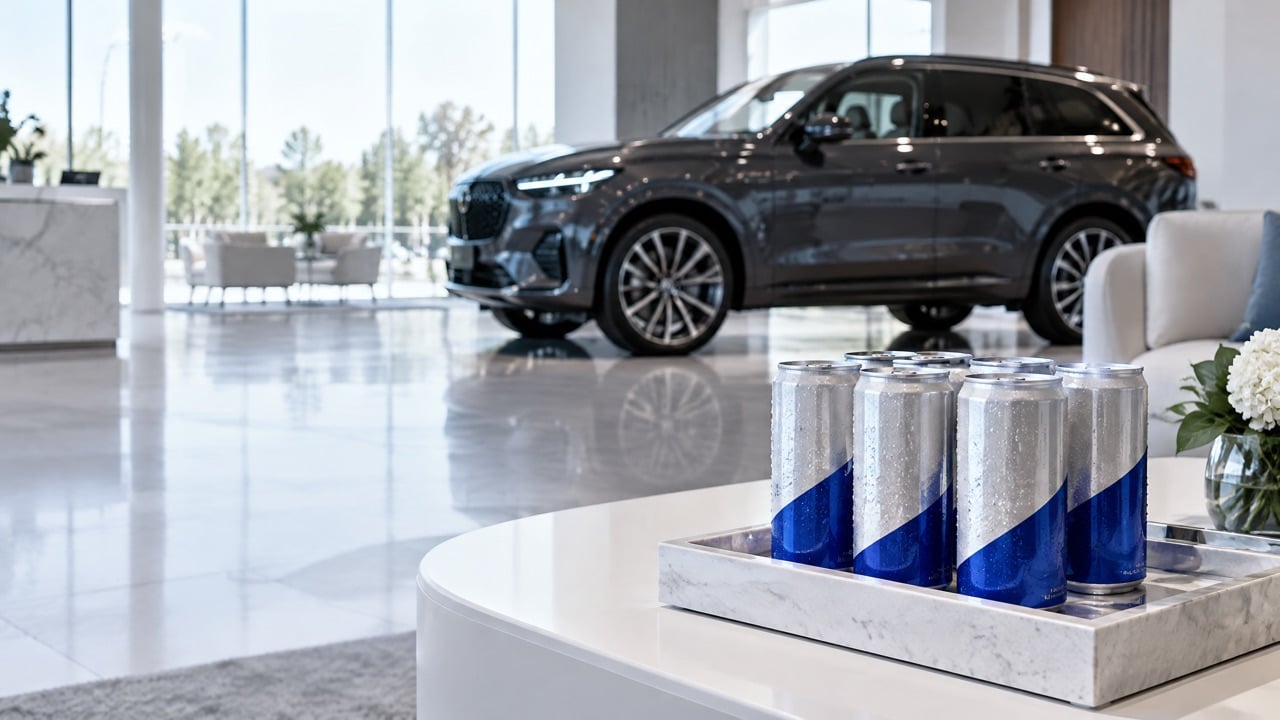
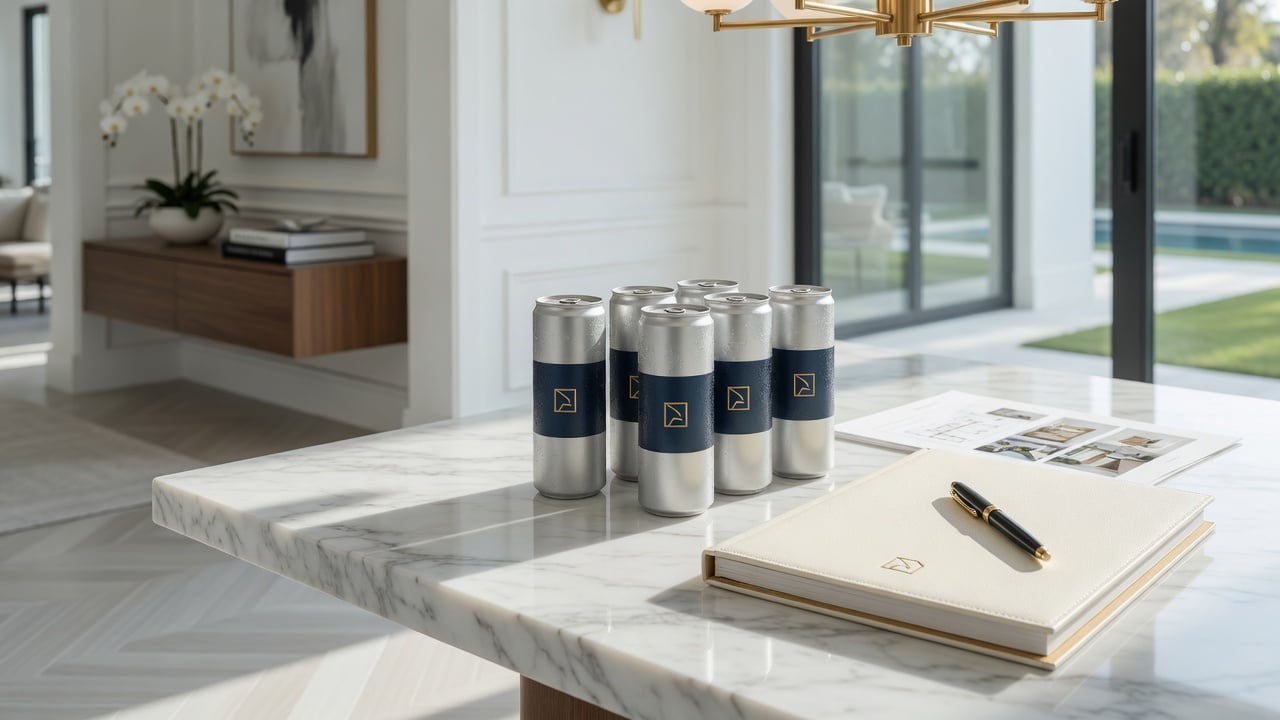
Example 4: An open house brochure
Where: cans offered to visitors at a luxury open house or sales gallery.
What opens: the property brochure, floor plans, a photo gallery, and the agent's contact card.
The action: book a private showing or save the agent's details.
Why it works: visitors see many homes in one day. The can goes home with them, and the brochure is one scan away that evening.
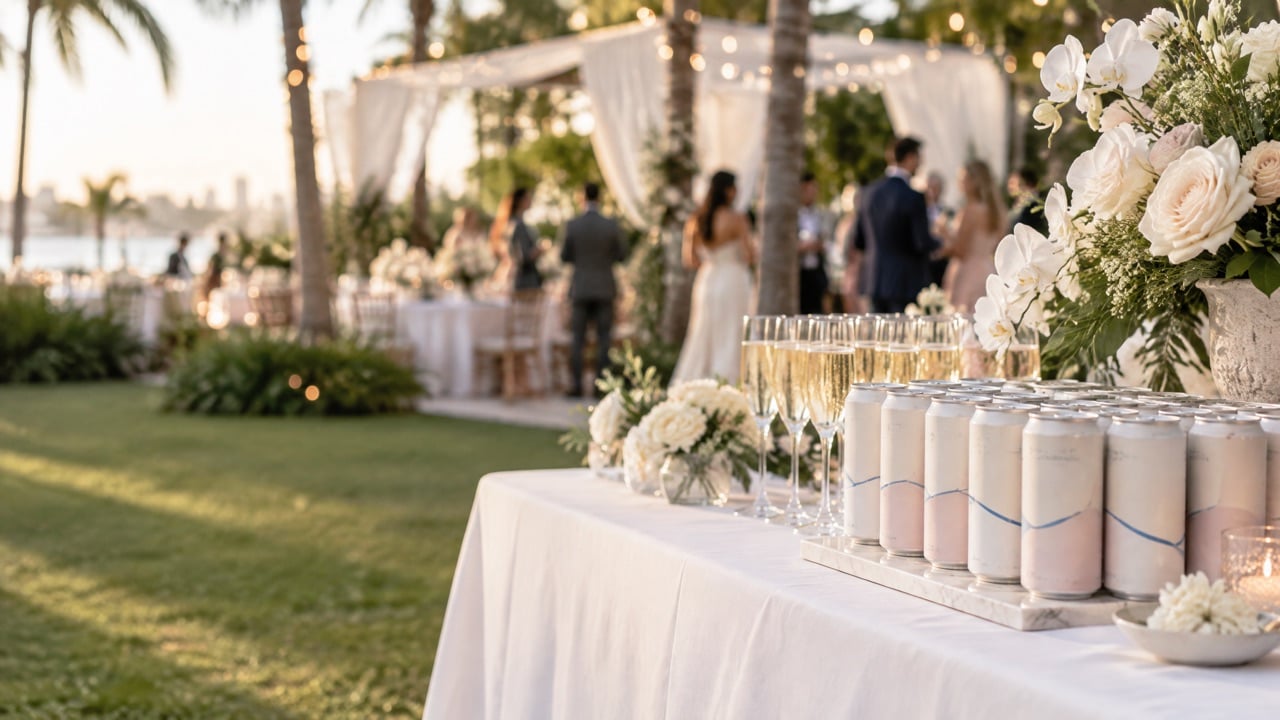
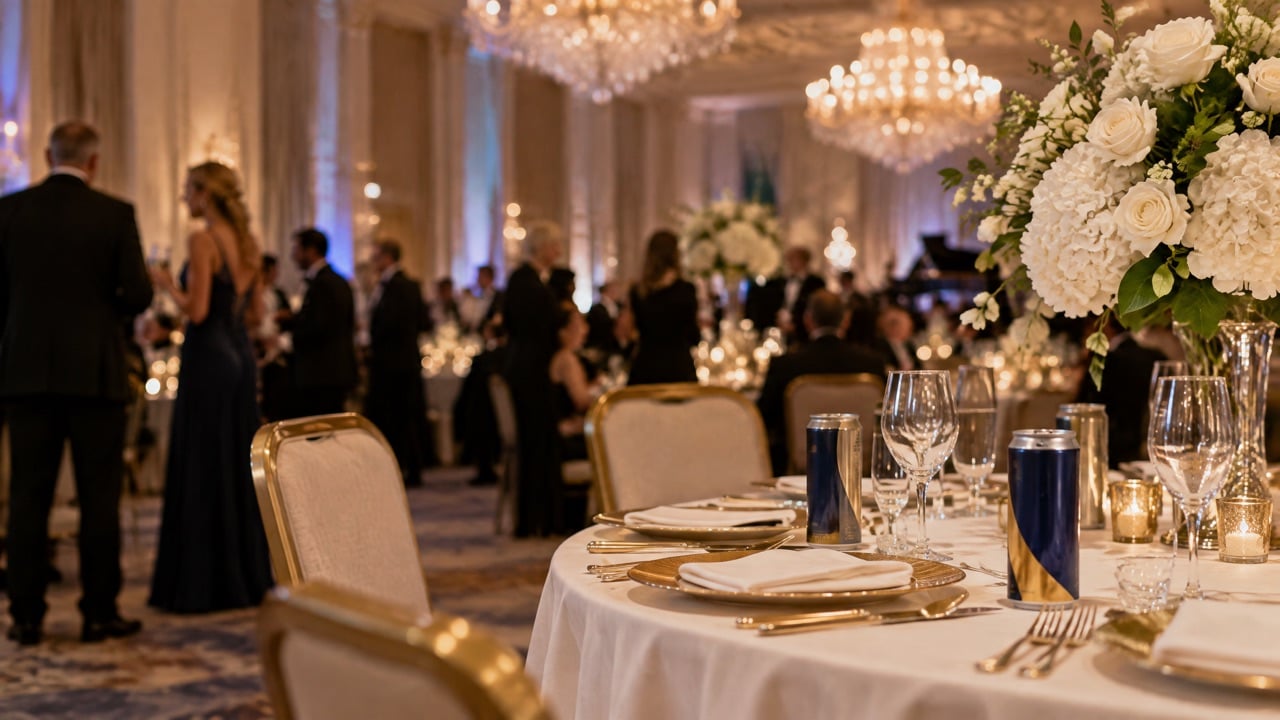
Example 5: A gala donation page
Where: cans at each place setting at a charity gala.
What opens: the cause story, a short video, and a simple donation form with suggested amounts.
The action: donate during the appeal, from the table.
Why it works: the moment of inspiration during the evening is when guests are most ready to give. The can puts the donation page within reach at the right time.
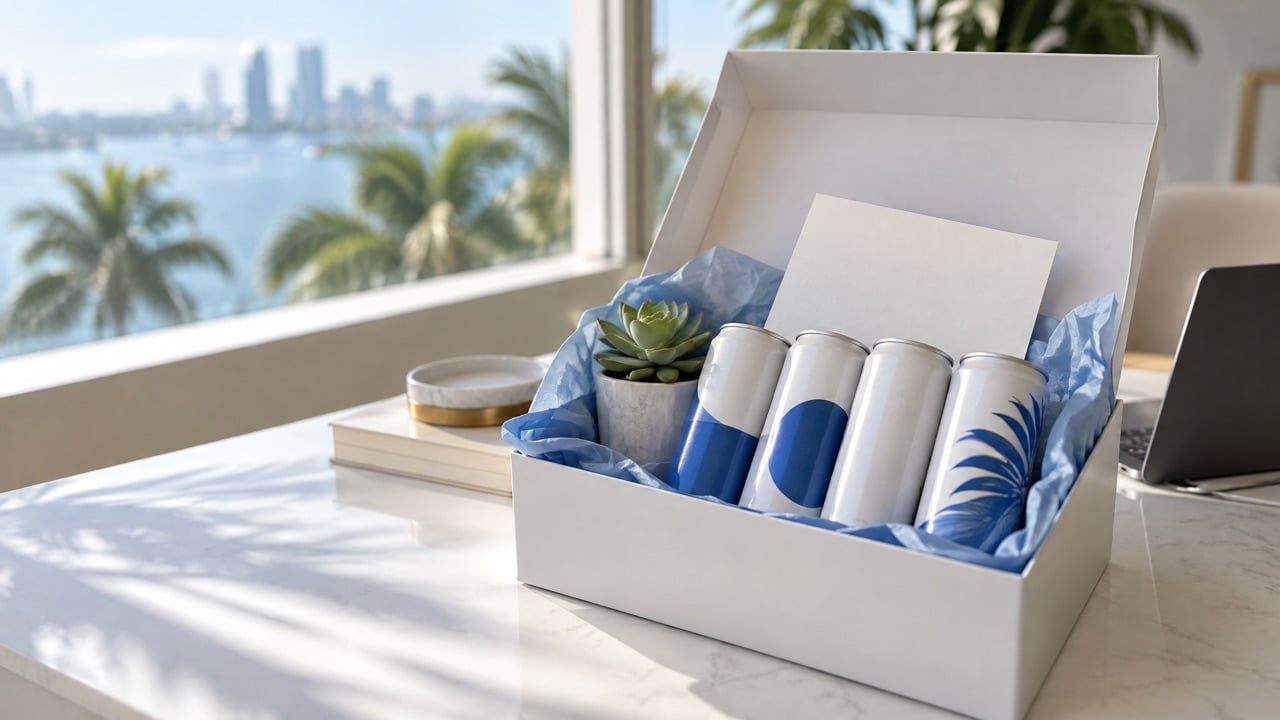
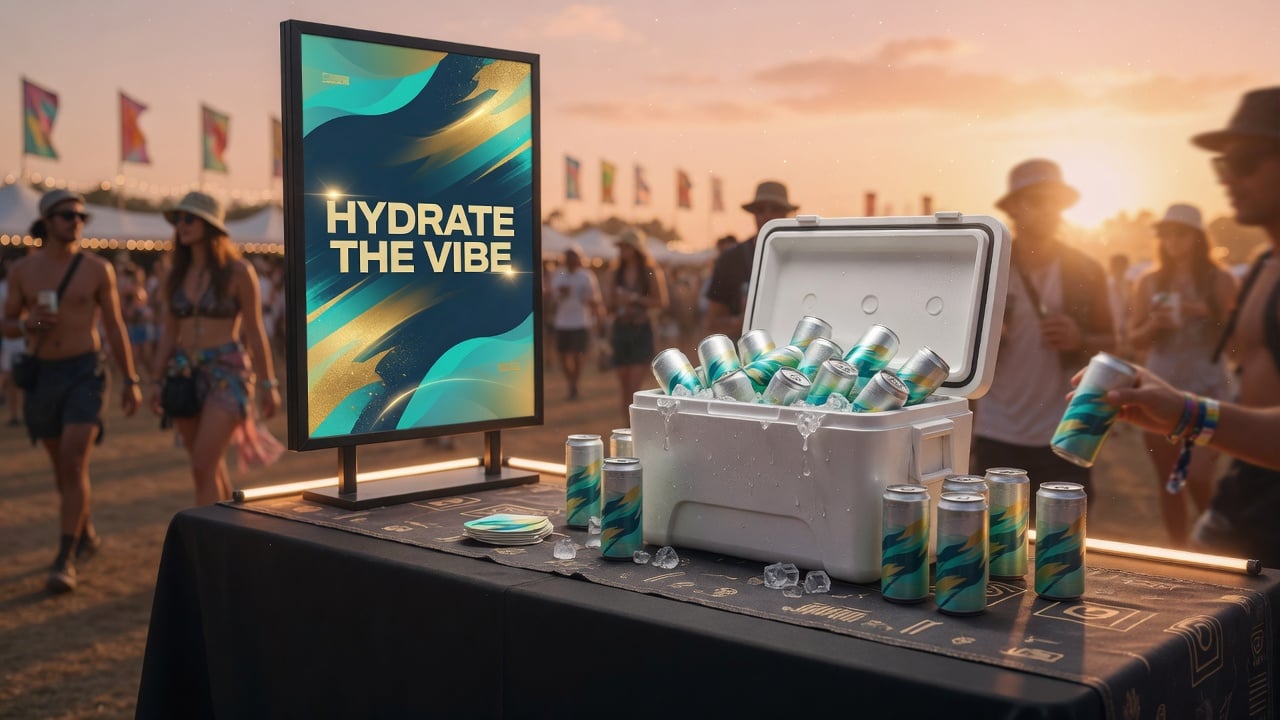
Example 6: A product launch video
Where: cans at a brand launch party or in influencer boxes.
What opens: a short launch video, the product story, and a pre-order or early access sign-up.
The action: join the waitlist or pre-order.
Why it works: launches depend on excitement. A video that opens instantly from the can in hand keeps the energy going beyond the room.
How do you choose the right Digital Journey for your can?
Start with the guest, not the technology.
- Where will they scan? Pool, dock, gym, event, home.
- What do they want at that moment? Information, a treat, a booking, a way to help.
- What do you want them to do next? One action only.
- What can you update over time? Weekly specials, event pages, seasonal offers.
What makes a Digital Journey page work well?
- Fast loading on mobile data.
- Big, clear buttons for one-handed use.
- Very little typing.
- Content that matches the setting.
- A consistent look with the can design.
Can one can have several Digital Journeys?
Yes. With a dynamic link, the same printed can can open different experiences over time, such as a summer menu in July and a holiday event page in December. Some brands also use separate codes for different venues so each location gets its own page and its own scan counts.
How is a Digital Journey different from a normal website?
A website is built for someone who chose to visit it, often on a laptop, with time to browse. A Digital Journey is built for someone who scanned a can in a specific place, usually standing, often with one hand free, and with a few seconds of attention to give.
That changes everything about the page. It opens directly to the useful content, not a homepage. It shows one or two options, not a full menu. It uses large buttons and very little text. It loads quickly on mobile data, because the guest may be on a boat, at a pool, or in a crowded venue. And it matches the moment: a guest at a gala sees the cause, not the company history.
Many businesses already have good websites. A Digital Journey does not replace them. It is a small, focused doorway that sends the right people to the right part of the business at the right time.
What content should you prepare for a Digital Journey?
Before building the page, gather the content you need so the build is quick.
- A short headline that matches the setting.
- The main content: menu, schedule, brochure, video, or story.
- One action button with a clear label.
- Contact details if guests may want to reach someone.
- Photos that match the can and the venue.
Who should own the Digital Journey after launch?
Give one person the job of keeping the page fresh: updating menus, events, and offers, and checking that every link still works. A Digital Journey that shows last month's specials does more harm than good, so a monthly review is a simple habit worth keeping.
How do you plan a Digital Journey project?
- Pick one setting and one goal for your first journey.
- Write the content for a single mobile page.
- Build and test the page on real phones.
- Design the can with the code and a short call to action.
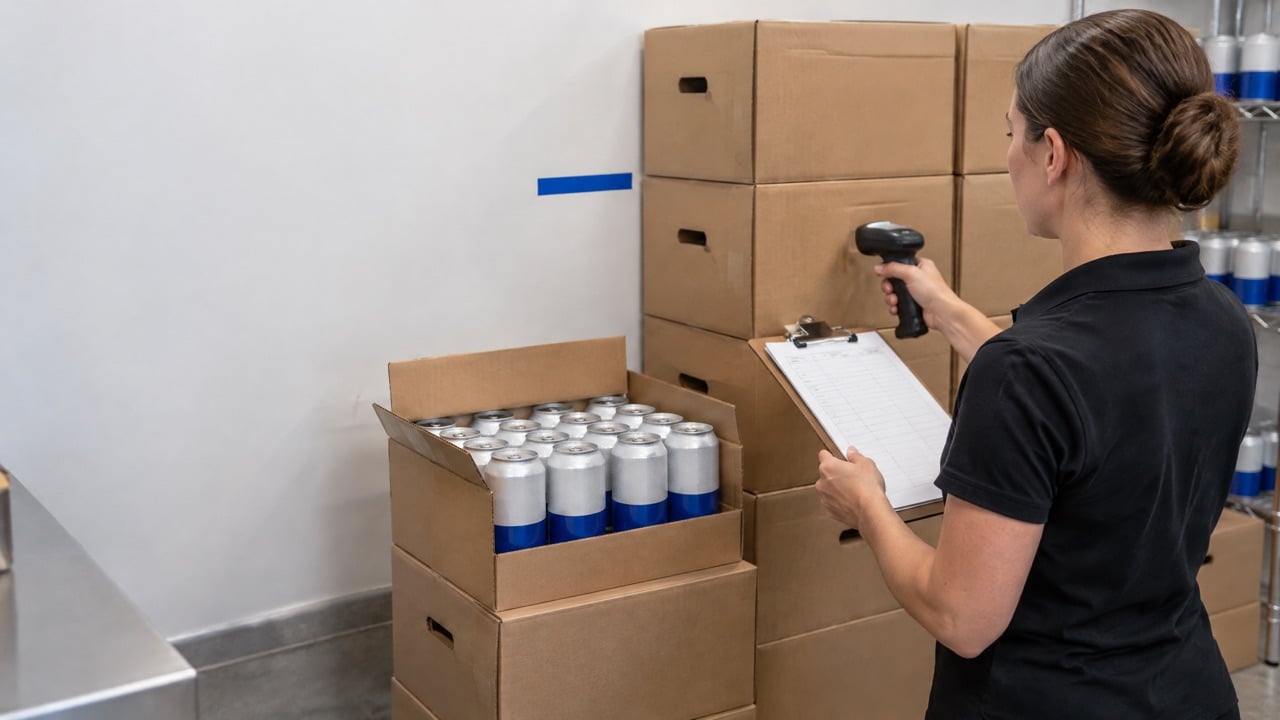
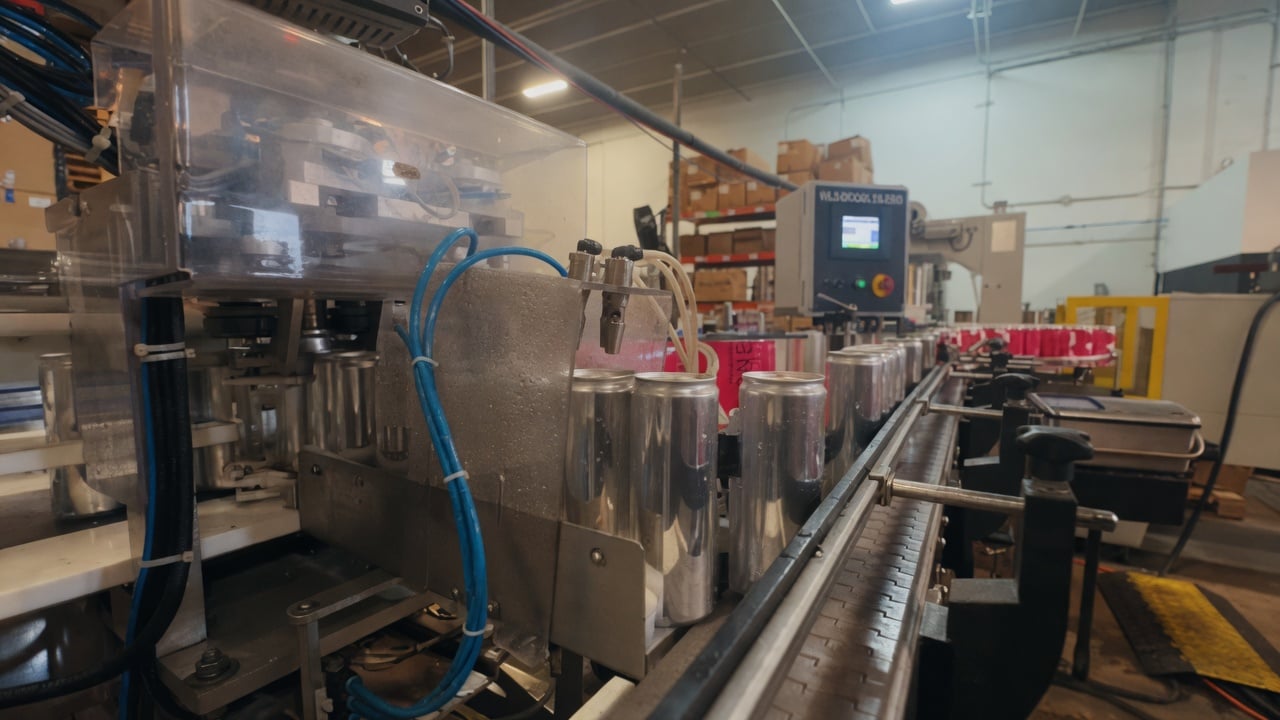
- Approve artwork. Production at We Can It takes about 2 to 3 weeks from approval.
- Launch, measure scans and actions, and improve.
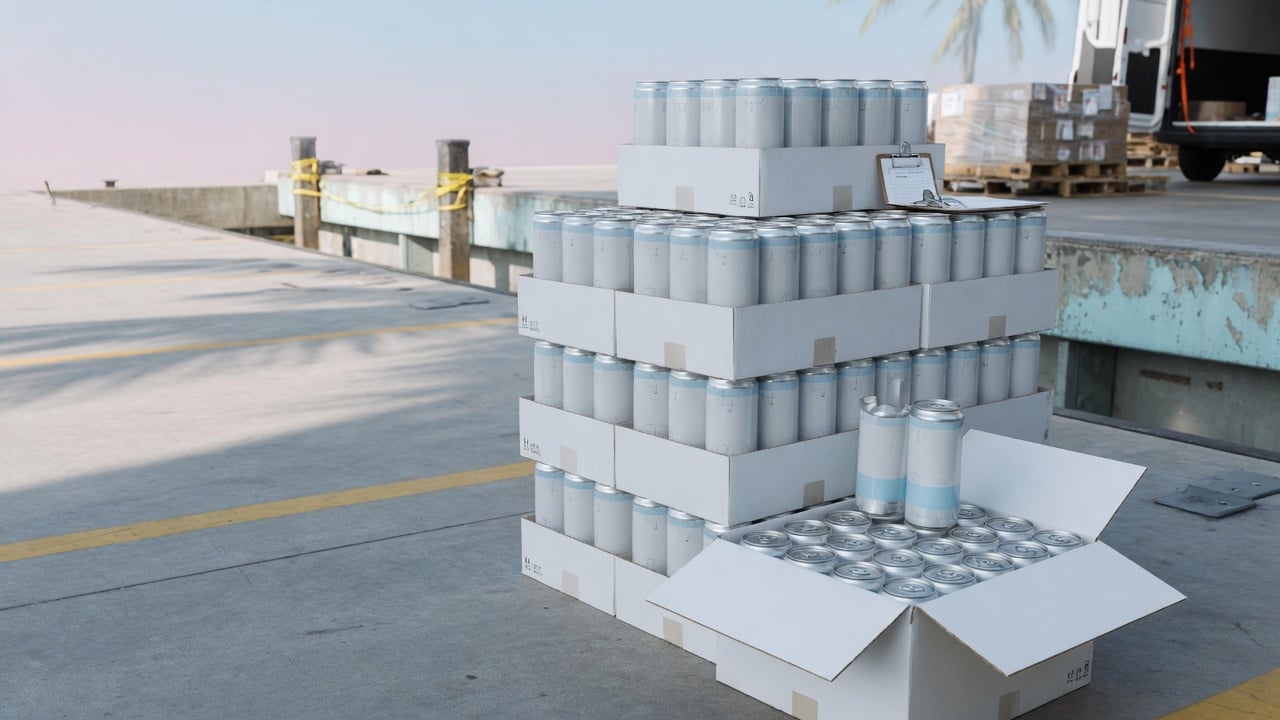
Runs start at 21 cases, which is 504 cans, so you can pilot a journey in one venue before rolling it out.
Digital Journey planning checklist
- Define where the can will be scanned.
- Decide the one action you want.
- Give instant value on the first screen.
- Keep the page fast and simple.
- Use a dynamic link you can update.
- Add a clear call to action on the can.
- Test before printing.
- Measure scans and actions.
Frequently asked questions
What is a Digital Journey?
It is the mobile experience that opens when someone scans the QR code on a We Can It branded can, designed for the setting where the can is served, with instant value and one clear action.
What are good QR code landing page ideas?
Hotel menus and bookings, marina conditions and slip reservations, gym schedules, open house brochures, gala donation pages, and product launch videos.
Can a Digital Journey change after the cans are printed?
Yes. With a dynamic link you control, you can update the page for new seasons, events, or offers without reprinting.
How do I know if a Digital Journey is working?
Track scans, the share of visitors who take the main action, and results such as bookings, sign-ups, or donations.
Do I need a new website for a Digital Journey?
No. A single fast mobile page built for the setting is usually enough.
What is the minimum order for cans with a Digital Journey?
We Can It starts at 21 cases, which is 504 cans, with about 2 to 3 weeks of production after artwork approval.
Get a quote for cans with a Digital Journey
Tell us where your cans will be scanned and what you want guests to do, and a product advisor will help you plan the journey and the can.